


Webknit Environment Indicator
0/5 (0 ratings) — active installs Updated Oct 30, 2026
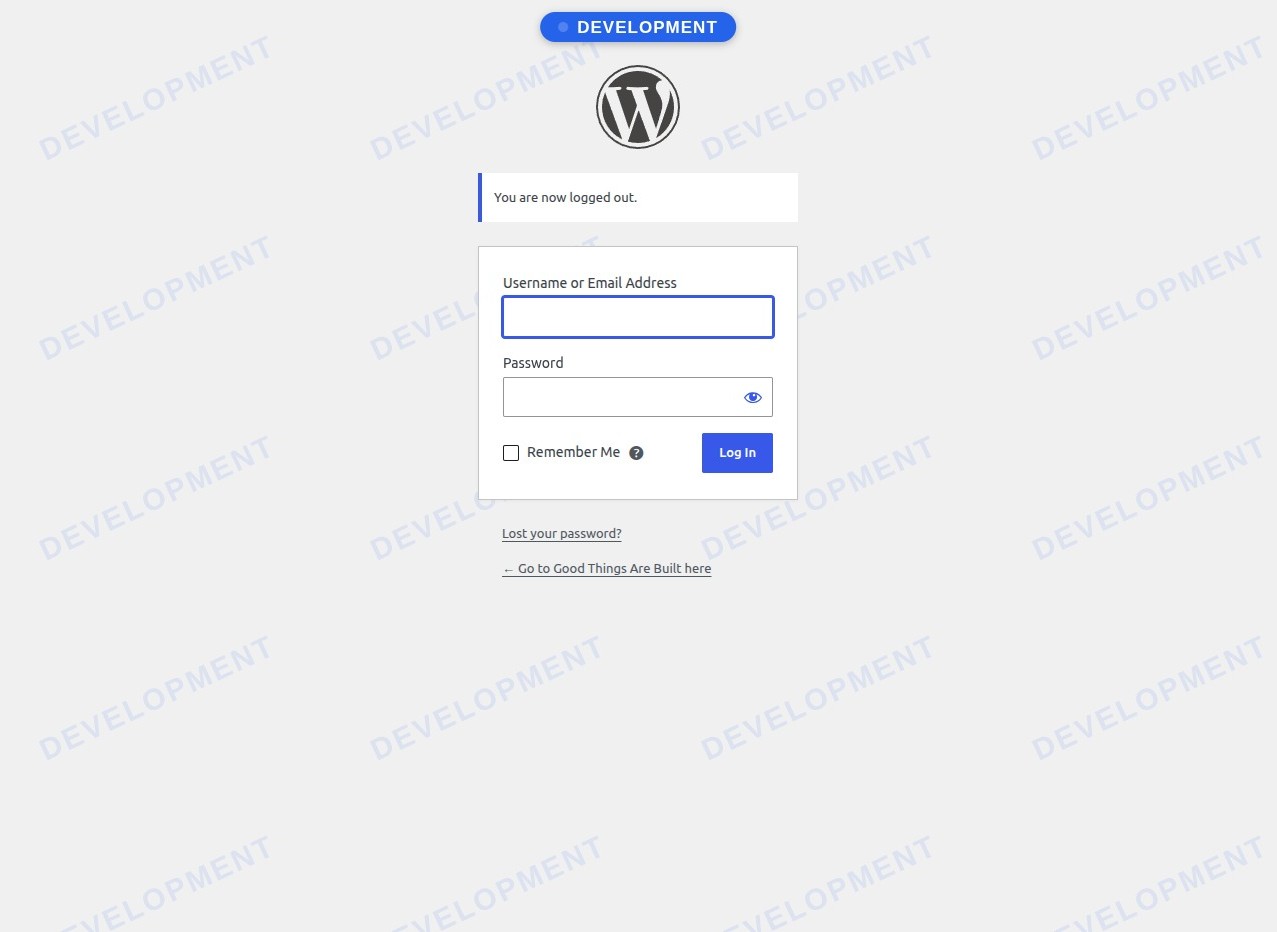
The login page: the badge plus a faint watermark of the environment name, so you know which copy you're signing in to.
Webknit Environment Indicator puts a clear, colored badge on every copy of your site that isn’t production:
- Dashboard badge on every wp-admin screen, with the same style as the front-end badge and its own position setting, below the admin bar. Has its own on/off switch.
- Public front-end badge on the live site that shifts clockwise around the edges of the screen so it can’t go unnoticed (or stays in one corner of your choice), visible to logged-out visitors too, so clients you share a staging link with can see it.
- Login page badge and a faint watermark of the environment name across the login screen, so you know which copy you’re signing in to. Has its own on/off switch.
- Per-environment label and color for Production, Staging, Development and Local.
- No badge on production unless you ask for one.
- Search engine warnings, both ways. “Search engine visibility” is copied along with the database, so it warns when a staging, development or local copy is open to search engines, and when your production site is hidden from them after a push from staging.
- No JavaScript at all: the badges, the shifting animation and the settings page are plain HTML and CSS, and the front end loads no extra files.
How the environment is decided
- The environment you choose on the settings page for this site URL.
- Otherwise, WordPress’s own
WP_ENVIRONMENT_TYPEsetting. - Otherwise, Local if the site runs on a local-only address:
localhost,127.0.0.1, or a domain ending in.local,.test,.localhost,.exampleor.invalid. - Otherwise, production (no badge).
Developers can override the result with the webknit_environment_indicator_environment filter.
Settings are saved per site URL
When you clone a site, its database (and this plugin’s settings) goes with it. To stop a “Staging” setting from ending up on your live site after a push to production, settings are stored separately for each site URL. Settings saved for a different URL are never applied; the settings page shows a URL mismatch warning and asks you to configure the site again.