
Stock Status
8 plugins tagged with stock-status
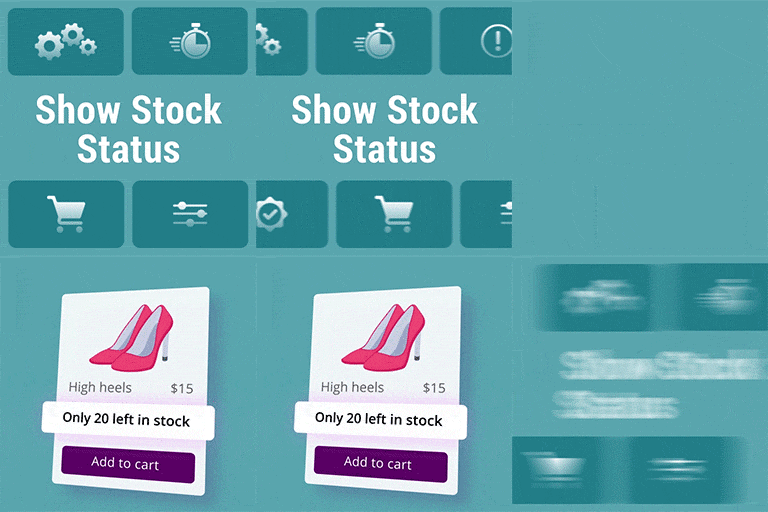
Show Stock Status for WooCommerce
The goal of this plugin is to show the “stock quantity” under each product in the shop, category and archive pages (wherever there is a loop).

Discontinued Product Stock Status for WooCommerce
This plugin allows you to mark a product as ‘Discontinued’ in your WooCommerce catalog, guide your buyers to other products & recover potential sales.

Pre-Orders for WooCommerce
Add WooCommerce preorders with availability dates, order limits, delivery choices, an operational overview, and customer emails.

InStock First – Sold Out Products Last for WooCommerce
Show in-stock products first. Move out of stock (sold out) products to the end of your WooCommerce shop, category and search pages automatically.

Custom Stock Status Labels
Customize WooCommerce stock and availability text for every status — per product, per category, with merge tags and a find-and-replace engine.
Sync Products Stock Status
Easily sync WooCommerce products stock status. Simple and variable products. Easy to use - link products straight from the product editor.

Sidocode Availability Indicators for WooCommerce
Display color-coded bullet points next to WooCommerce stock messages. Customize responses for high, medium, and low stock levels with ease.

Stockline – Custom Stock Messages for WooCommerce
Replace WooCommerce's plain "In stock" and "Out of stock" lines with your own messages, icons and colours for every stock state.