

SkyeGate
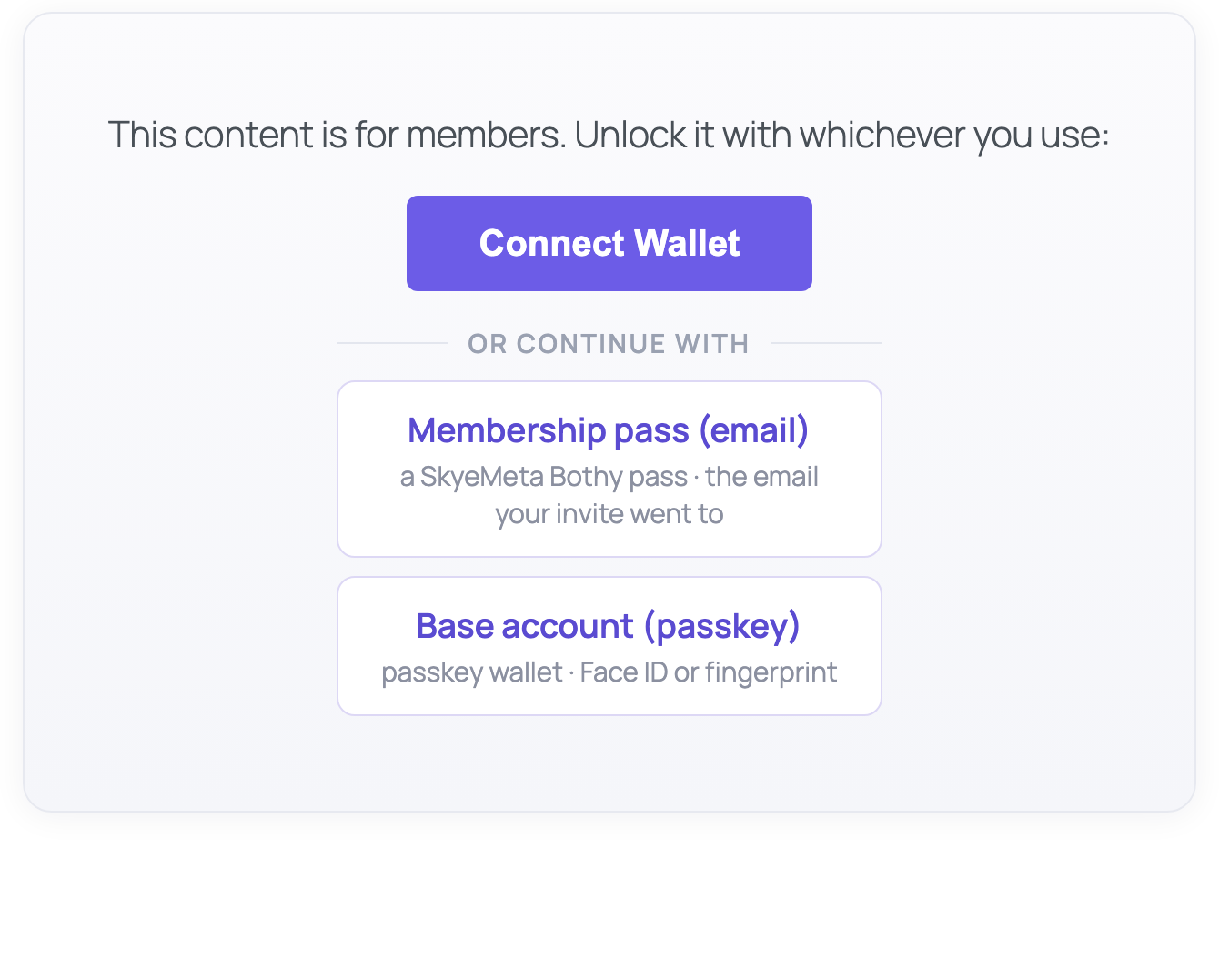
The gate: connect a crypto wallet, or continue with a membership pass (email) or a passkey wallet
SkyeGate is condition-based access for WordPress: recognition, not passwords. Visitors connect a wallet and approve a quick, free ownership signature (passkey wallets confirm with Face ID), SkyeGate checks the conditions you set through InsumerAPI (the condition-based access API), and qualifying visitors see your content. Nothing to sign up for, nothing to leak, and no personal data collected. Your site never sees balances or holdings, just a signed yes or no.
Free and fully functional. Install, add a shortcode, and start gating content immediately. No API key or account required.
What you can gate by
- Membership passes: recognize community membership passes created with SkyeMeta’s Bothy. Members prove it’s them with a one-time code sent to their email, no wallet app needed
- Token balance: require visitors to hold a minimum amount of any ERC-20 or SPL token
- NFT ownership: require visitors to own an NFT from a specific collection
- EAS attestations: require on-chain attestations via Ethereum Attestation Service
- Native tokens: gate by ETH, SOL, POL, and other native chain tokens
Supported chains
Ethereum, Solana, Polygon, Arbitrum, Base, Optimism, BNB Chain, Avalanche, XRP Ledger, and 23 more (32 blockchains total).
How it works
- Add the
[skyegate]shortcode around any content - Visitors see a “Connect Wallet” button
- After connecting, the wallet approves a quick, free signature proving it’s really theirs, and SkyeGate verifies the holdings via InsumerAPI
- If they qualify, the gated content is revealed (loaded server-side, not in page source)
Wallets supported
MetaMask, Phantom (EVM + Solana), Coinbase Wallet, Coinbase Smart Wallet (passkey, no extension needed), and any wallet that supports EIP-6963.
Need more? SkyeGate Pro
The free plugin runs one condition per gate, forever. SkyeGate Pro stacks up to 10 conditions per gate, adds Farcaster conditions, covers 37 chains, and one license works on both WordPress and Vercel. SkyeGate is part of SkyeMeta’s Recognition Network: one membership, recognized everywhere.
External Services
This plugin connects to two external services for wallet verification. No personal data is collected or transmitted; only public blockchain wallet addresses and your site domain are sent.
SkyeGate API (skyemeta.com)
When a visitor connects their wallet, the plugin sends a POST request to https://skyemeta.com/api/verify with the visitor’s public wallet address, the gate conditions you configured, and your site domain. The service returns a signed verification result. This happens each time a visitor attempts to access gated content. The visitor’s browser also requests a one-time ownership challenge from https://skyemeta.com/api/wallet-proof (sending the wallet address and your site domain) and returns the wallet’s signature of it; the signature goes straight from the browser to the service, your site never handles it, and no personal data is involved.
InsumerAPI (api.insumermodel.com)
To verify that the returned attestation was genuinely signed by InsumerAPI and has not been tampered with, the plugin fetches a public signing key (JWKS) from https://api.insumermodel.com/.well-known/jwks.json. No user data is sent; this is a public key fetch, cached for 24 hours.
Source Code
The unminified source for public/js/skyegate-wallet.js is included in the plugin at src/wallet.js. The minified file is built with Vite using npm run build. The build configuration is in package.json and vite.config.js.