
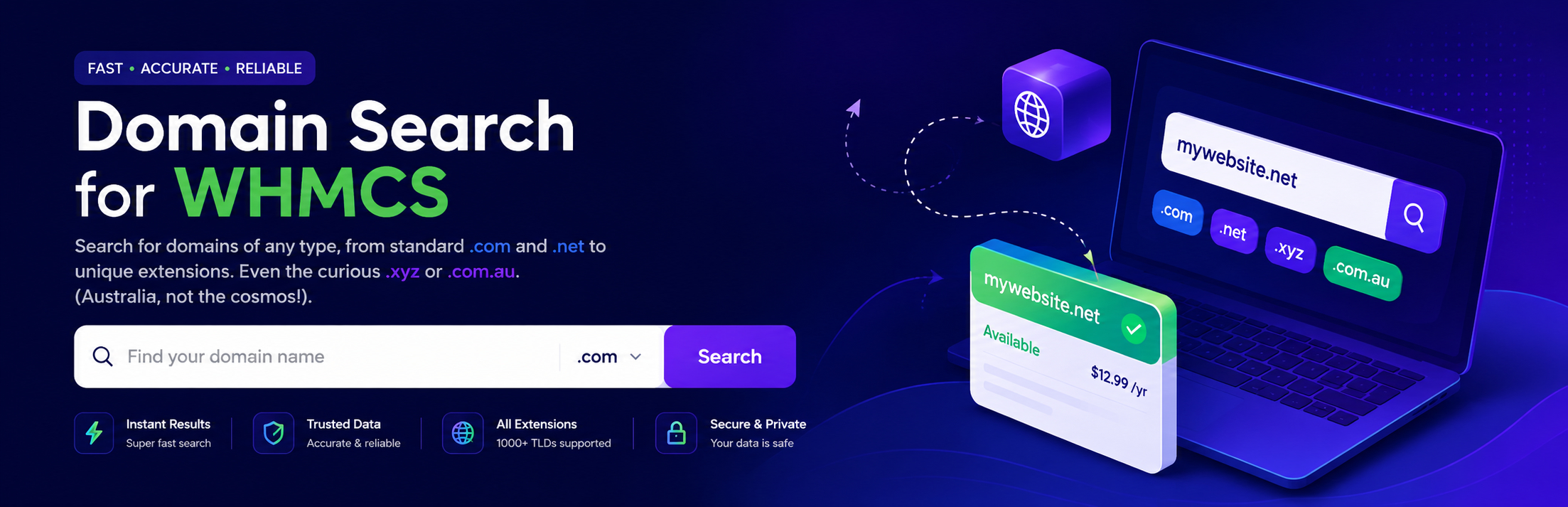

Domain Search for WHMCS

Front-end domain search form rendered on a marketing page.
Domain Search for WHMCS is a lightweight WordPress plugin that adds a polished domain search form to your site and hands the visitor off to your existing WHMCS billing portal to complete registration.
It is purpose-built for hosting providers, domain resellers, ICANN registrars, and white-label hosting brands who already use WHMCS as their billing platform.
TL;DR
- Install, activate, paste
[domain_search_for_whmcs]on any page. - No JavaScript on the front-end. No external requests. No tracking.
- Create unlimited branded shortcodes pointing at different WHMCS installs.
- Modern admin dashboard with built-in support center.
- Translation-ready, multisite-friendly, GDPR-friendly.
Why this plugin
Most WHMCS integrations are heavy or hard-coded. This one is the opposite: a single, dependency-free shortcode that drops into any layout. It does one thing and does it cleanly.
- No external API calls — submits directly to your own WHMCS install.
- No JavaScript on the public site (admin-only JS for the dashboard tabs).
- Works with classic themes, block themes, and every major page builder.
- Visitor queries never touch a third-party server.
Key features
Drop-in shortcode — [domain_search_for_whmcs] works in posts, pages, widgets, FSE template parts, page-builder shortcode blocks, or via do_shortcode() in PHP.
Unlimited custom shortcodes — create branded forms each pointing at a different WHMCS install with its own placeholder. Reference them as [domain_search_for_whmcs id="sc_xxxxx"].
Modern admin dashboard — tabbed UI, click-to-copy shortcodes, an “At a Glance” overview (custom shortcode count, active host, HTTPS status), and a built-in Support tab.
Built for speed — one ~1.7 KB CSS file. No JavaScript, no jQuery, no Ajax, no remote assets, no tracking pixels.
Theme-agnostic styling — six stable, well-named CSS classes you can target from any theme or page builder.
Developer extensibility — five filter hooks let plugins and themes change behavior without forking. See Developer Filters below.
Secure by default — nonce verification, capability checks, sanitized I/O, properly escaped output.
Translation-ready — every string wrapped in the domain-search-for-whmcs text domain.
Privacy-friendly — no data collection, no cookies, no remote services. See Privacy below.
Perfect for
- Hosting providers running WHMCS as their billing system.
- Domain resellers with multiple storefronts (TLD niches, geographic markets, white-label brands).
- ICANN registrars offering retail domain sales through WordPress.
- Agencies building landing pages for hosting clients.
How it works
- The shortcode renders a clean HTML form on your page.
- When a visitor submits it, the browser navigates (in a new tab) to:
https://your-whmcs.com/cart.php?a=add&domain=register&query=THE-DOMAIN - WHMCS handles availability, pricing, TLDs, cart, and checkout — exactly as it would for any other entry point.
You do not need to expose any WHMCS API credentials in WordPress. The plugin never calls WHMCS APIs; it just hands off the visitor.
Roadmap
- Optional Gutenberg block wrapper.
- Optional Elementor and Bricks widgets.
- Optional inline Ajax availability check (off by default; would call your WHMCS Domain Availability API).
- Bulk import/export of custom shortcodes.
Quick Start
- Install and activate the plugin.
- Go to Settings Domain Search for WHMCS.
- On the Default Settings tab, enter your WHMCS base URL (e.g.
https://billing.example.com) and a placeholder (“Find your domain”). - Click Save Changes.
- Add
[domain_search_for_whmcs]to any post or page.
That’s it. Visitors who type a domain and submit will land on your WHMCS cart with the search pre-filled.
Shortcode Reference
Default shortcode (uses the Default Settings tab values):
[domain_search_for_whmcs]
Custom shortcode (uses settings from a specific custom shortcode):
[domain_search_for_whmcs id="sc_1234567890_456"]
The id value is generated when you create a custom shortcode and is shown in the table on the Custom Shortcodes tab. Click it to copy.
If a custom id is provided but doesn’t exist (e.g. it was deleted), the plugin falls back to the default settings rather than rendering nothing.
Developer Filters
The plugin exposes five filters for runtime customization. All filters fire inside the shortcode renderer, so you can vary output per page, per user, or per locale.
dsfwhmcs_whmcs_url
Filter the resolved WHMCS base URL right before the form is rendered.
add_filter('dsfwhmcs_whmcs_url', function($url, $atts) {
    // Send logged-in users to the staff portal.
    return is_user_logged_in() ? 'https://members.example.com' : $url;
}, 10, 2);
Returns: string — the WHMCS base URL.
dsfwhmcs_placeholder
Filter the placeholder text dynamically.
add_filter('dsfwhmcs_placeholder', function($placeholder, $atts) {
    return get_locale() === 'fr_FR' ? 'Trouvez votre domaine' : $placeholder;
}, 10, 2);
Returns: string — the placeholder text.
dsfwhmcs_form_action
Filter the full form action URL (default: {whmcs_url}/cart.php).
add_filter('dsfwhmcs_form_action', function($action, $whmcs_url, $atts) {
    return trailingslashit($whmcs_url) . 'domainchecker.php';
}, 10, 3);
Returns: string — the action URL.
dsfwhmcs_form_method
Switch the form method. Defaults to GET; return 'POST' for legacy WHMCS configurations that prefer it.
add_filter('dsfwhmcs_form_method', function() {
    return 'POST';
});
Returns: string — 'GET' or 'POST'.
dsfwhmcs_shortcode_html
Filter the rendered HTML before it’s returned to WordPress. Useful for wrapping the form, injecting analytics attributes, or replacing markup wholesale.
add_filter('dsfwhmcs_shortcode_html', function($html, $atts) {
    return '<div class="my-wrapper">' . $html . '</div>';
}, 10, 2);
Returns: string — the final HTML.
Compatibility
- WordPress: 5.0+ (tested up to 7.1)
- PHP: 7.4+ required (PHP 8.0, 8.1, 8.2, 8.3 fully tested; PHP 8.1+ recommended)
- WHMCS: any version supporting the standard
cart.php?a=add&domain=registerURL (WHMCS 6.0+) - Multisite: fully compatible; settings are per-site
- Page builders: Gutenberg, Classic Editor, Elementor, Beaver Builder, Bricks, Divi, Oxygen, Breakdance
- Caching plugins: fully compatible (the form is static HTML)
- HTTPS: strongly recommended for both WordPress and WHMCS — the dashboard’s “At a Glance” panel flags HTTP connections
Troubleshooting
The form submits but I get a 404 or blank page on WHMCS
Check the WHMCS URL in Default Settings. It should be the base URL of your WHMCS install (e.g. https://billing.example.com) — not https://billing.example.com/cart.php. The plugin appends cart.php itself.
The form looks unstyled
Make sure your theme isn’t blocking plugin stylesheets. The plugin enqueues a file named domain-search-for-whmcs.css on the front-end. If your theme has aggressive CSS overrides, target the .dsfwhmcs-* classes from the Customization tab.
Visitors land on the cart but the search box is empty
This usually means the URL was reached without the query parameter. Check that no caching plugin is stripping query strings from form submissions.
The Support tab is cut off on my phone
Update to 3.1.0+. The tab strip is now horizontally scrollable on narrow screens.
Other plugins’ notices appear inside the green dashboard header
That’s a WordPress core behavior. Update to 3.0.0+ where the plugin uses <hr class="wp-header-end"> to push third-party notices below the header.
Privacy
Domain Search for WHMCS is privacy-respecting by design.
- No tracking. The plugin sets no cookies and loads no remote scripts.
- No data collection. Visitor search queries pass directly from the browser to your WHMCS install — they do not touch the WordPress server, are not logged, and are not transmitted to any third party.
- No external services. All assets (CSS, fonts, icons) are served from your own site. No CDN or remote dependency.
- Stored data. Only configuration is stored — WHMCS URL, placeholder text, custom shortcode definitions — in the WordPress
wp_optionstable. This is removed on plugin uninstall.
You should still ensure your WHMCS install has its own privacy policy in place, since the visitor will be entering personal data on that side of the integration.
External Services
This plugin does not connect to any external service.
The visitor’s browser submits the search form directly to your own WHMCS installation — a first-party endpoint that you control. Nothing is sent to WordPress.org, third-party domain APIs, analytics services, or the plugin author.
Source Code
This plugin contains no minified or compiled assets. All PHP, CSS, and JavaScript shipped in the plugin is human-readable source.
The plugin is hosted on WordPress.org. Issues and pull requests can be submitted via the support forum or by emailing shipon@zendforce.com.