

Coordinate for Google Map (No API Required)
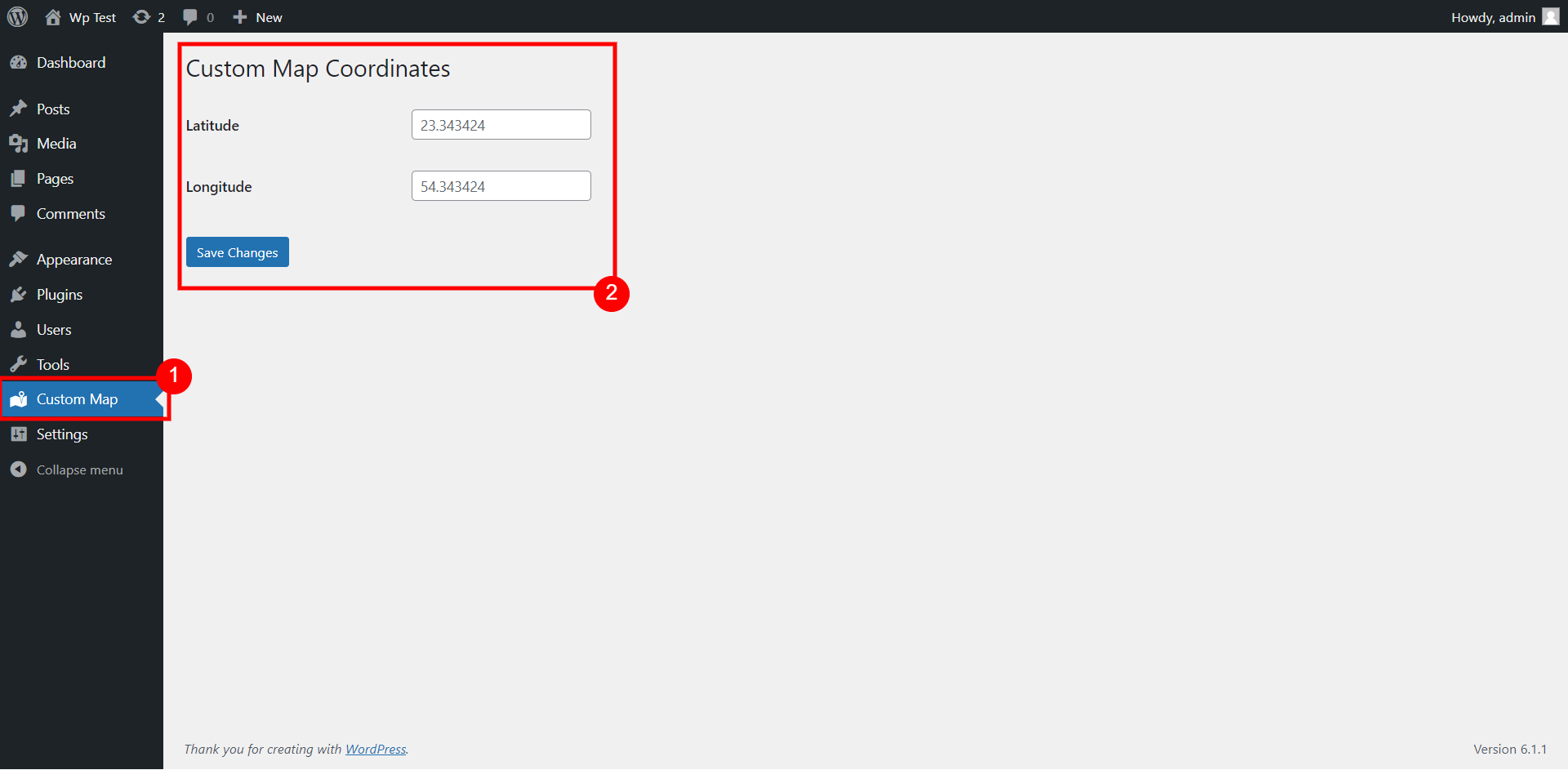
Admin menu to set default google map coordinates
No API key needed to use google maps, use direct iframe method.
This plugin allows to use the shortcode ([map-coordinate]), custom Elementor widget or a Gutenberg block to display Google Maps with Latitude & Longitude. There is also an admin menu to add Latitude & Longitude globally for all Gutenberg blocks and shortcodes.
You can add the coordinates globally for the map to use from admin menu (Custom Map) as shown on screenshot #1.
The shortcode for the map to display is:
[map-coordinate]
You can also add different coordinates for each shortcode:
[map-coordinate lat="xx" lon="xx"]
If you are using Gutenberg editor for your posts, then you can also use the Gutenberg block – Custom Map Coordinates
Custom elementor widget is also available to use for Elementor page builder.