

MCP Server for WordPress – Connect Claude, ChatGPT & Gemini | AtlasMCP

AtlasMCP dashboard with module toggles and provider status.
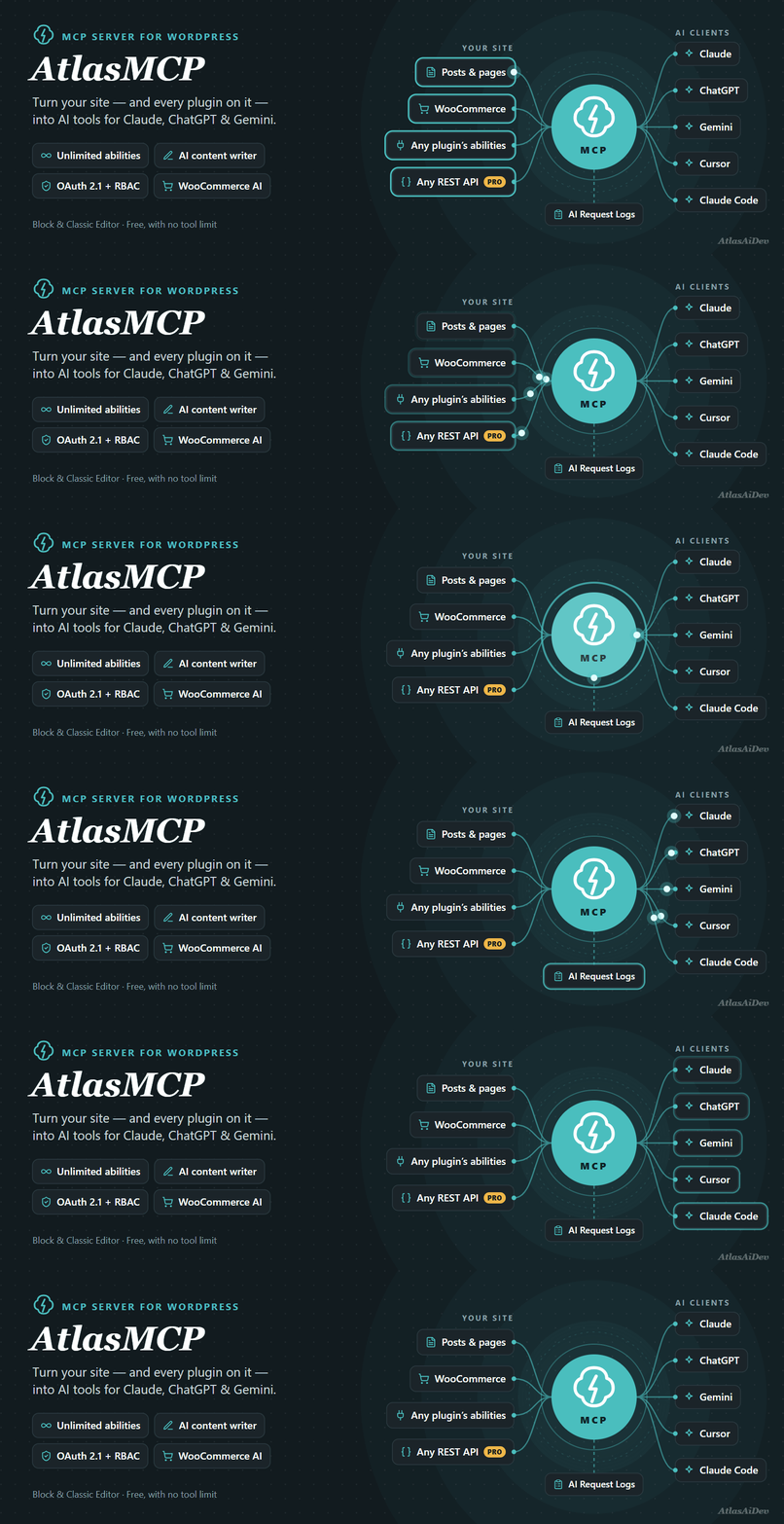
AtlasMCP is the only WordPress MCP server with no limit on how many AI abilities your site can expose. It turns your site into a Model Context Protocol (MCP) server so AI assistants and autonomous AI agents like Claude, ChatGPT, Gemini, Cursor, and Claude Desktop can read, write, and manage your posts, pages, media, users, settings, and WooCommerce store through natural language. Your tool list is not a fixed catalogue: on top of the built-in abilities, the free plugin picks up every ability any plugin registers through the WordPress Abilities API and turns WooCommerce’s own REST API into read-only AI tools, with no cap in free or Pro.
Generate excerpts, feature images, summaries, titles, and alt text without leaving the post — on a secure MCP server built around OAuth 2.1 with PKCE, per-role access control, and an audit trail of every AI action, so each connection only does what you allow and nothing happens on your site unseen.
How do I connect Claude, ChatGPT or Gemini to WordPress?
Activate the plugin and your MCP server endpoint goes live at /wp-json/awfah_mcp/mcp. Enable one-click OAuth 2.1 under MCP Auth, paste that URL into Claude.ai, Claude Desktop, ChatGPT, Cursor, Windsurf, Claude Code, or Gemini CLI as a custom connector, and approve the consent screen in your browser — no manual tokens to copy. Headless and CI clients can fall back to JWT or Application Password auth. Step-by-step guides for each client are below under “Connecting AI Agents”.
Does it work with my other plugins?
Yes. Most MCP plugins only expose what they wrote themselves; AtlasMCP turns the plugins you already run into AI tools, two ways:
- Abilities API — free, unlimited. Any plugin that registers abilities through the WordPress Abilities API is picked up automatically. Nothing to configure, no per-plugin integration, and no cap on how many.
- REST API to AI tools — WooCommerce free, every plugin in Pro. Most plugins do not register abilities yet, but almost all of them register REST endpoints. AtlasMCP reads those endpoint definitions — their parameters, types and descriptions — and turns them into AI tools. The free version does this for WooCommerce. Pro does it for every plugin on your site.
Each endpoint is graded on how well it describes itself, so you can see at a glance which tools an AI will use correctly and which need a better description first.
Does it work with WooCommerce?
Yes. The free version connects WooCommerce to your AI assistant in read-only mode: products, store data, orders and customers. An AI can answer “how many orders came in yesterday”, “which products are low on stock”, or “what did this customer buy” — and cannot change anything in your store.
Pro adds everything that writes — create and update products, fulfil orders, issue refunds, edit customers — plus reports, coupons, settings, shipping, taxes and webhooks. You choose which groups are switched on, and nothing reaches an AI client until you grant it to a role.
Is an MCP server on WordPress secure?
An MCP server hands an AI assistant real write access to your site, so this one is built to be governed, not trusted blindly:
- OAuth 2.1 with PKCE and dynamic client registration — your site is its own authorization server, with no client IDs, secrets, or long-lived tokens to leak. JWT and Application Password auth work as a fallback for headless and CI use.
- Every connection maps to a WordPress user — an AI client inherits that user’s role and can never exceed what the person behind it may do.
- Role-based access control — choose which modules and abilities each role may use. Pro adds per-ability RBAC, tool/resource/prompt access modes, and OAuth scope enforcement.
- Audit trail — with the official WordPress AI plugin’s request logging enabled, every ability run and every MCP tool call an AI client makes is recorded: which tool ran, which WordPress user and role it acted as, how long it took, whether it succeeded, and the AI provider and token usage when a provider was involved. So you can answer “who changed this, and which AI did it” after the fact.
- Revoke access anytime — review and revoke connected clients under MCP Auth Connected clients in one click.
- Your keys, your server — bring your own AI provider keys; nothing is proxied through us.
Works with the official WordPress AI plugin
AtlasMCP integrates with the official AI plugin instead of running a parallel system: our six AI experiments appear as feature cards on its Settings AI screen, respect its per-feature toggles, and inherit its editorial Guidelines in every prompt so generated content stays on brand. You can hide the AI plugin’s duplicate experiments — per experiment or globally — so editors see one AI button, not two.
Classic Editor supported
All six AI experiments also work in the Classic Editor — unlike the official AI plugin, which is Block Editor only:
- Write a full post, page or product description from a topic — the AtlasMCP Write button sits beside Add Media on the content editor.
- Excerpt generation, title suggestions, and post summarization on the classic edit screen.
- AI feature image generation in the Featured Image box.
- Image alt text from the media modal — the AI is sent the actual image (vision), so it describes what is really in it.
If your site still runs the Classic Editor — as millions do — you get the same AI tools without switching editors.
Why choose AtlasMCP?
- Connect any AI client — Claude Desktop, Claude.ai, ChatGPT, Cursor, Windsurf, Gemini CLI, or any MCP-compatible tool over standard JSON-RPC 2.0.
- MCP server + AI content in one plugin — most WordPress MCP plugins do one or the other; AtlasMCP does both.
- Works on WordPress 6.8+ — bundles the Abilities API and MCP Adapter, so you need not wait for the core versions where these ship.
- Multi-provider AI — OpenAI, Google Gemini, or Anthropic Claude via the WordPress AI Client; one provider key serves both the MCP server and the editor panels.
- Workflow builder — combine abilities into reusable workflows from the dashboard or the post editor meta box.
Modules — individually toggleable
Each module can be enabled or disabled independently of the AtlasMCP dashboard:
- AI Content Steward (9 abilities) — AI content analysis, generation, and improvement.
- Posts Manager (13) — full CRUD for posts, categories, and tags.
- Pages Manager (5) — CRUD for WordPress pages.
- Media Manager (7) — upload, update, and manage media files.
- Users Manager (7) — search, create, and manage users.
- Custom Post Types Manager (6) — CRUD for any registered custom post type.
- REST API Tools (3) — discover and execute any WordPress REST endpoint dynamically.
- Site Info & Diagnostics (4) — site info, plugins, themes, and users at a glance.
- Settings Manager (3) — view and update WordPress settings.
- AI Store Manager — WooCommerce (24) — products, categories, tags, brands, orders, and sales reports. Requires WooCommerce.
- Error Debugger (4) — real-time PHP error monitoring with AI fix commands (details below).
- External Abilities (Pro) — automatically discovers every ability registered through the WordPress Abilities API by any plugin, however many there are, and exposes them through the same MCP server, workflows, and access control.
WooCommerce AI Agent — 24 Store Abilities
Turn Claude or ChatGPT into a WooCommerce AI agent and run your shop by chatting with it. The 24 store abilities register only when WooCommerce is active, and obey the same role-based access control as everything else.
AI Content Generator: Write Blog Posts, Pages and Product Descriptions
Six experiment panels run on your configured AI provider (OpenAI, Google Gemini, or Anthropic Claude), in both the Block Editor and the Classic Editor:
- Content Generation — an AI blog post generator and article writer built into WordPress. Give it a topic, pick an AI-generated title, edit the outline, then generate the full post and preview it before a single block reaches your editor. Works for blog posts, landing pages, any custom post type, and WooCommerce product descriptions.
- Excerpt Generation — one-click, SEO-friendly excerpts with tone/style presets.
- Title Suggestions — multiple SEO-friendly title ideas to pick from.
- Summarization — concise, neutral post summaries.
- Feature Image Generation — AI feature images generated from your post content.
- Alt Text Generation — vision-based alt text: the AI is sent the actual image, not just the filename, so descriptions reflect what is really in the picture.
Every panel ships with editable prompts and tone/style presets — free. Pro extends every experiment with a prompt templates library, batch variants, generation history, model tuning, “Explain This Generation”, and keyboard shortcuts. Pro also lets Content Generation read your own site, so drafts link to posts and products that actually exist instead of invented URLs.
Error Debugger
Monitor PHP errors from plugins and themes in real time — no configuration required. Free: an error log grouped by file, email alerts with a copy-paste Fix Command for any AI assistant, and an admin dashboard widget. Pro: an MCP Fix Command you paste into Claude Desktop or Cursor so the AI reads the file, creates a backup, and applies the fix — plus Slack/Discord webhooks, a Backups Manager, and extended sources (Core, MU-Plugins, Drop-ins).
See every AI tool on your site, and fix the weak ones
The Abilities screen lists every tool your site can expose — ours, other plugins’, and those derived from REST endpoints — grouped by the plugin that owns it, and grades each one on how well it describes itself. A grade A tool an AI will call correctly; a grade C tool needs a better description first. The Usage screen then shows what was actually called, by which tool and provider, with token counts. Pro adds an editor for any ability’s name, description and parameter text, so a vague third-party tool becomes one an AI uses reliably — saved as an overlay, so a plugin update never overwrites your wording.
WordPress Abilities API Support
Every ability is registered through the standard WordPress Abilities API and exposed over MCP via the official MCP Adapter — both bundled as vendor dependencies, so everything works on WordPress 6.8+ today, before these APIs ship in core. With Pro, abilities that other plugins register via the Abilities API are auto-discovered and become MCP tools too.
Works with the WordPress AI ecosystem
AtlasMCP is built on the same AI Building Blocks as WordPress core — the AI Client and the Abilities API. Add your provider key once under Settings Connectors, using the official AI Provider for OpenAI, AI Provider for Google, or AI Provider for Anthropic plugins, and AtlasMCP reuses it for its MCP server and AI experiments — no duplicate setup.
AtlasMCP Pro
AtlasMCP Pro adds:
- Unlimited Workflows — free version allows 3.
- T/R/P Access Modes — per-ability Tool/Resource/Prompt toggles for fine-grained MCP control.
- Advanced AI Experiments — prompt templates library, batch variants, explain reasoning, generation history, keyboard shortcuts.
- Workflow Prompt Builders — 6 pre-built prompt workflows (SEO Audit, Content Brief, Site Overview, and more).
- External Abilities — auto-discover every ability any plugin registers via the Abilities API.
- Per-Ability RBAC — assign individual abilities (not just modules) to each WordPress role, plus per-role OAuth policy: who may authorize an AI client, and which scopes they can grant.
- Ability Editing — rewrite any ability’s name, description and parameter text so an AI calls it correctly.
- Error Debugger Pro — MCP Fix Command with automatic backups, Slack/Discord webhooks, Backups Manager.
- Priority Support — plus a 7-day free trial, no credit card required.
Connecting AI Agents
Connect your AI client
First, in WordPress admin go to AtlasMCP MCP Auth, enable One-click OAuth 2.1 connect, and copy your server URL — it looks like https://your-site.com/wp-json/awfah_mcp/mcp. Then:
- Claude Desktop — Settings Connectors Add custom connector, paste the server URL. Your browser opens the OAuth consent screen automatically — click Allow and your abilities appear as tools.
- Claude.ai (web) — Settings Connectors Add custom connector, paste the server URL, and approve the consent screen that opens in your browser.
- ChatGPT — Settings Apps & Connectors enable Developer Mode create a new connector with the server URL (requires a ChatGPT plan with connector support). The OAuth consent opens in your browser.
- Cursor — Settings MCP Add new MCP server and paste the server URL (or add it to
.cursor/mcp.jsonas a"url"entry), then approve the OAuth prompt in your browser. - Windsurf — Windsurf Settings Cascade MCP servers add a server with the URL as
serverUrlinmcp_config.json, refresh, and approve the browser consent. - Gemini CLI — run
gemini mcp add --transport http wordpress https://your-site.com/wp-json/awfah_mcp/mcp, then/mcp authinside the CLI to complete the browser consent.
In every case the OAuth browser consent happens automatically — no client IDs, secrets, or tokens to copy. If your client cannot complete OAuth (headless/CI use, plain-HTTP local sites, or a subdirectory WordPress install), use the fallback instead: a JWT token or WordPress Application Password sent as an Authorization: Bearer header — full steps under MCP Auth Documentation “MCP Client Setup Guide”.
How the OAuth connection works (in brief)
AtlasMCP is its own OAuth 2.1 authorization server — your WordPress site is the identity provider. A connecting client discovers the server from .well-known metadata (RFC 9728 / RFC 8414), registers itself via Dynamic Client Registration (RFC 7591), and completes a PKCE authorization-code exchange (RFC 7636) after you approve the consent screen in your browser. The access token maps to your WordPress user, so your role and the per-role Access Control govern exactly what the connection can do. By default only users who can edit posts may authorize a connection (change it with the awfah_oauth_authorize_min_capability filter).
Role-based MCP access
Different WordPress users see different abilities depending on their role. Configure it under the Access Control tab: pick a role, check the abilities (and workflows) it may use, and save — changes apply immediately to every MCP connection authenticated as that role. An Administrator connection can use every ability while an Editor connection is limited to content abilities only, and you can run both side by side in the same AI client using two accounts.