
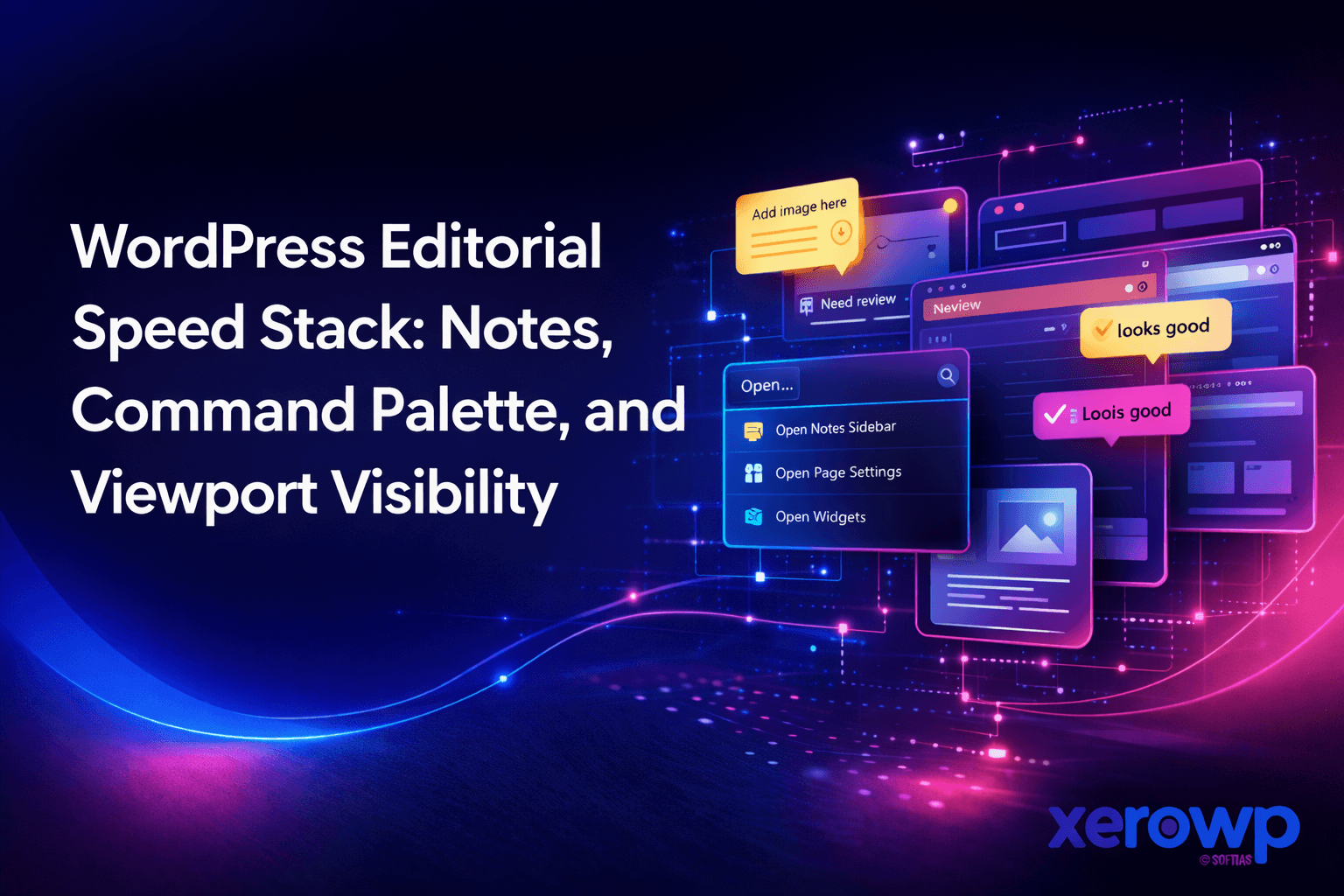
Publishing Delays Usually Come From Process Friction
Most content teams do not lose time writing. They lose time in review loops, unclear feedback, inconsistent formatting, and late responsive fixes.
A modern WordPress editorial stack can remove much of this friction if teams use built-in features intentionally.
SEO Keywords This Post Targets
- wordpress notes feature
- wordpress command palette
- wordpress viewport visibility
- wordpress editorial workflow
- faster wordpress publishing
Why This Matters for SEO, Not Just Operations
Editorial latency directly impacts search performance.
- Slower revisions delay freshness signals.
- Inconsistent structure weakens topical authority.
- Missed mobile layout issues hurt engagement.
- Low process discipline reduces publishing velocity.
A faster editorial system improves both quality and output cadence.
Layer 1: Use Notes as Structured Editorial Context
Scattered review comments in chat and email create ambiguity. Notes tied to block-level context reduce miscommunication.
Use Notes for:
- Fact-check requests on specific claims.
- Tone adjustments for sensitive sections.
- Internal linking requests tied to exact paragraphs.
- Compliance or legal checks on conversion content.
This keeps review history close to the content where decisions happen.
Layer 2: Use Command Palette to Reduce Editor Click Debt
Command Palette workflows remove repeated navigation overhead.
High-value shortcuts:
- Jumping directly to templates and post types.
- Triggering repeated editing actions quickly.
- Navigating complex page structures faster.
Small savings per action compound significantly across weekly publishing cycles.
Layer 3: Add Viewport Visibility Rules Early
Responsive content decisions are often deferred until late QA. That causes rework and last-minute layout compromises.
Viewport visibility controls let teams plan by context from the start:
- Mobile-first callout versions.
- Desktop-enhanced detail blocks.
- Context-aware media placement.
This supports better readability without duplicating entire pages.
Editorial SOP for High-Volume Teams
Use a repeatable publishing SOP:
- Draft with predefined section goals.
- Add Notes for unresolved facts and link targets.
- Run first edit pass for structure and readability.
- Validate viewport behavior for key blocks.
- Final SEO pass for title, meta, and internal links.
- Publish and monitor early engagement metrics.
Consistency beats creativity in operational stages.
Governance for Per-Block Custom CSS
Per-block custom CSS can help with tactical adjustments but can become unmanageable quickly.
Set governance rules:
- Require clear rationale for every custom CSS block.
- Prefer reusable style variations where possible.
- Audit and remove stale block-level CSS monthly.
- Maintain a styling ownership policy.
This keeps editorial freedom without creating long-term maintenance debt.
Quality Metrics to Track
To improve editorial speed sustainably, measure outcomes.
Track:
- Draft-to-publish cycle time.
- Number of review rounds per article.
- Post-publish correction count.
- Mobile layout issue rate.
- Time to first ranking movement for target keywords.
Data shows whether process changes are actually working.
Common Mistakes
- Treating Notes as optional instead of workflow-critical.
- Letting Command Palette adoption depend on individual preference.
- Ignoring viewport checks until final QA.
- Allowing unmanaged custom CSS growth.
Editorial speed without governance becomes chaos.
FAQ
Is this only useful for large teams?
No. Solo creators and small teams also benefit because these practices reduce cognitive overhead and context switching.
Will this replace external editorial tools?
Not always. But it can reduce tool sprawl and keep more of the workflow inside WordPress.
Does this improve ranking directly?
Indirectly, yes. Better publishing speed, cleaner structure, and stronger mobile readability support stronger SEO outcomes.
The Takeaway
The best editorial speed stack is simple: contextual notes, fast navigation, and early responsive decisions. Teams that systematize these three layers publish faster without sacrificing quality.
XeroWP helps editorial teams pair fast publishing workflows with infrastructure that keeps content delivery stable and fast.


