
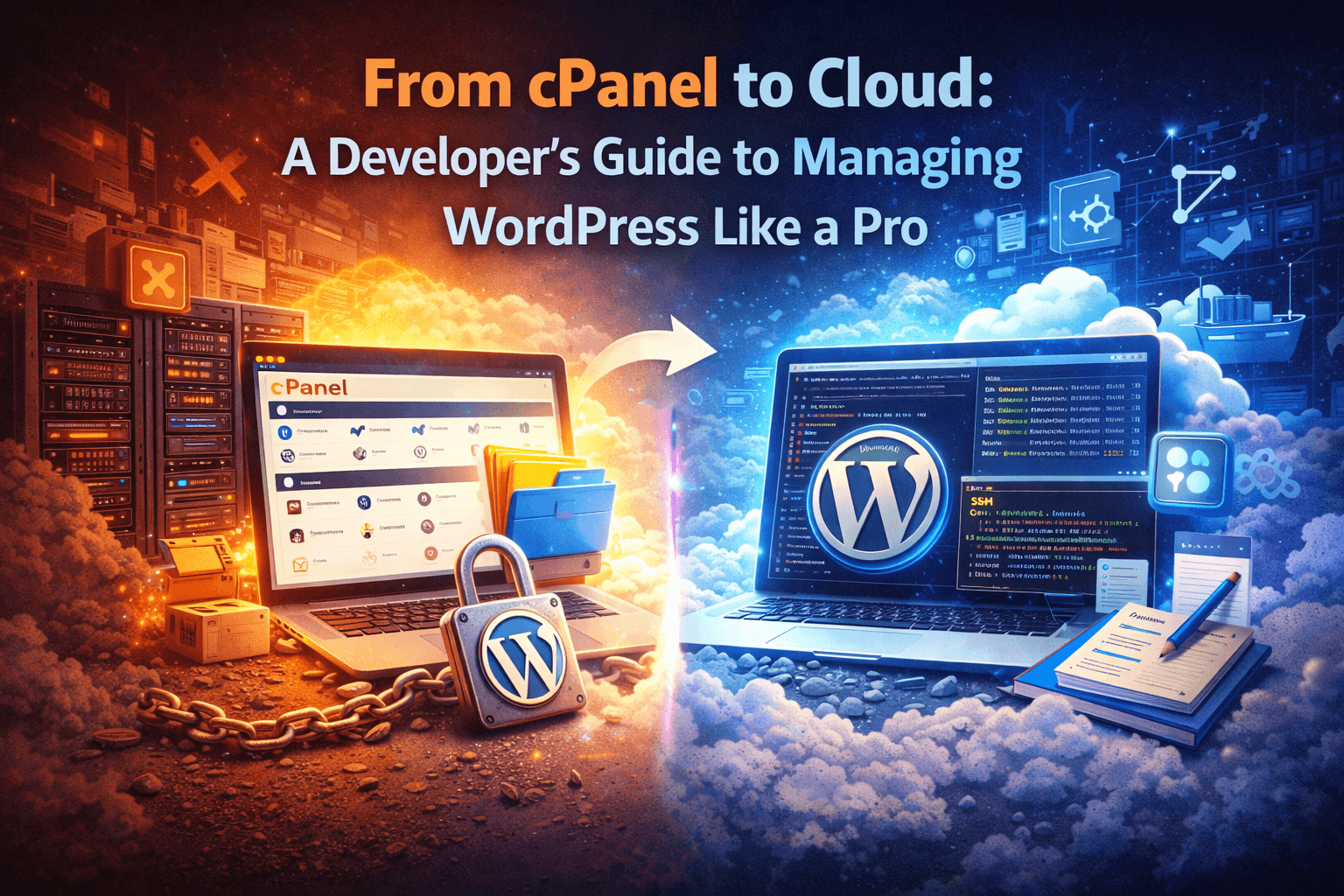
cPanel Was Great for Its Time
cPanel made WordPress accessible. It provided a UI for file management, databases, and basic configuration. But modern production requirements have outgrown that model. Today, developers need repeatable deployments, isolation, and visibility into the stack.
This guide explains the shift from cPanel to cloud-style WordPress management.
What Changes When You Leave cPanel
The biggest differences are operational, not cosmetic:
- Deployments become structured, not manual uploads.
- Environments are isolated per site, not per server.
- Scaling is proactive, not reactive.
- Monitoring is first-class, not an afterthought.
Step 1: Move to Container or VM Isolation
Cloud hosting treats each site as its own runtime. This reduces noisy neighbor issues and makes performance predictable.
- One site per container or VM.
- Dedicated PHP-FPM pools.
- Resource limits that prevent runaway processes.
Step 2: Replace Manual FTP With Deploy Pipelines
FTP is convenient but dangerous. A real deployment pipeline is more reliable and easier to roll back.
- Use Git-based deploys with a release directory.
- Keep configuration in environment variables or secrets.
- Automate builds and asset compilation.
Step 3: Adopt Real Backups and Restore Testing
Backups are not just scheduled copies. They are a recovery system.
- Store backups off-server.
- Test restores on a schedule.
- Keep multiple retention windows.
Step 4: Use Edge Caching and CDN Delivery
Static assets should never compete with PHP for bandwidth.
- Serve images and assets from the edge.
- Cache HTML for anonymous traffic.
- Purge caches automatically on deploy.
Step 5: Upgrade Observability
Modern WordPress management uses metrics and logs to prevent outages.
- Track TTFB, error rates, and cache hit rates.
- Alert on abnormal latency or 5xx spikes.
- Review slow query logs regularly.
Step 6: Harden Security at the Platform Layer
Security should be a platform responsibility, not a plugin obsession.
- WAF protection at the edge.
- Automated patching for OS and PHP.
- Role-based access and MFA.
Step 7: Make Staging a First-Class Environment
Staging should mirror production, not be a loosely configured clone.
- Match PHP, database, and server settings.
- Use sanitized data.
- Gate with authentication and IP rules.
What a Pro Workflow Looks Like
A modern workflow typically includes:
- Git-based deployments with rollbacks.
- Per-site containers and isolation.
- Managed updates and proactive patching.
- Monitoring, alerts, and incident playbooks.
The Takeaway
cPanel is not broken, it is just outdated for modern WordPress operations. Moving to a cloud-style workflow makes your sites faster, safer, and easier to manage.
XeroWP gives you a developer-grade WordPress stack without the complexity of managing it yourself.


