


Zonify – Amazon Product Importer for WooCommerce
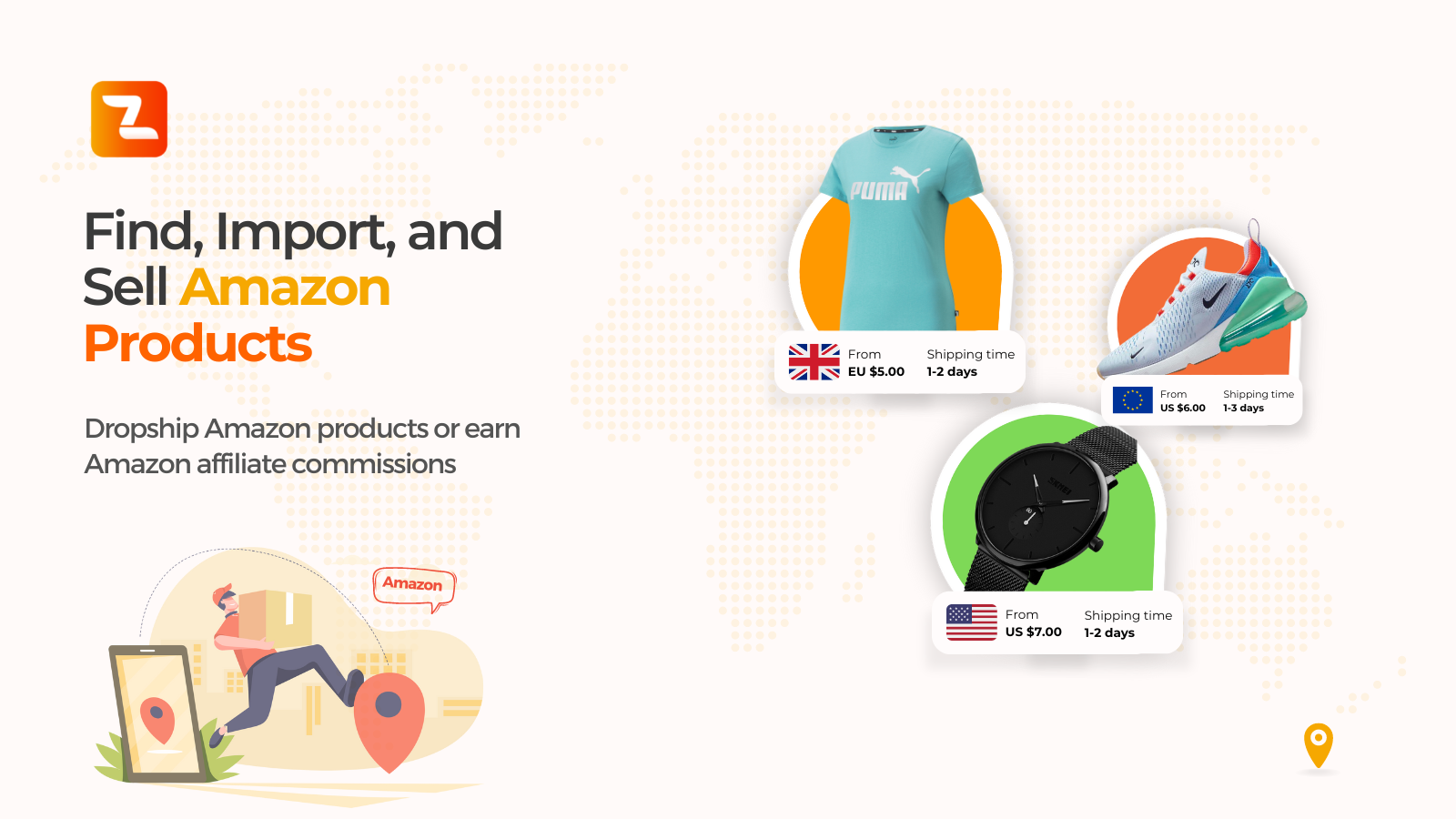
Import Amazon products into WooCommerce
Zonify is a plugin for WooCommerce store owners who want to import products from Amazon into their WooCommerce store, and optionally use the Amazon Associates (Affiliate) program to redirect customers to Amazon for checkout.
This plugin helps streamline product catalog creation and setup inside WooCommerce.
► How does it work?
- Import products from Amazon to your WooCommerce store.
- Optionally enable affiliate mode (customers click “View on Amazon”).
- Manage product details (title, description, price, images, variants, etc).
► HOW TO USE ZONIFY?
Zonify Dropshipping Mode
Let your visitors purchase the product directly on your WooCommerce store. You manage pricing and fulfillment.
Zonify Affiliate Mode
Enable affiliate mode from the dashboard. This changes the buy button to “View on Amazon” and redirects visitors to Amazon using your affiliate link.
► WHAT ARE THE SYSTEM REQUIREMENTS?
To use Zonify’s import workflow, you must use Google Chrome (required for the Zonify browser extension).
► HOW DOES THE FREE TRIAL WORK?
When starting your free trial, you can use Zonify immediately. Billing starts when the trial ends.
► CAN I CANCEL MY ACCOUNT AT ANY TIME?
Yes. You can cancel your subscription at any time.
External services
This plugin connects to Zonify (app.zonifyapp.com) to link your WooCommerce store to your Zonify account. On activation it sends your site address and admin email, and it creates WooCommerce REST API keys (read/write) so Zonify can add the products you import; Zonify checks that the keys work on your store before it links an existing account. The settings page sends your site address and your Zonify key to check the connection, together with the WordPress, WooCommerce and PHP versions, the plugin version and the system check results, so Zonify support can see what the page shows. “Go to Zonify Dashboard” asks Zonify for a single-use sign-in code. On your storefront the plugin loads Zonify’s script (app.zonifyapp.com/dashboard/js/affiliate-woo.js), which shows the “View on Amazon” button when affiliate mode is on. Zonify Terms: https://zonify.app/terms-of-use/ Privacy: https://zonify.app/privacy-policy/