

WPNakama – Editorial Workflow & Content Planning for WP

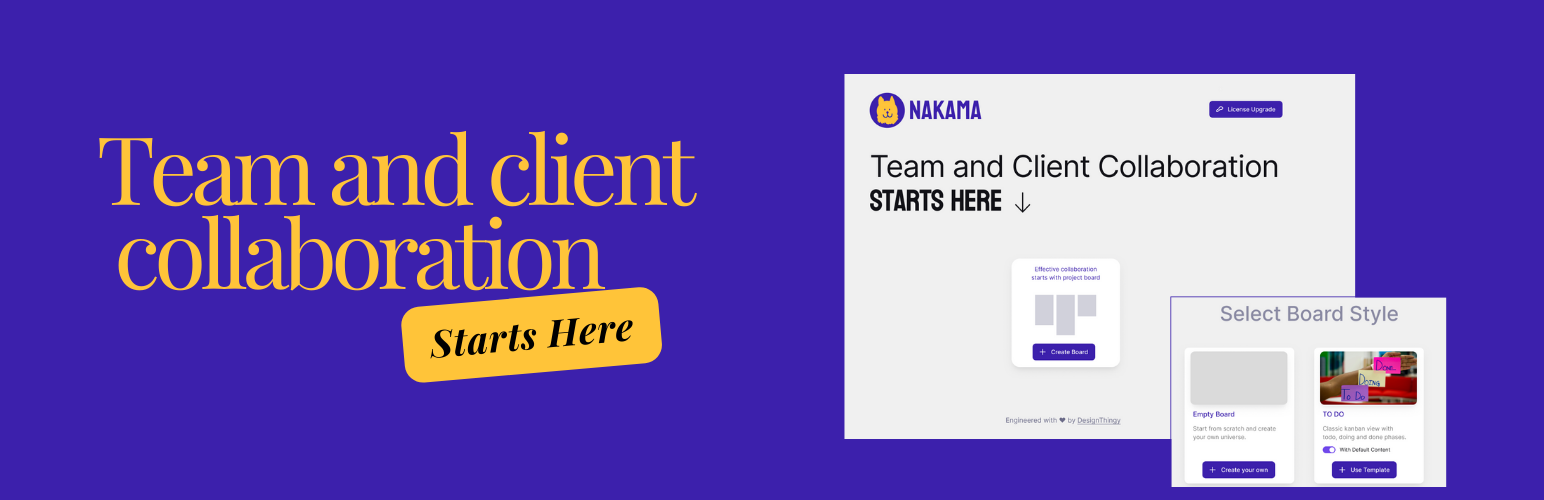
Board Dashboard – Overview of the board dashboard with menu.
WPNakama is a lightweight editorial workflow for WordPress.
Plan your content on a Kanban board, organize each piece of content with tasks and to-dos, set deadlines, and manage your editorial checklist directly from the WordPress post editor.
WPNakama brings your content planning and publishing workflow together inside WordPress—without requiring another project-management tool.
Whether you’re running a content marketing team, publication, blog, or a WordPress site with multiple contributors, WPNakama helps you move content from idea to publication with a clear, repeatable workflow.
Plan Write Review Publish
Create an editorial board for your content pipeline:
Ideas Brief Writing Editing Review Published
Each card can contain tasks, smaller to-dos, notes, deadlines, and WordPress posts.
Then open the post in the WordPress editor and manage its to-do list right where you’re writing.
—
Why WPNakama?
Content planning often happens in one tool while writing happens somewhere else.
You might use a spreadsheet or project-management app to plan content, then switch to WordPress to actually write and publish it.
WPNakama connects the two.
Editorial planning
Create Kanban boards to visualize your content pipeline and see what is being planned, written, reviewed, or published.
Content tasks
Break each piece of content into actionable tasks and smaller to-dos.
To-dos inside the WordPress editor
Your post’s to-do list is available directly inside the WordPress post editor, so writers and editors can keep track of what still needs to be done without leaving the content they’re working on. It’s a better alternative of publishpress checklist and other todo in post plugins.
Deadlines
Add deadlines to boards and individual tasks to keep your publishing workflow moving.
Work together
Assign work to team members, share files, and keep everyone aligned around the same content workflow with the Pro version.
—
Who is WPNakama for?
WPNakama is built for people who create and publish content with WordPress:
– Content marketing teams
– Editorial teams
– Publications
– Bloggers
– Writers
– WordPress teams
– Marketing teams
– Small teams managing multiple contributors
If WordPress is where your content is written and published, WPNakama helps make it where your editorial workflow is managed too.
—
🗝️ Key Features — FREE
WPNakama is available as a free and open-source WordPress plugin with a generous set of editorial workflow features.
Editorial Planner
Plan your editorial workflow with Kanban boards and access your tasks directly from the WordPress post editor.
Kanban Boards
Create up to 3 Kanban boards in WordPress to organize your content and workflow.
Tasks & To-dos
Create tasks and break them into smaller to-dos for better organization and execution.
Manage To-dos from the Post Editor
Manage your to-do list directly from the WordPress post editor while working on your content.
Deadlines
Add deadlines to your boards and keep your publishing workflow on track.
Due Dates for Tasks
Set due dates for individual tasks so everyone knows what needs to be completed and when.
Pre-made Kanban Board Templates
Get started quickly with pre-made board templates.
Pin Important Boards
Pin important boards to the top of your board list for quick access.
Notes in Tasks
Add detailed notes to individual tasks to provide context and additional information.
Public Board View
Share a read-only view of your board, tasks, projects, and files.
—
PRO Features
Upgrade to WPNakama Pro when you need more content, more collaborators, and more control over your editorial workflow.
Unlimited Boards & Tasks
Create unlimited boards and tasks without the restrictions of the free version.
Store & Share Files
Store digital assets securely in WordPress and share them with your team and collaborators.
Customize Board URL
Customize the URL slug of your boards with a more readable and memorable address.
Clone Boards
Clone an existing board together with its tasks and to-dos instead of creating your editorial workflow from scratch.
Protect Shared Boards with a Password
Protect your shared board with a password when you need to share your editorial workflow privately.
Assign Team Members to Tasks
Assign tasks to team members and keep track of who is responsible for each part of the workflow.
Changelog
See progress and changes happening throughout your board.
Priority Support
Get priority support from the WPNakama team for issues and questions.
Regular Updates
Receive regular updates with new features, improvements, fixes, and compatibility updates.
More Features Coming Soon
WPNakama is actively developed and we’re continuing to improve the editorial workflow experience.
—
A simple workflow for your content team
1. Plan
Create an editorial board and add the content you want to work on.
2. Organize
Add tasks, to-dos, notes, deadlines, and WordPress posts to each piece of content.
3. Write
Open the WordPress post and work on the content while keeping your editorial to-do list available in the post editor.
4. Review
Move the content through your editorial workflow and complete the remaining tasks.
5. Publish
Once everything is checked off, publish your content.
Your editorial plan and your WordPress content stay connected.
—
FREE vs PRO