

WPiko AI Chatbot – ChatGPT Assistant & Customer Support

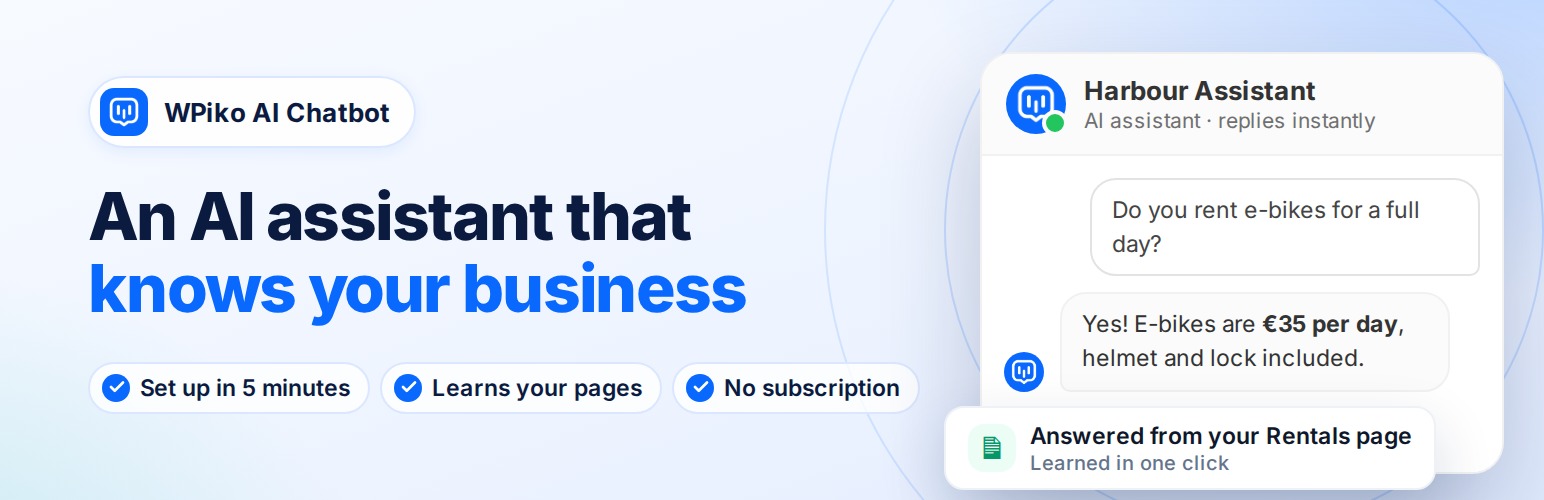
The chatbot on your site, answering visitors from your own pages.
WPiko AI Chatbot adds an AI assistant to your WordPress site that answers visitor questions using OpenAI’s latest models. It runs on your own OpenAI account, so you pay OpenAI directly for what you use (usually a few dollars a month for a small site) and there is no WPiko subscription.
A 3-step setup wizard connects your OpenAI account, teaches the chatbot about your business from your own pages, and lets you test it before it goes live.
💬 What you can do
- Answer visitor questions 24/7 with on-brand replies
- Teach the chatbot about your business from your website pages and your own documents (PDF, Word, text, Markdown)
- Review conversations to see what visitors ask
- Show the chatbot on every page with a floating button, or embed it with the
[wpiko_chatbot]shortcode
🆓 Free features
- Setup wizard: connect OpenAI, teach your business and test the chatbot in about 5 minutes
- Quick learn from your pages: pick up to 10 pages and the chatbot answers from their content
- Knowledge files: upload PDFs and documents to the chatbot’s knowledge base
- Clear OpenAI diagnostics: the plugin tests your key with a real message and tells you exactly what to fix (for example “your OpenAI account has no credit”) instead of a generic error
- Works with OpenAI’s latest models through the Responses API, with streaming replies
- Floating chatbot and shortcode embed, with page, device and position rules
- Proactive greeting card that invites visitors to chat
- Appearance presets, colors, avatar and a live preview
- Pre-made questions and conversation starters
- Customize every interface text and error message in any language
- Conversation history with export and translation
- AI usage & cost on the Dashboard: an estimate of what the chatbot costs per day, month, conversation and feature
- Per-IP hourly and daily limits to protect your OpenAI budget
- Loads its scripts only on pages where the chatbot appears
- Encrypted API key storage
🚀 WPiko AI Chatbot Pro adds
- Live chat: take over any conversation from the AI and reply to visitors yourself (Admin Takeover)
- Mobile app (PWA) with push notifications to reply from your phone
- Website scan with no page limit: AI-written Q&A from your pages, and clean Markdown from your posts and documentation plugin articles (no AI cost). Scan many at once, rescan what changed, and optionally keep posts and docs updated automatically
- Q&A Builder to control exact answers (up to 50 Q&A pairs)
- WooCommerce integration: product cards, product recommendations and order questions
- Lead capture: email capture and a contact form with file attachments and reCAPTCHA
- Analytics: conversations, devices, locations and usage trends
- AI-assisted replies for operators and advanced conversation tools
🔑 What you need
- An OpenAI Platform account (platform.openai.com). This is separate from ChatGPT: a ChatGPT Plus plan does not include API usage.
- Prepaid credit on that account. The OpenAI API is prepaid, and $5 is enough to start. Without credit the key is accepted but the chatbot cannot answer, WPiko detects this and shows you how to fix it.
- An API key (“secret key”) from your OpenAI dashboard.
🌍 Any Language & Localization Support
You can customize every text element your visitors see, from the chatbot name and welcome message to input placeholders and error notifications. The AI replies in the language your visitor writes in, and your knowledge files can be in any language.
🔐 Fast and Secure
The chatbot’s scripts and styles only load on pages where it is shown. Your API key is stored encrypted, admin actions are permission-checked, and visitors never see technical error details.
📱 Mobile-Friendly
The chatbot adapts to phones, tablets and desktops, with touch-friendly controls, adjustable dimensions and per-device visibility.
Learn more: WPiko AI Chatbot
External Services
This plugin relies on third-party external services to provide its functionality. Below is detailed information about each service used:
OpenAI API
* What it is: OpenAI’s API service that provides access to advanced AI language models and assistants.
* What it’s used for: This service powers the core chatbot functionality, including generating responses, managing conversations, creating and updating AI assistants, handling file uploads for knowledge base, and managing vector stores for file search capabilities.
* What data is sent: User messages/questions, chatbot configuration settings (name, instructions, model selection), uploaded files for the knowledge base, conversation context, and API authentication tokens.
* When data is sent: Every time a user interacts with the chatbot, when configuring the AI assistant, when uploading files to the knowledge base, and when administrators test the API connection.
* Service provider: OpenAI
* Terms of Service: https://openai.com/terms/
* Privacy Policy: https://openai.com/privacy/
WPiko feedback service (wpiko.com)
* What it is: WPiko’s own server, which receives optional feedback about the plugin.
* What it’s used for: Understanding why people stop using the plugin, so it can be improved.
* What data is sent: Only when you deactivate the plugin, choose a reason in the feedback form and click “Submit & deactivate”: the reason, your optional comment, the plugin, WordPress and PHP versions, site language, how far setup got (API key present, connection status, wizard finished, number of learned pages, number of conversations, Pro/WooCommerce active) and days since installation. Your email address (which you can edit in the form) and your site address are sent only if you tick “You can email me about this”. Nothing is sent if you click “Skip & deactivate”.
* When data is sent: Only when you submit the deactivation feedback form.
* Service provider: WPiko
* Terms of Service: https://wpiko.com/terms-and-conditions/
* Privacy Policy: https://wpiko.com/privacy-policy/
IP-API.com Location Service
* What it is: A geolocation service that provides location information based on IP addresses.
* What it’s used for: To determine the approximate geographical location of website visitors for analytics and conversation tracking purposes (available in Pro version).
* What data is sent: The visitor’s IP address only.
* When data is sent: When a user starts a conversation with the chatbot (only if analytics features are enabled).
* Service provider: IP-API.com
* Terms of Service: https://ip-api.com/docs/legal
* Privacy Policy: https://ip-api.com/docs/legal