
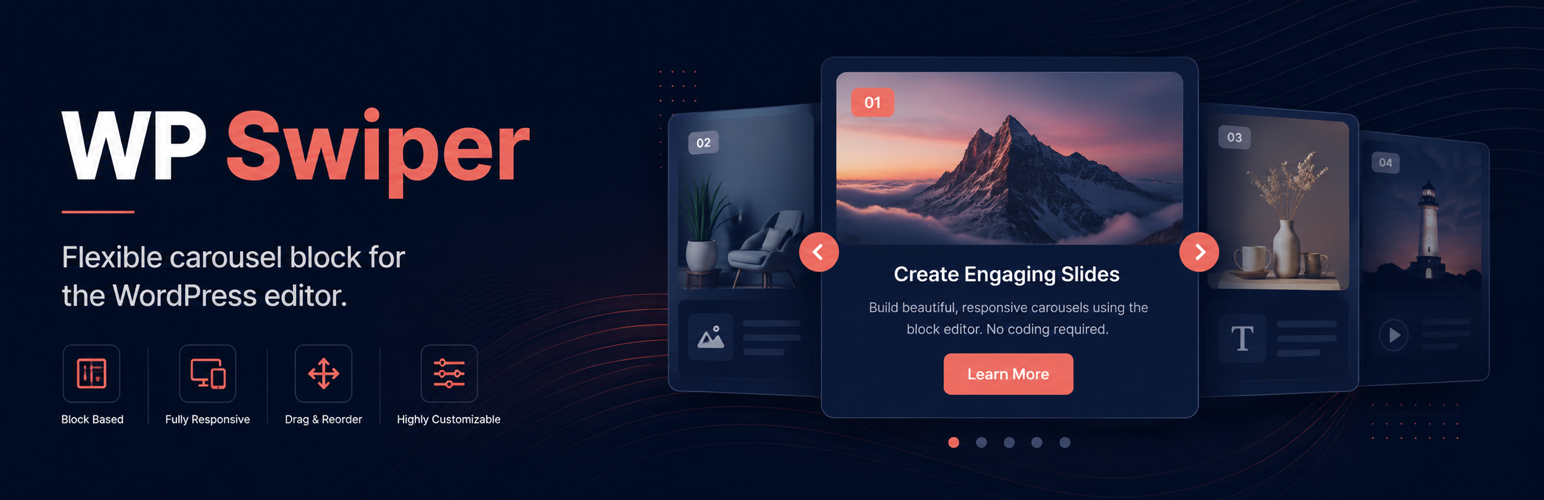

WP Swiper

Build and configure a responsive slider directly in the WordPress block editor.
WP Swiper adds a flexible carousel block to the WordPress editor. Each slide accepts standard nested blocks, so you can combine images, headings, buttons, video, and other block content without using a separate page builder.
Highlights
- Build slides with nested WordPress blocks.
- Choose from seven editable in-block starter templates without adding extra block types.
- Create horizontal or vertical responsive carousels.
- Configure navigation, pagination, autoplay, loop mode, free mode, and transition effects.
- Set responsive breakpoints, spacing, offsets, and slides per view.
- Add background images, focal points, overlays, thumbnails, and custom navigation icons.
- Drag image files into the editor to create slides.
- Load frontend assets only when a slider is detected, with an optional global-loading setting for custom setups.
- Use the bundled Swiper 14 runtime without a jQuery dependency.
Accessibility
Since version 1.4.6, WP Swiper removes non-visible slides from the accessibility tree and keyboard tab order. Focusable content is restored when its slide becomes visible, including in responsive layouts that display multiple slides.
This behavior addresses one carousel accessibility barrier, but it is not a certification that WP Swiper or a website using it conforms to WCAG. Conformance must be evaluated for the complete published page and depends on the carousel configuration, slide content, theme, and other integrations.
Site authors remain responsible for accessible content and configuration. Provide meaningful image alternatives, logical headings, readable contrast, and clear control labels. If autoplay is enabled, enable the pause/play control so users can stop rotation. Rotation stops when keyboard focus enters the carousel and restarts only after an explicit user request. See the W3C carousel accessibility guidance.
Privacy
WP Swiper does not include analytics, advertising, tracking, or telemetry. Images selected through the editor are handled by the standard WordPress Media Library and REST API.
Support and development
For usage questions, use the WordPress.org support forum. Report reproducible bugs and feature requests on GitHub. Security issues should be reported privately according to the repository security policy.
Development is supported through Buy Me a Coffee.
Developer filter
The wpswiper_frontend_js_register_args filter can change the dependencies and loading arguments used for the plugin’s frontend script.
add_filter( 'wpswiper_frontend_js_register_args', function ( $args ) {
    $args['deps'][] = 'jquery';
    $args['args']   = array(
        'in_footer' => true,
        'strategy'  => 'defer',
    );

    return $args;
} );
See the wp_enqueue_script() documentation for supported loading arguments.
Frontend lifecycle
WP Swiper automatically initializes blocks added after page load. Navigation and AJAX integrations can also call window.wpSwiperInit(element), window.wpSwiperDestroy(element), or window.wpSwiperReinit(element) with a .wp-swiper block wrapper.
Runtime configuration corrections dispatch a wp-swiper:warning browser event with a structured diagnostic. Initialization failures dispatch wp-swiper:error, and explicit destruction dispatches wp-swiper:destroy.
Contributing
WP Swiper is developed openly on GitHub, and community contributions are welcome.
- Report reproducible bugs through the GitHub issue tracker.
- Suggest focused improvements and new features.
- Improve documentation, translations, accessibility, or test coverage.
- Submit pull requests after reviewing the contribution guide.
Please report security issues privately according to the security policy.