
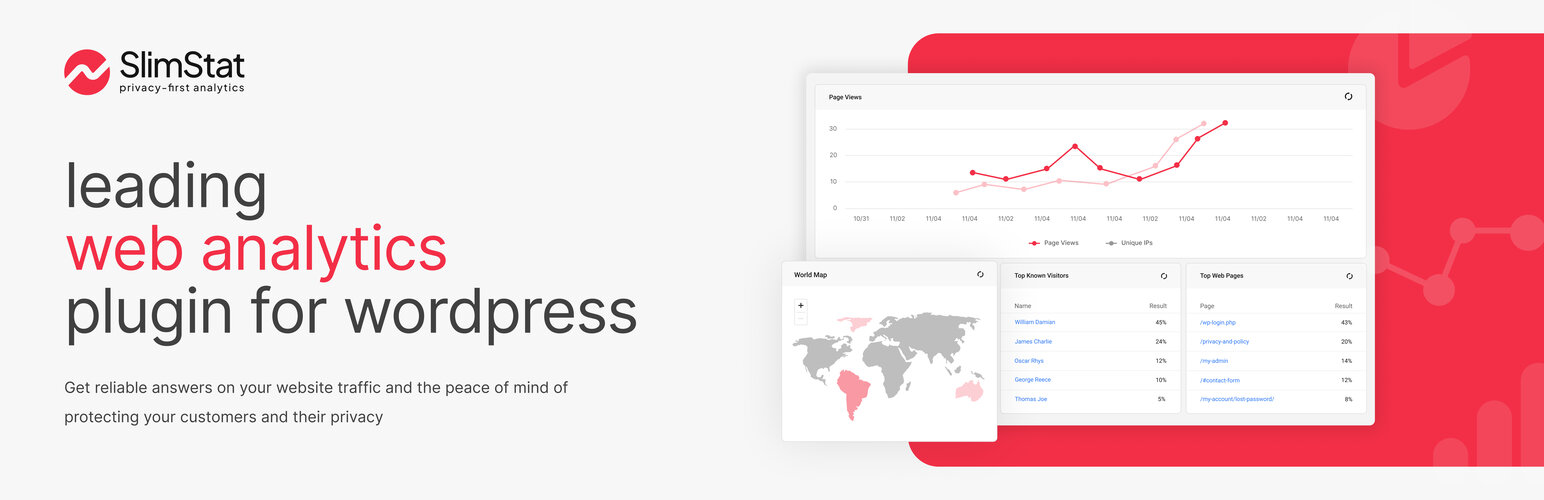

SlimStat Analytics
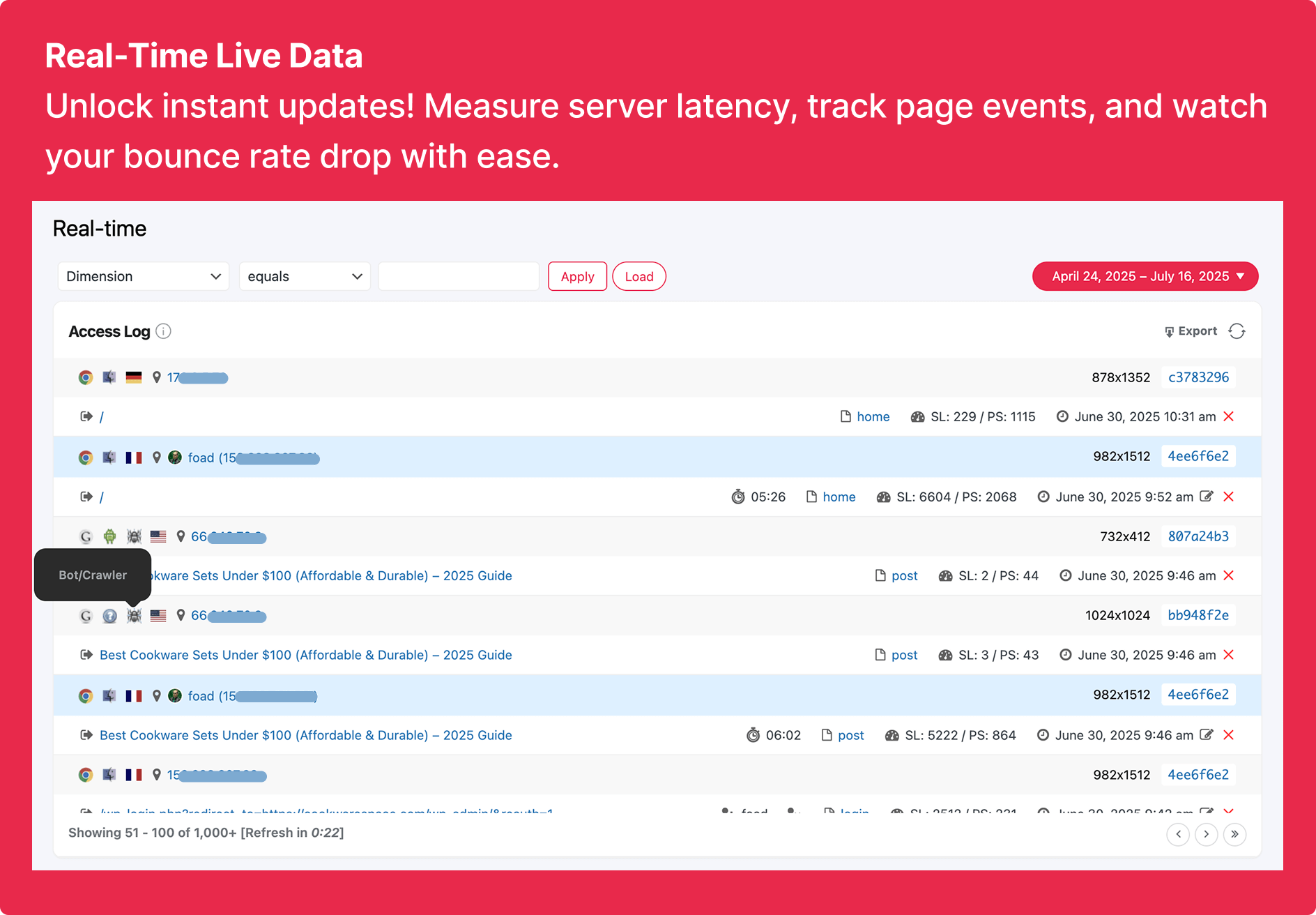
<strong>Real-Time</strong> — Your visitors, live as they browse: where they are, what they're reading, and what brought them in.
Most analytics plugins quietly hand your visitors to someone else’s cloud. SlimStat doesn’t. Every pageview, click, and visitor lands in your own WordPress database and stays there: yours to read in real time, yours to purge whenever you want, never shipped off to Google or anyone else.
See the whole story the moment it happens: who’s on your site right now, where they are in the world, what they’re reading, and which links they follow on the way out. Set a goal and watch it convert, or chain a few steps into a WooCommerce funnel and see exactly where people slip away. It’s the depth you’d expect from a hosted analytics service, running entirely on your own terms.
Best part: privacy isn’t a setting you have to hunt for. Anonymized IPs, Do Not Track, a consent banner, and scheduled data cleanup are GDPR-ready from the first activation. Thousands of WordPress sites already trust SlimStat to keep their analytics honest, fast, and entirely their own.
Main Features
- Real-time access log — Your site’s pulse, live. Watch each visit land the instant it happens: the page, the spot on the map, the search or link that sent them, how quickly your server replied, human or bot.
- Complete access log — Every visit in one searchable table. Drill into the full history and break it down by date, country, browser, OS, referrer, search term, or content type to answer the questions the summary charts can’t.
- Goals & funnels — Turn raw traffic into answers. Define a goal to measure a conversion (a WooCommerce sale, a signup, a key pageview) and see uniques, totals, and conversion rate. Or chain steps into a funnel to spot exactly where visitors drop off. One goal is free; up to five goals and full funnels unlock with Pro.
- Outbound link report — See which external links actually earn clicks. SlimStat records every outbound link your visitors follow, so you know what’s sending traffic off your site and which partnerships pull their weight.
- Know your visitors — Go past pageviews to the people behind them: returning readers, logged-in users, and a full audience breakdown by country, language, browser, OS, and screen size. (Pro’s User Overview adds per-visitor journeys, time on site, and Gravatars.)
- Your data, your server — No third-party cloud, no Google looking over your shoulder. Every byte lives in your WordPress database, and one-way IP hashing lets you count unique visitors without ever storing who they are.
- GDPR, sorted — Anonymize or hash IPs, honor Do Not Track, auto-purge old records on a schedule, and drop in a translatable consent banner that snaps straight into the WP Consent API (WPML and Polylang welcome). Compliance by design, not an afterthought.
- Admin bar stats — Keep an eye on the numbers without leaving your work. Online visitors, pageviews, and top pages sit one glance away in the WordPress admin bar, on every screen.
- Make every report yours — Rearrange, add, or hide widgets across Real-Time, Overview, Audience, Site Analysis, and Traffic Sources until each screen shows exactly what you care about.
- Shortcodes — Drop any report into a widget, post, or page with a single shortcode.
- Filters — Decide who counts. Skip your own team, known bots, whole IP ranges, admin pages, or entire countries so your stats reflect real visitors, not noise.
- Geolocation — Put a city and country to every visitor, plus their browser and operating system, powered by MaxMind and Browscap.
- World map — Watch your audience light up across the globe at a glance, even from your phone (map by JQVMap).
- Export & email — Download your reports as CSV files, generate user heatmaps, or get the day’s numbers in your inbox each morning (heatmaps and email reports via Pro).
- Cache-friendly — Plays nicely with W3 Total Cache, WP Super Cache, Cloudflare, and most caching plugins.
Pro Pack Features
Love the free plugin? Pro is for sites that live by their numbers. It adds the heavier tools without changing a thing about how SlimStat respects your data:
- Email reports — Wake up to the numbers that matter. Schedule the reports you care about and have them land in your inbox as clean HTML tables, with the columns laid out your way.
- Heatmaps — See exactly where visitors click, and where they don’t, with a heatmap layer painted right over your live pages.
- User overview — Follow individual registered users: what they viewed, how long they stayed, and how fast your server answered, with Gravatars to put a face to the visit.
- Extended overview — Add your own columns to the User Overview report and export file, so it tracks exactly what your site cares about.
- More goals & funnels — Up to five conversion goals and three full funnels, with ready-made templates for WooCommerce checkout, signups, and content engagement.
- Network analytics — Run reports and settings across an entire multisite network from one place.
- MaxMind integration — Connect MaxMind’s geolocation API for richer, more precise detail on where your visitors come from.
- Custom database — Store all your analytics in a separate, external database to keep your main WordPress DB lean.
- Export to Excel — Download any report as a ready-to-share Excel file.
Requirements
- WordPress 5.6+
- PHP 7.4+
- MySQL 5.0.3+
- At least 5 MB of free web space (240 MB if you plan on using the external libraries for geolocation and browser detection)
- At least 10 MB of free DB space
- At least 32 Mb of free PHP memory for the tracker (peak memory usage)
Please note
- If you decide to uninstall Slimstat Analytics, all the stats will be PERMANENTLY deleted from your database. Make sure to setup a database backup (wp_slim_*) to avoid losing your data.
Report Bugs
Having trouble with a bug? Please create an issue on GitHub. Kindly note that GitHub is exclusively for bug reports; other inquiries will be closed.
For security vulnerabilities, please report them through the Patchstack Vulnerability Disclosure Program. The Patchstack team will validate, triage, and handle any security issues.