
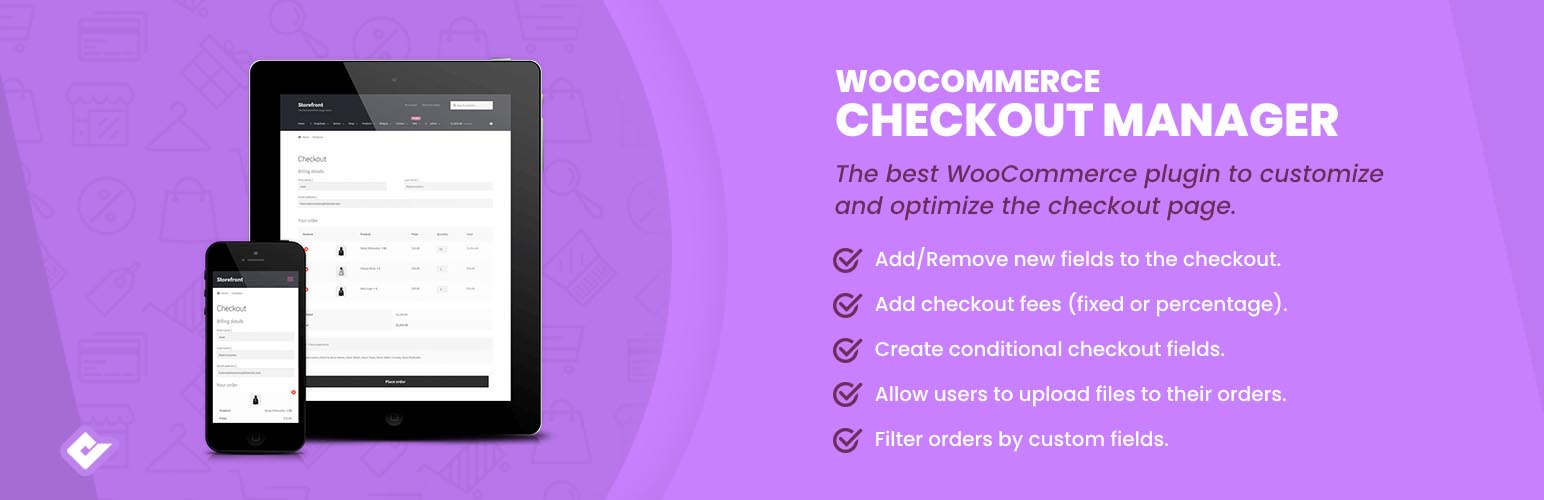

Checkout Field Manager (Checkout Manager) for WooCommerce
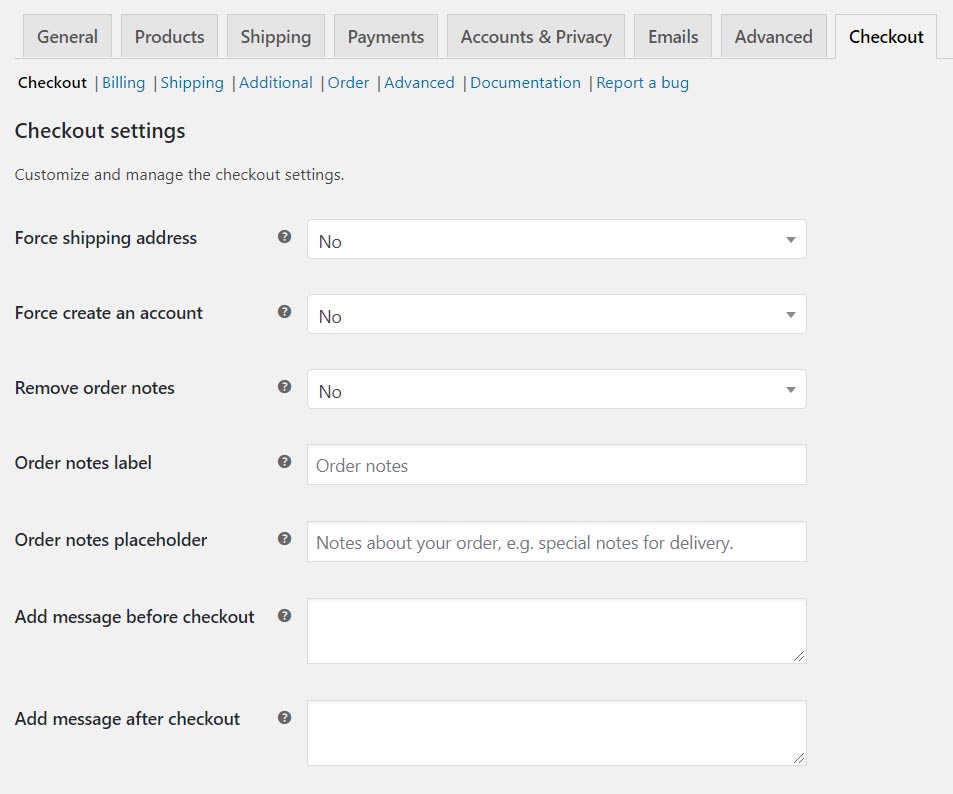
Customize shipping fields, account creation, order notes, and include a custom message.
Premium | Demo | Documentation | Community
WooCommerce Checkout Manager is the best checkout form customizer and editor for WooCommerce. This plugin allows you to delete, modify, and reorder WooCommerce checkout fields, and create more than 20 custom fields within the billing or shipping checkout forms.
Presentation
Checkout Field Manager (Checkout Manager) for WooCommerce allows you to include custom fields in the checkout page, related to the Billing, Shipping, or Additional fields sections.
Our plugin allows you to reorder, remove, or change the field types of WooCommerce core fields. You can choose from the following field types: Text, Textarea, Password, Radio, Checkbox, Select, Country, State, Multiselect, Multicheckbox, Heading, Color Picker, and File Uploader.
WooCommerce Checkout Fields
The supported field types that can be included in the checkout are:
- Heading
- Phone
- Message
- Button
- Text
- Textarea
- Password
- Select
- Radio
- Checkbox
- Time Picker
- Date Picker
- Number
- Country
- State
- Multiselect
- Multicheckbox
- Color Picker
- File Upload
Formerly WooCommerce Checkout Manager
This plugin was formerly known as “WooCommerce Checkout Manager.” On November 8, 2019, WordPress required us to change the plugin name due to the use of “WooCommerce” in the title. We apologize for any inconvenience caused by the downtime.
Features
Checkout Field Manager (Checkout Manager) for WooCommerce allows you to include custom fields in the checkout page, related to the Billing, Shipping, or Additional sections.
- Reorder fields
- Rename and highlight fields
- Show, hide, or extend checkout fields within the Billing, Shipping, and Additional sections
Conditional Checkout Fields
Checkout Field Manager supports conditional checkout fields, allowing you to show or hide fields based on the value of parent fields.
The system detects the parent field type and lets you define conditional logic based on the available options.
File Upload in Checkout
You can include an unlimited number of file upload fields. Users will be able to upload or delete files through the order page. Uploaded files are visible in the order details.
Checkout Process Customization
Checkout Field Manager lets you customize the WooCommerce checkout process, including or removing fields as required by your business flow.
Force Shipping Address
Always display shipping fields by removing the toggle checkbox. Users are required to complete them.
Force Account Creation
Force account creation during checkout. The account will be automatically created using the billing email provided by the user.
Remove Order Notes
Option to remove the order notes field from the checkout form.
Add Message Before Checkout
Display a custom message before or after the checkout form. Use this to engage or thank your customers.
Premium Features
The premium version of Checkout Field Manager offers a wide range of advanced features for full control of the checkout fields:
- Filter fields based on cart subtotal
- Show/hide checkbox fields in the account, checkout, orders, emails, or invoices
- Add charges based on field values
- Display fields in the orders admin list and allow sorting/filtering
- WooCommerce cart and checkout on the same page
- Upload files in WooCommerce checkout
Source Code
The compiled assets of the bundled franmastromarino/wp-plugin-feedback library are built from its public repository: https://github.com/franmastromarino/wp-plugin-feedback