
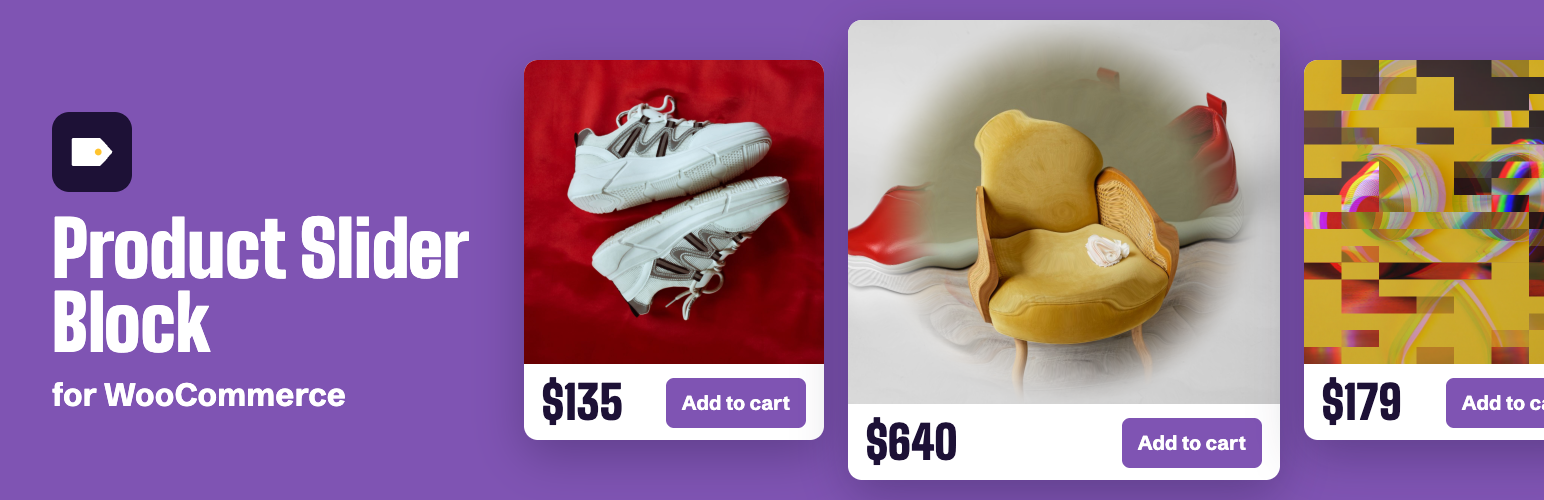

Product Slider Block for WooCommerce
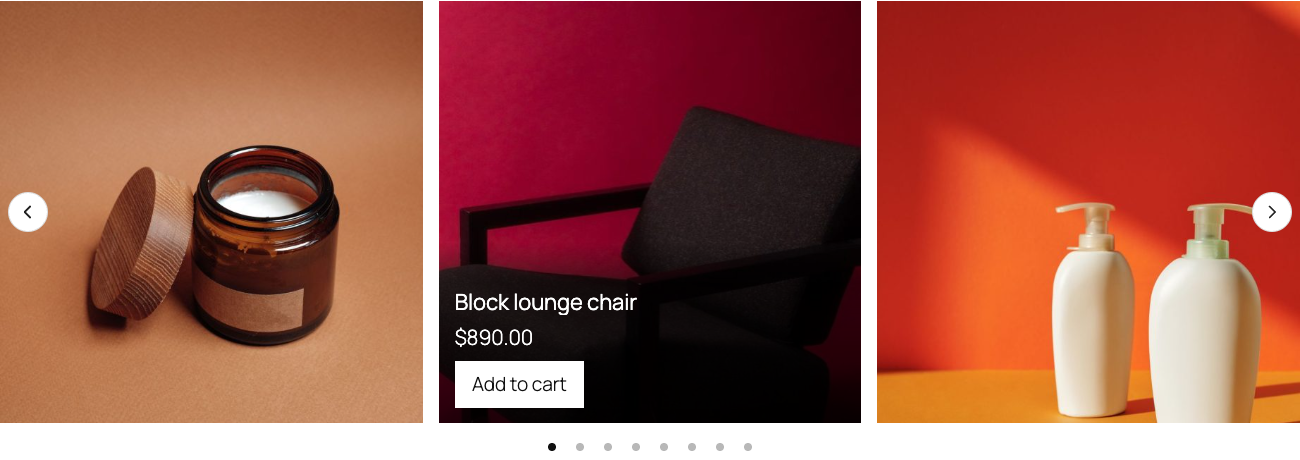
A product slider with the Panel layout: the name, price and button come up when a card is pointed at.
This plugin adds three blocks for showing products in the block editor. They need WooCommerce and work with any theme that supports blocks.
Product Slider shows a row of products that visitors can drag, swipe or move with arrows.
- Choose what it shows: all products, featured, on sale, best sellers, top rated, newest, hand-picked, from categories or from tags. On a product page it can also show that product’s related products, upsells or cross-sells.
- Narrow any source down by categories, tags, brands, attributes or a price range, and leave out categories, tags or products.
- Set how many products to load (up to 50), their order, and whether sold-out products are hidden.
- Set how many are in view on desktop, tablet and mobile.
- Turn arrows, dots, starting over at the end and automatic sliding on or off. Automatic sliding has a pause button.
- Choose the style and place of the arrows, bars, numbers or a progress line for the dots, thumbnails, how many products a step moves, and centring.
- Show the same products as a grid instead of a slider.
- Four styles: Card, Duke, Zoe and Steve. Two image effects: stretch with the speed, and parallax.
- Show or hide the price, rating, sale badge, short description and add to cart button.
- Put the name, price and button below the picture or on a panel over it, always or when pointed at.
- When a card is pointed at, show the second picture or a closer look, and choose the effect that brings the second picture in: fade, ripple, zoom, glitch or zoom through.
Morph Card shows one product, with its gallery and the images of its variations. With two images it changes when pointed at, with more visitors use the arrows and swatches (a setting changes this), with a ripple, fade, zoom or glitch transition. It moves to the next image once and rests there until the pointer leaves. Swatches change the image, and its details can come in over the image.
Product Stage shows the gallery and the choices of one product, with thumbnails, a lightbox, and variations that change the image, the price and the stock. Use it on a product page or anywhere else.
Across the shop. Two switches under WooCommerce > Settings > Products, both off until you turn them on: the changing image on every list of products, and the Product Stage in place of the gallery on every product page.
The plugin also adds ten block patterns under “Product sliders”, such as a sale strip, a row of new arrivals and a product page layout.
Products are part of the page’s HTML, so visitors who aren’t logged in see them, and a slider works without JavaScript as a row that scrolls. Adding to the cart goes through your own shop and updates the mini cart. Keyboard use and reduced motion settings are respected.
How to use
- Install and activate WooCommerce and this plugin, and add some products.
- Edit a page or post and add the “Product Slider” block. You can also open the Patterns tab of the inserter and pick one from “Product sliders”.
- In the block’s settings on the right, pick what to show under “Products”, then adjust “Slider” and “Display”.
- For one product, add “Morph Card” or “Product Stage”. Leave the product empty to use the product of the page you’re on, or pick one in the settings.
- Save and view the page.
Source code
The readable source of the JavaScript and styles ships in the plugin, in the src/ folder. To build it, run npm install && npm run build in the plugin’s folder; the output goes to build/. It uses @wordpress/scripts.
The slider itself is the npm package gpuslider (“gpu slider”), under the MIT license. Its source is at github.com/niklasp/gpuslider.
External services
The blocks use nothing outside your site: images, scripts, styles and the cart all come from your own server, through its own WooCommerce. The blocks add no tracking, no remote font and no remote script to your pages.
Freemius. The plugin includes the Freemius SDK, in vendor/freemius, which handles licensing for the separate Pro plugin. After activation, a dismissible notice asks whether you want to share usage data. Only if you click Allow, your name and email address, the site’s address and language, and the versions of PHP, of the plugin and of the site’s software go to Freemius, plus whether the plugin gets deactivated or uninstalled; you can opt out again from the Plugins screen. When a Pro license is bought or activated, the license key, the site’s address, and the PHP and plugin versions go to Freemius to check the license and deliver updates, along with the email address and payment details given at checkout. Otherwise nothing is sent to Freemius. Terms, Privacy