
Countdown Timer – Widget Countdown
Front-end
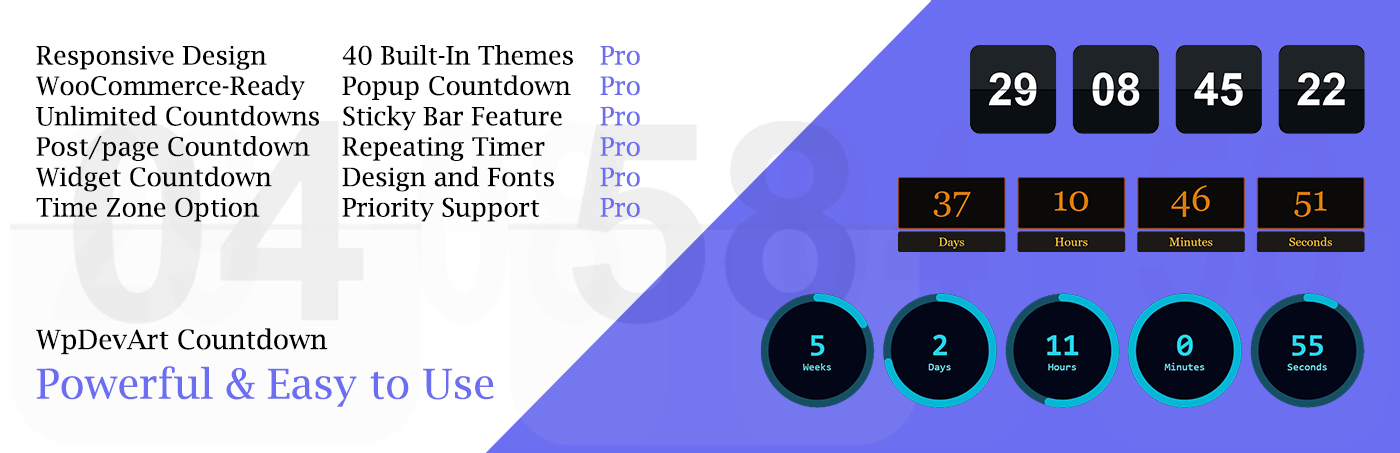
WordPress Countdown Plugin – Create and embed countdown timers in your posts, pages, and widgets (integrated with WooCommerce and Elementor). Our WordPress countdown plugin allows users to create beautiful and functional timers in just a few minutes.
Designed to boost engagement and create urgency, the plugin allows you to easily display beautiful, animated timers for events, product launches, promotions, or special offers—without requiring any coding skills.
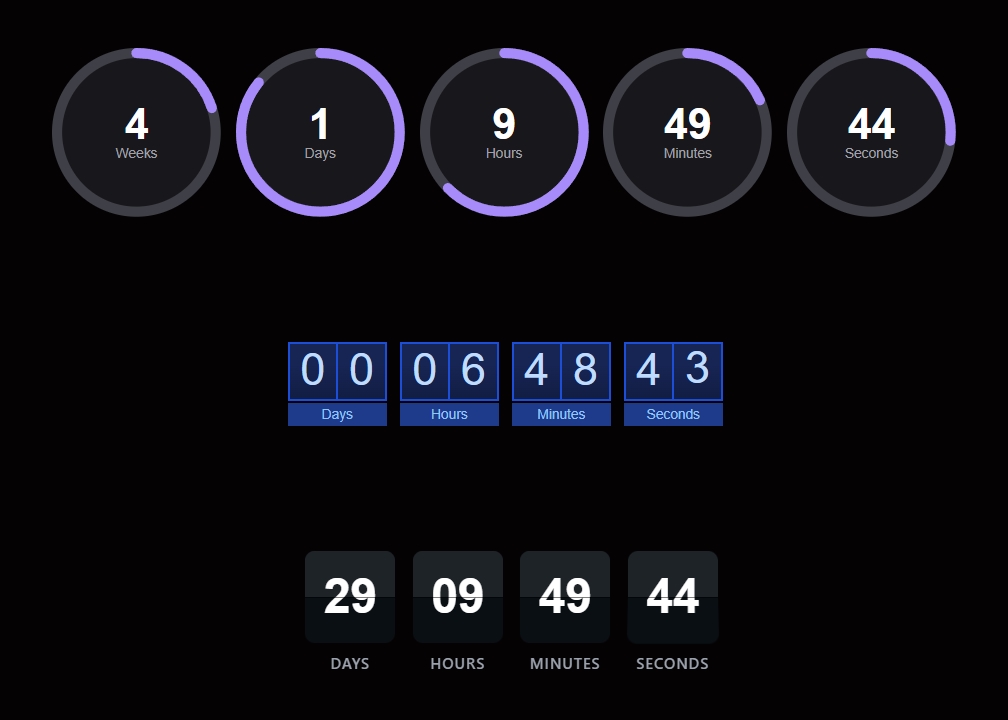
With its intuitive interface, users can create and insert unlimited countdown timers into posts, pages, and widgets in just a few clicks. The plugin offers multiple timer types, including standard, circular, and vertical slider designs, giving you flexibility to match your site’s style. It also includes dozens of animation effects, allowing you to enhance visual appeal and capture visitors’ attention.
Fully responsive and optimized for all devices, the countdown timers look great on desktops, tablets, and mobile screens. You can customize various elements such as colors, fonts, sizes, and positioning, ensuring seamless integration with your website design. Additionally, the plugin lets you define actions after the timer expires—such as hiding the countdown or displaying a custom message—making it ideal for time-sensitive campaigns.
Our plugin Demo page:
Our plugin has two versions: free and premium. Let’s take a look at the features of both versions and compare them.
Free version Features
- Easy install and use
- Works perfectly with all versions of WordPress
- Fully Responsive
- Ability to create unlimited Timers
- Ability to use on pages/posts and widgets
- Time Zones (full list of ~100 timezones)
- Ability to select the action after time expired
- Ability to type message after time expired
- Countdown position (left/center/right)
- Countdown width (px / %)
- “Classic B&W” theme
- WooCommerce integration
- Elementor integration
- Gutenberg block
- Supports Legacy Gutenberg
- Supports Classic Editor
- User friendly back-end
- Tested on popular WordPress themes
You can upgrade from the free version to WordPress Countdown Premium to access some features.
Premium version features
- 40 Premium themes (10 Standard + 10 Vertical + 10 Circle + 10 Flip)
- Count up, Evergreen countdown, Evergreen count up
- Countdown repeat: Restart after ends, Every X hours, Daily, Weekly, Monthly
- All evergreen settings (duration, expire mode, restart behavior, daily expire time)
- All repeat settings (interval, day-of-week, day-of-month, stop conditions)
- After timer expires: Redirect to URL, Show button, Hide page content, Show hidden content (free only gets Hide / Show text)
- Select the countdown timer fields you want to display (free is locked to Days / Hours / Minutes / Seconds)
- Display elements inline (Fit on one row) — responsive auto-scaling
- Set animation for each element or for group
- Animation Effect (fadeIn, bounceIn, flipIn, rotateIn, and 25+ more)
- Vertical — full settings (slide-digit animation)
- Circle — full settings (SVG ring animation)
- Flip Clock — full settings (3D flap animation)
- Popup timers (size, position, fixed/absolute, background, border, animation)
- Sticky Bar timers
- Premium Support
- and much more…
If you find a bug in our plugin or have a question, please contact us at [email protected].
With the WpDevArt Countdown plugin, you can create a wide variety of themed and purpose-driven timers tailored to different occasions and campaigns. This includes festive countdowns for major holidays like Christmas, Halloween, and New Year’s, as well as promotional timers for sales events such as Black Friday or limited-time discounts. It’s equally effective for event-based countdowns like product launches, webinars, concerts, or registration deadlines. Users can also build evergreen timers for ongoing offers, personal milestone countdowns (birthdays, anniversaries), and even daily or weekly recurring timers. With full customization options, each countdown can be styled to match the mood of the occasion—whether it’s a festive holiday theme, a high-energy sales campaign, or a clean, professional event reminder.
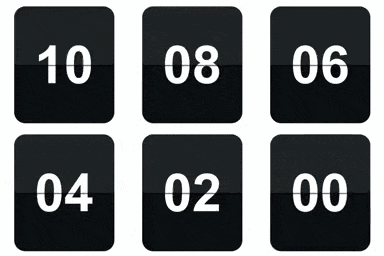
Our Countdown old version:
Step by step guide
Adding a countdown timer to your website’s pages and posts
After installation, activate the plugin, then go to your pages or posts and simply click our plugin’s shortcode button to add it to your pages or posts.
If you are using Gutenberg, search for WpDevArt Countdown and use one of the two blocks.
If you are using Elementor, then you need to search for our countdown widget.
Adding a countdown widget to your site’s sidebar
After installation, activate the plugin, then go to the widgets page (Appearance > Widgets) and drag our plugin’s widget to your sidebar. Then select a timer and theme.