

Webreact integration for SpinupWP and Cloudflare
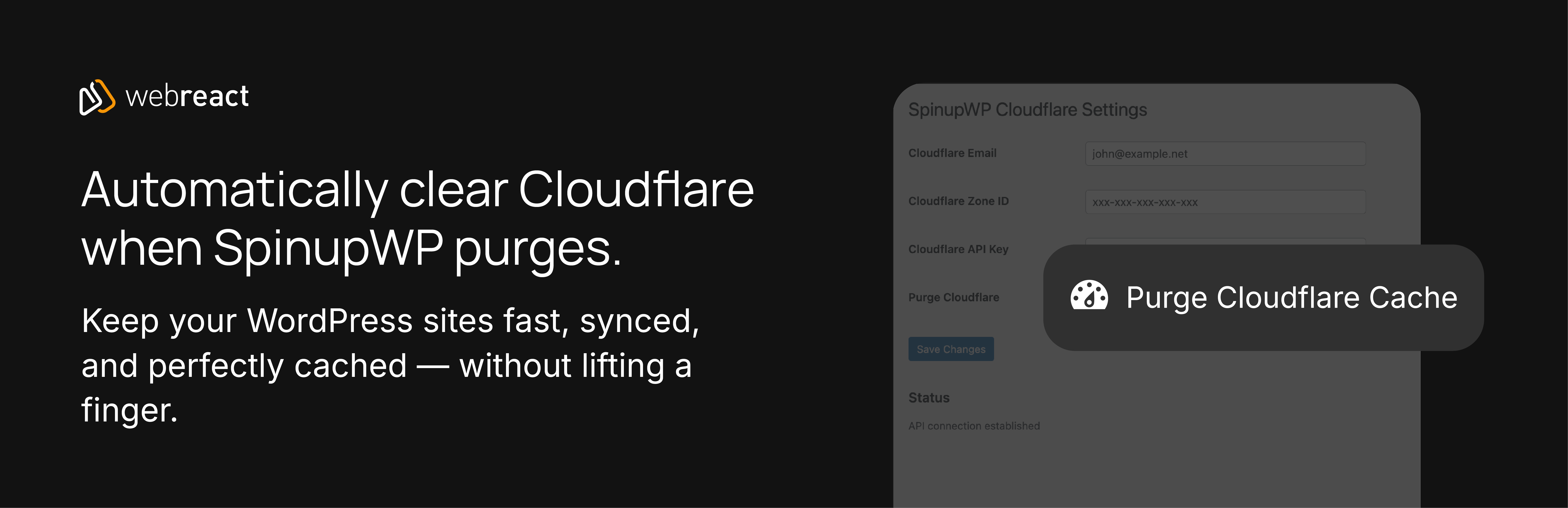
This plugin connects your SpinupWP-managed sites to Cloudflare, automatically purging cache when you purge sites, posts, or URLs in SpinupWP. It supports both modern API tokens and legacy API keys for flexible authentication.
Features:
- Automatic cache purging on SpinupWP site purges
- Purge specific URLs from Cloudflare cache
- Manual purge button in WordPress admin bar
- Support for Cloudflare API tokens (recommended) and legacy API keys
- Credential verification is cached, so normal page loads never call the Cloudflare API
- “Test connection” button to re-check credentials on demand
- Site Health entry reporting the state of the integration
- Clean, intuitive settings interface
- Full nonce verification and capability checks
- PSR-12 compliant code with strict typing
A note on stored credentials:
This plugin stores Cloudflare credentials in the WordPress options table, so the security of those credentials follows the security of your WordPress installation. Use strong administrator passwords, keep WordPress and your plugins updated, and consider a Web Application Firewall.
All API requests use HTTPS and verify SSL certificates. All output is escaped, all nonces are verified, and both purging and settings access require the manage_options capability (filterable via spinupwp_cf_capability).