
WDOnline Smart Upsells for WooCommerce

Offer location and placement settings.
Plugin details and documentation: https://wdonline.dk/wdonline-smart-upsells-for-woocommerce/
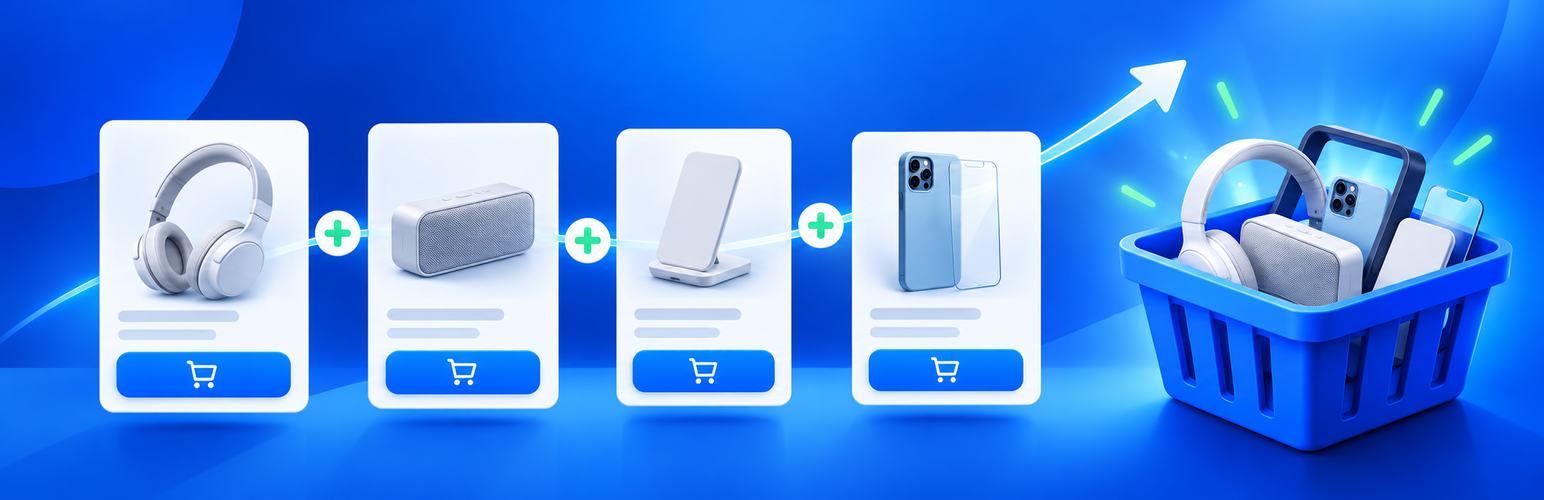
WDOnline Smart Upsells for WooCommerce makes the products already configured in WooCommerce Linked products easier for customers to notice.
The plugin provides:
- A prominent upsell box on single-product pages.
- Reusable promotional boxes containing up to the configured maximum of eight hand-picked products.
- Multiple promotional boxes that can be assigned individually to WooCommerce products.
- Central product replacement: edit a box once and every assigned product updates automatically.
- Unique internal box names used in WooCommerce product CSV export and import.
- Promotional box assignment through the WooCommerce product bulk editor.
- Product-list filtering by a specific promotional box or products without one.
- Assignment counts and safe assignment cleanup when deleting a box.
- Cross-sell offers in the cart.
- A checkout order-bump location for classic WooCommerce checkout templates.
- Extensive placement choices for the product, cart, and checkout offer boxes.
- Manual placement with the
[wdonline_su_offers]shortcode. - Automatic checkout refresh after an AJAX add-to-cart action.
- Detailed styling for the offer container, product cards, spacing, and buttons.
- Custom headings, colors, square image size, text size, columns, and corner radius.
- Horizontal or vertical product layouts.
- Optional display of out-of-stock linked products.
- Optional green and red stock status indicators.
- A live design preview in the settings screen.
- Automatic exclusion of unavailable and already selected products.
- Standard WooCommerce product cards and add-to-cart behavior.
- Optional privacy-safe integration with WD Online Support Diagnostics.
All display locations are disabled by default. Enable only the locations you want under WD Online > Smart Upsells.
Product-page offers use an assigned Promotional box when one is selected. Products without an assigned box use the Upsells selected in Product data > Linked products. Cart and checkout offers use the selected Cross-sells.
For manual placement, select Shortcode only for the relevant location and use:
[wdonline_su_offers location="product"][wdonline_su_offers location="cart"][wdonline_su_offers location="checkout"]
Add an optional custom heading, for example: [wdonline_su_offers location="checkout" heading="Add something extra"].
Cart and checkout display currently targets classic WooCommerce templates. WooCommerce Cart and Checkout block integration is planned for a later version.
The plugin does not send telemetry or diagnostic data to external servers.