
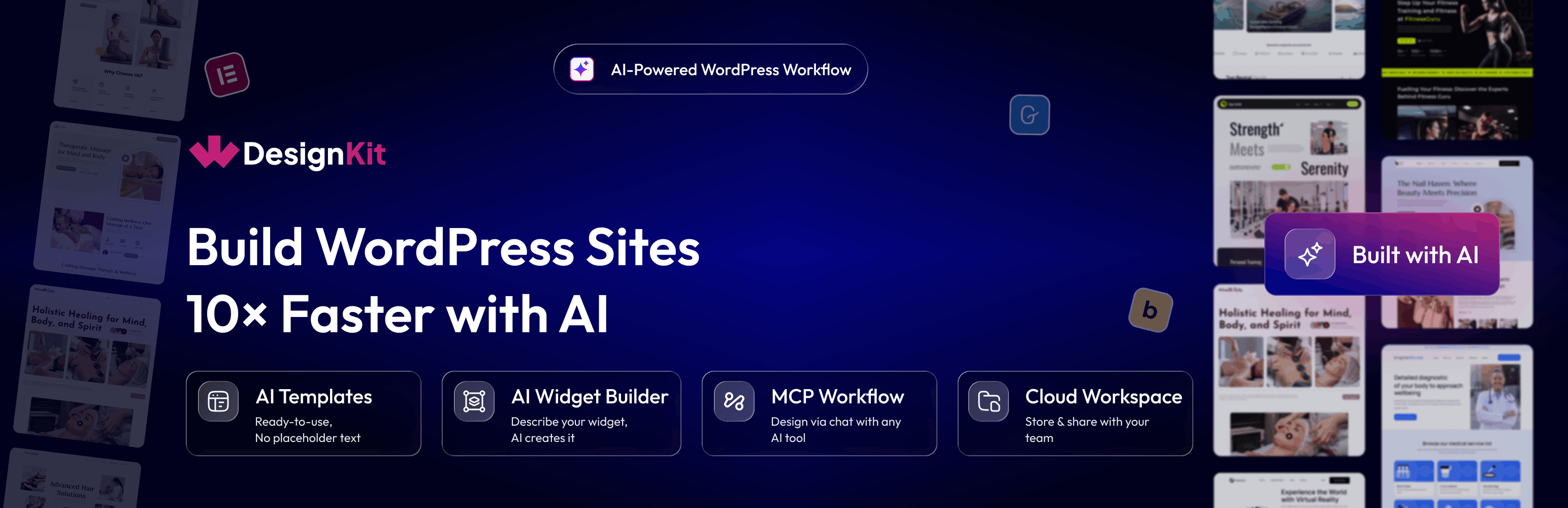

WDesignKit – AI Website Builder for WordPress with MCP, Elementor AI & AI Widget Builder
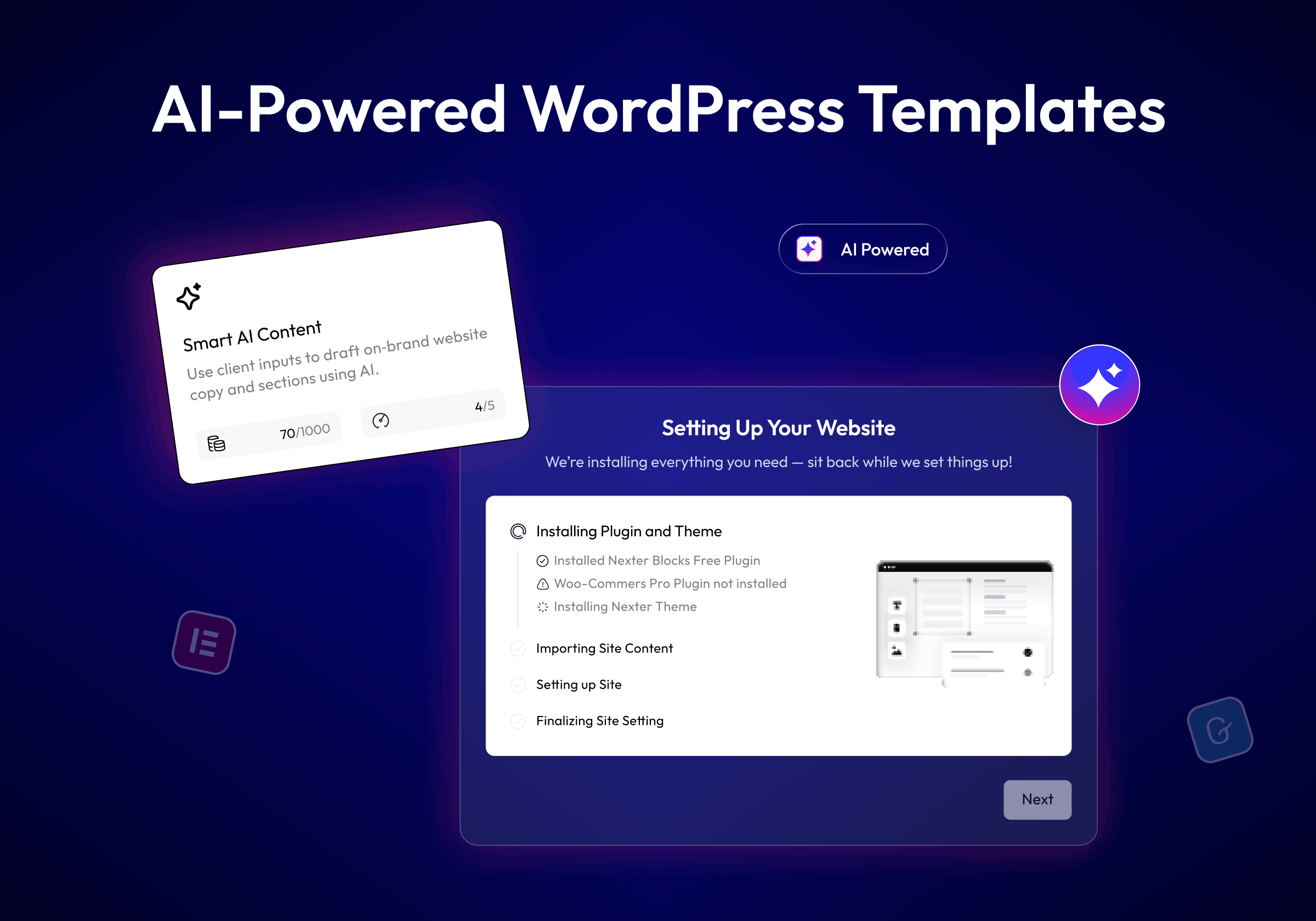
AI Powered WordPress Templates
WDesignKit is an AI website builder for WordPress. Connect your AI assistant to your site through the WordPress MCP (Model Context Protocol), then describe what you need in plain language: a full website from an AI template kit, a custom Elementor, Gutenberg or Bricks widget, or a WordPress code snippet. WDesignKit builds it inside your site, using your page builder.
Works with the AI tools you already use, including Claude Code, ChatGPT, Gemini, Cursor, Windsurf and Visual Studio Code.
Quick Navigation Links
Website | Docs | Pricing | Video Tutorials
WordPress MCP Server For Your AI Assistant
-
MCP Workflow turns WDesignKit into a WordPress MCP server your AI assistant can work with. Instead of clicking through dashboards, you ask in chat and the assistant runs the task on your site.
-
Widget Builder abilities: Create, edit, duplicate and convert widgets from chat.
- Template Cloud abilities: Find, import and save templates and kits.
- Code Snippet abilities: Generate and manage WordPress code snippets.
- Workspace and Preset abilities: Organise team assets in the cloud.
Setup takes a few minutes: install the plugin, connect WDesignKit, enable permissions, and add the MCP configuration to your AI assistant, such as Claude (Claude MCP for WordPress) or Cursor.
AI Website Builder With AI Templates
- AI Templates: Describe your site and import the template kit that fits, pre-filled with AI-written content for your business. No more replacing placeholder text line by line. Your AI assistant can also search the template library and import pages and sections for you.
AI Widget Builder For Elementor, Gutenberg & Bricks
-
AI Widget Builder: Describe a widget, such as a SaaS hero, logo cloud, testimonial carousel, stats counter or FAQ accordion, and your AI tool builds it as a production-ready widget.
-
Elementor AI: Generate full Elementor widgets with editable controls, or convert existing ones.
- Gutenberg: Build core blocks and Nexter blocks from a single prompt.
- Bricks: Create custom Bricks elements without leaving your AI assistant.
AI Code Generator For WordPress Snippets
- AI Code Snippets: Generate custom WordPress code snippets through a conversation with your AI tool. No manual coding or copy-pasting into functions.php.
Templates & Widgets Your AI Can Build On
Every AI workflow draws on the WDesignKit library, which you can also browse and use by hand:
- 1600+ Elementor Templates, Kits & Sections and 1500+ Gutenberg Templates & Patterns.
- 220+ ready-made widgets: 110+ Elementor widgets, 30+ Gutenberg blocks and 80+ Bricks elements.
- Widget Builder: Turn your own HTML, CSS and JS into Elementor, Gutenberg, Nexter or Bricks widgets, and convert between builders with the 1-Click Widget Converter.
- Cloud Workspace and 60+ Figma Website Kits: Store and share templates, widgets and designs with your team.
🔍 OUR PRODUCTS
💰 The Plus Addons for Elementor – 120+ Elementor widgets.
💰 NexterWP Theme, Blocks & Extensions – Starter theme, 90+ Gutenberg blocks and 22+ extensions.
💰 UiChemy – Convert Figma designs into Elementor and Bricks websites.
External services
- wdesignkit.com API : This API is used to fetch plugin-related data for onboarding and updates. It sends the plugin version and identifier during activation, updates, or specific plugin-related requests. For more details, you can review the Privacy Policy and Terms of Service.
- api.wordpress.org : This API retrieves plugin metadata and compatibility information from WordPress.org. It sends the plugin identifier during updates or when checking compatibility. More information can be found in the Privacy Policy and Terms of Service.
- api.posimyth.com : Usage analytics. Off by default; submitting the deactivation feedback form also sends it, plus your admin email if you tick the contact box. Terms · Privacy · what’s shared
- AI Templates : This feature sends your prompt to WDesignKit’s AI service to generate ready-to-use template content. No content is sent unless you actively use this feature. For more details, review the Privacy Policy and Terms of Service.
- Model Context Protocol (MCP) : The AI Widget Builder, AI Code Snippets, and MCP Workflow features connect WDesignKit to a third-party AI tool of your choice (such as Claude) over the Model Context Protocol. Your prompts, and where applicable your existing widget/template code, are sent to that AI tool to generate the result. This only happens when you actively connect and use an AI tool via MCP; review the privacy policy and terms of the AI tool you connect, in addition to WDesignKit’s Privacy Policy and Terms of Service.