

NET-30 Terms for Woocommercee
5/5 (1 ratings) 100 active installs Updated Dec 2, 2020
Setup a cheque option in the payment methods screen.
Adding net-30 terms to woocomerce is simple.
The plugin works like this – You (the admin) sets up a cheque payment option for checkout.
Every time the checkout page is visited, the plugin will check to see if the user has NET-30 terms enabled, if not the cheque option is removed.
Usage
- Download the plugin and activate
- Add a “Cheque” payment option and title it accordingly (NET 30 Invoice)
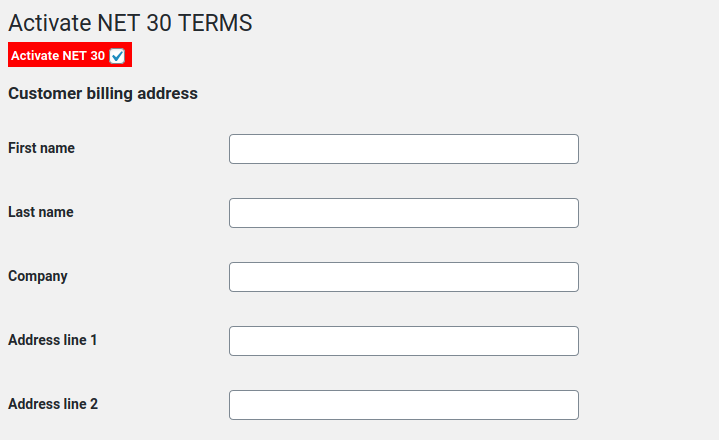
- Edit a user to enable NET-30 checkout.