

wabbiyo – WhatsApp Team Inbox & Chat Widget

Your WhatsApp inbox inside WordPress, with the chat widget on your website.
WhatsApp Plugin for WordPress – Team Inbox & Chat Widget
wabbiyo is a WhatsApp plugin for WordPress that brings your WhatsApp customer conversations into your dashboard. Connect your own number through the WhatsApp Cloud API, answer customers from wp-admin, add a chat button to your website and keep a contact list.
Everything in this plugin works fully, for as long as you use it, with no payment, no time limit and no cap on WhatsApp numbers. Nothing asks you to register and there is no licence key: the plugin opens straight into the app.
Need WhatsApp automation, broadcasts or WooCommerce notifications? See wabbiyo Pro.
💬 WhatsApp Team Inbox
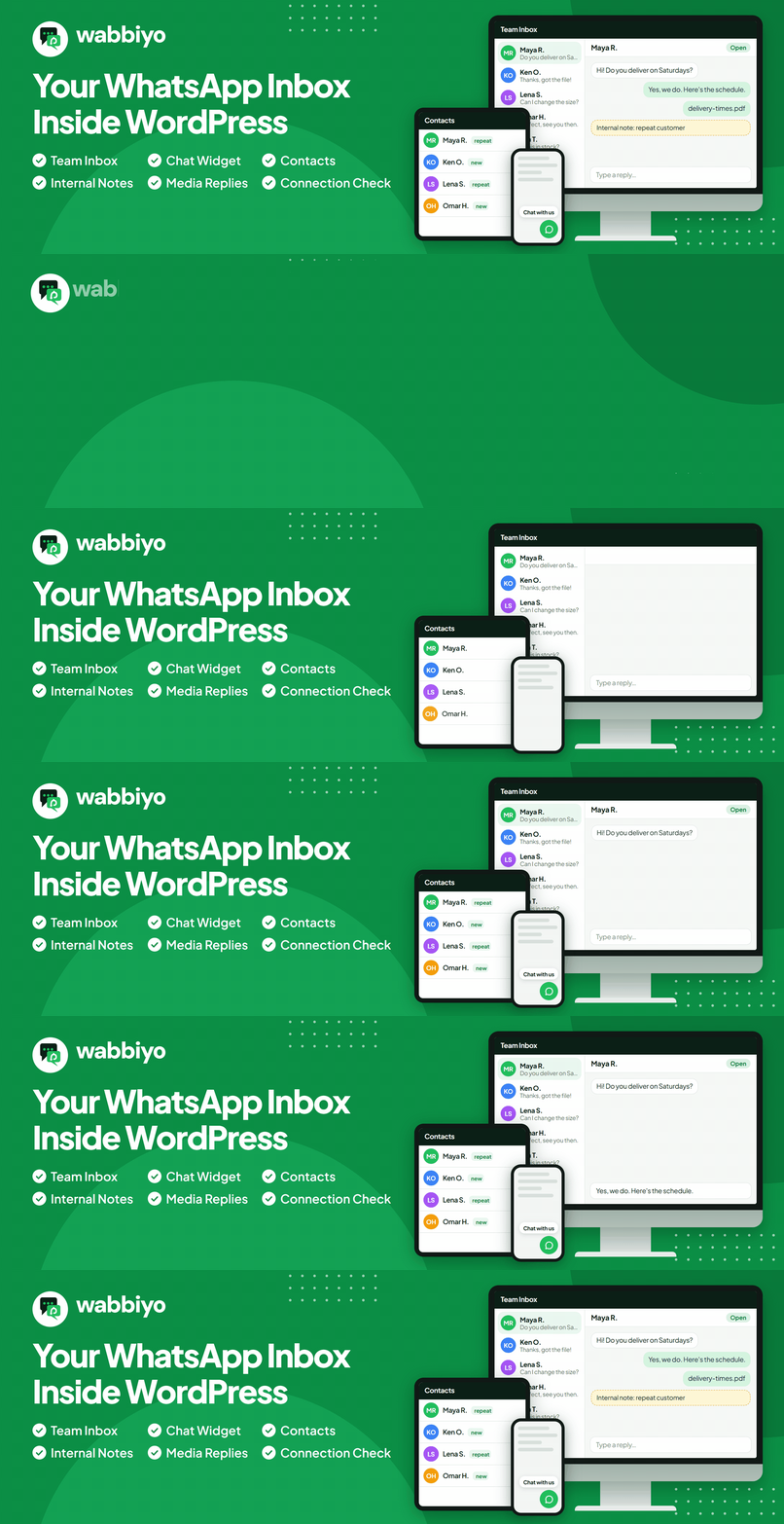
WhatsApp conversations land in a two-pane Team Inbox for the site’s administrators. Reply with text, images, video, audio and documents, add internal notes, set a status (open, pending, snoozed or resolved) and see unread counts.
🟢 WhatsApp Chat Widget for WordPress
Add a WhatsApp chat button to your website. Choose from six button styles with a live preview. Visitors’ chats arrive in the Team Inbox, and the widget works even before WhatsApp is connected.
🔌 WhatsApp Cloud API Integration
Connect your own WhatsApp number through the WhatsApp Cloud API. The Setup Guide walks you through your Meta app details, the webhook URL and verify token, and subscribing to the “messages” field. Twice a day the plugin asks Meta whether your access token still works, and emails the site’s admin address if it has stopped.
✨ More features
- Contacts: Everyone who messages you, with their conversation history, tags and opt-out status, and a per-contact data export.
- Overview: Today’s conversations at a glance.
- Setup Guide: A step-by-step guide to connecting your number.
- Settings it needs: Your WhatsApp Cloud API connection (the access token is stored encrypted), the webhook URL and verify token to paste into Meta, and email, regional and data-retention settings.
⚙️ How WordPress WhatsApp integration works
- Connect your own WhatsApp number through the WhatsApp Cloud API. The Setup Guide takes you through each step.
- Customers keep messaging you on WhatsApp as usual, and their messages appear in your Team Inbox.
- Answer them from wp-admin.
- Add the chat widget to your website so visitors can start a chat too.
👥 Who is this WhatsApp Business plugin for?
Businesses that talk to customers on WhatsApp and want those conversations inside WordPress, next to the rest of their website, instead of on a phone or in a separate app.
⏱️ Replies within 24 hours
WhatsApp allows replies for 24 hours after a customer’s last message. After that, the customer has to write again before you can reply. This plugin does not send message templates.
🔒 Your data stays on your site
- Contacts and conversations are kept in your own WordPress site.
- Media files are stored encrypted, and the access token is encrypted at rest.
- WhatsApp messages travel through Meta, as described under External services.
- You choose how long inactive contacts are kept.
- You can export or erase a person’s data with WordPress’s privacy tools.
🚀 wabbiyo Pro
wabbiyo Pro is a separate plugin. The “Upgrade to Pro” page lists what it adds and links to wabbiyo.com. It adds, among other things:
- Flow Builder for WhatsApp automation
- Message templates
- Broadcasts
- WooCommerce notifications
- Cart recovery
- AI chatbot
🔗 Helpful links
🧩 Source code
The JavaScript and CSS source is included; see the FAQ “Where is the source code of the JavaScript and CSS?” for how to build it.
WhatsApp is a trademark of WhatsApp LLC. wabbiyo is not affiliated with or endorsed by WhatsApp or Meta.
External services
These are the outside services this plugin contacts, what it sends, and when.
The chat widget talks to your own site, apart from Gravatar pictures (item 4)
and WhatsApp links (item 5). Links to wabbiyo.com, such as those on the Upgrade
to Pro page, open in your browser; the plugin itself sends nothing there.
1. WhatsApp Cloud API (Meta) – graph.facebook.com. This is the plugin’s
core function and cannot be turned off. Sent: your access token and WhatsApp
account IDs; the recipient’s phone number and the content of every message and
media file you send; and your Meta App ID and secret. When: on connecting or
testing the connection, twice a day to check the token still works, each time
you send a message or open received media, and when you run the webhook check.
Meta delivers incoming messages to your site, and received media is downloaded
from the address Meta gives for it, on Meta’s media hosts
(lookaside.fbsbx.com, fbcdn.net, whatsapp.net). When you send media by
link (a web address instead of an upload), your site downloads images from
that public address and uploads them to Meta; for other files Meta fetches
the address itself.
Terms –
Privacy
2. Facebook JavaScript SDK (Meta) – connect.facebook.net. Loaded in your
browser only when you start “Sign up with Meta” in Settings > WhatsApp, after
saving your own Meta App ID and Config ID; never otherwise. Your App ID and
Config ID are passed to Meta, which may set cookies.
Terms –
Privacy
3. Your SMTP relay (optional) – off until you switch it on under
Settings > Email, and never used while another mail plugin sends your email.
Then all email this site sends goes through the relay host you enter, with
the username and password you give it, under your email provider’s terms.
4. Gravatar (Automattic) – gravatar.com. When an agent has no profile
photo uploaded in wabbiyo, the Inbox and the chat widget show their Gravatar.
The picture loads in the viewer’s browser, chat widget visitors included,
which sends Gravatar their IP address and a hash of the agent’s email. Not shown when Settings > Discussion > Show Avatars is
off, nor in the widget before a visitor gives any consent you require.
Terms –
Privacy
5. WhatsApp click-to-chat – wa.me. Only when a visitor clicks the chat
widget’s WhatsApp button: their browser opens wa.me with your number and any
message they typed.
Terms –
Privacy
Privacy
- No AI or CRM data sharing – this plugin sends no contact or message data
to an AI provider or to any lead-integration service. - Configurable data retention –
compliance.retention_months(24 by
default) purges contacts and their data after that much inactivity. Set it
to0to keep data indefinitely. - Export and erase – the plugin registers with WordPress’s Tools > Export
Personal Data and Erase Personal Data, matched by email. Erasing a contact
also erases its internal notes and saved media files. - Encrypted media – media files are stored encrypted. Back up the key:
wp wabbiyo media_key show. - Chat widget – keeps a visitor’s chat and a random visitor ID in their
browser. Button views and clicks are logged on your site with that visitor
ID (only after any consent you require), the agent clicked, the page address, referrer, UTM tags, device type,
language and country (from Cloudflare’s header, if present), and deleted
after 90 days. - Privacy policy text – suggested text for your policy is in WordPress’s
privacy policy guide (Settings > Privacy).