

Volance Detection
Overview: totals, trends and top forms.
Volance Detection connects your site to the Volance service. A small script records how a visitor interacts with the page. When they submit a protected form, your server passes that to Volance, which returns a human-likeness score and a recommended action (allow, flag or block). The plugin can then simply log the result, hold the submission for review, or refuse it. You choose per form.
What you can do
- Protect forms. WordPress login, registration, lost password and comments; WooCommerce login, registration and checkout; Contact Form 7; WPForms; Gravity Forms.
- Choose a mode per form. Observe (score and log only), Flag (hold comments for moderation; on other forms it logs the flag and fires a hook you can use, and never locks anyone out) or Block (refuse the submission with a clear message).
- Protect any page or REST endpoint. List paths such as
/wp-json/wp/v2/commentsor/pricing/*, each with its own mode. Administrators are exempt. - See what is happening. An Overview dashboard with totals, trends and top forms, an Activity log with the evidence behind each score, and a CSV export.
- Control enforcement. Turn your Volance workspace’s enforcement on or off and see its allow and block thresholds without leaving WordPress.
- Recognise signed agents. Requests from AI agents that identify themselves with Web Bot Auth signature headers are forwarded to Volance so they can be classified as declared agents.
- Watch your usage. See your plan and how many scores you have used this month.
- Fails open. If Volance is slow, down or over quota, your forms work exactly as before.
A score is an estimate. It is not proof that someone is human or a bot.
Your secret key stays on your server. It is never printed on a page or sent to a browser.
You need a Volance account. Create one at https://app.volance.com.
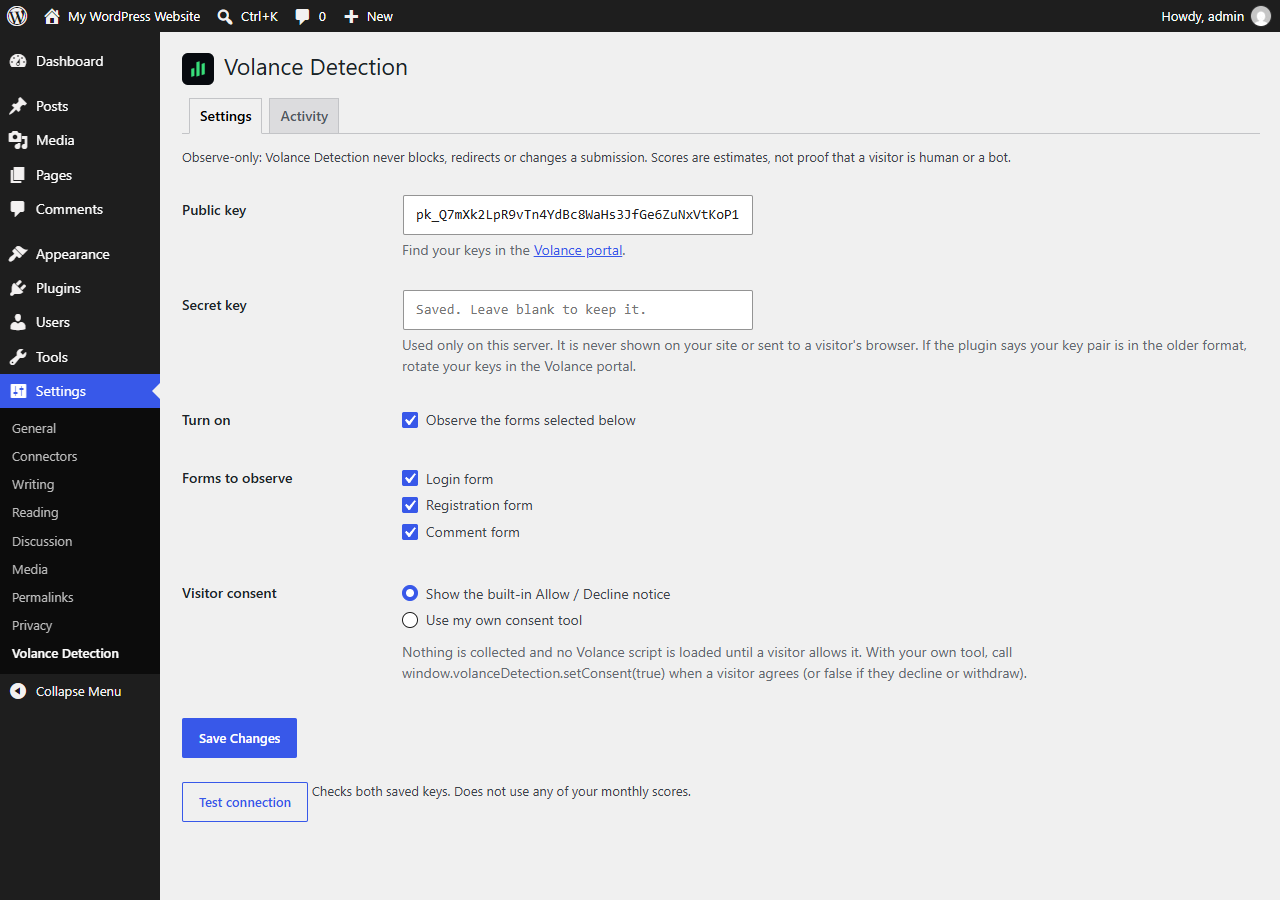
Consent. You decide how visitors are informed. Use the built-in Allow / Decline notice, wire up your own consent tool, or choose “Always on” if your own privacy notice covers the script. When the built-in notice is used, nothing is collected and the Volance script is not even downloaded until the visitor clicks Allow, and a browser that sends Global Privacy Control is treated as declined.
External services
This plugin connects to the Volance service, operated by Oops Games LLC, to estimate whether a form submission came from a human, an agent or a bot.
1. Volance script (visitor’s browser). On pages with a protected form or path, and once consent is given (or immediately if you chose “Always on”), the visitor’s browser downloads and runs https://app.volance.com/trace.js. It makes no network requests of its own. Downloading it reveals the visitor’s IP address and browser details to Volance’s servers, as any web request does.
2. Volance scoring API (your server). When a protected form or path receives a submission, your server sends Volance a request to https://app.volance.com/api/trace/session and then https://app.volance.com/api/trace/score, authenticated with your workspace keys. The request contains:
- interaction timing, pointer movement, wheel and scroll timing, key press timing (never which keys) and coarse browser and device descriptors recorded by the script;
- the visitor’s IP address, which Volance stores only as a one-way hash;
- only if your workspace has the fingerprint tier on: a blank-canvas test result, the installed font count and the graphics renderer name;
- the visitor’s request headers: User-Agent, Accept-Language, Sec-CH-UA, Sec-Fetch-Site / Sec-Fetch-Mode, the order of the header names, proxy-related headers, whether a cookie was present (yes or no, never its value) and, for signed agents, the Web Bot Auth signature headers;
- for a protected path, the page path (without query string).
It never contains typed characters, form values, clipboard contents, page text or cookie values.
3. Volance account calls (administrators). The Test connection button, the plan and usage tab, and the workspace policy panel call https://app.volance.com/api/trace/config (read and, when you save the enforcement setting, update), /session and /usage from your server with your keys. A scheduled task also checks your workspace settings twice a day. Token verification (https://app.volance.com/api/trace/verify-token) is available to developers through the plugin’s code only.
Volance Terms: https://volance.com/terms
Volance Privacy Policy: https://volance.com/privacy