

Vixie Photo Magnet and Keepsakes for WooCommerce
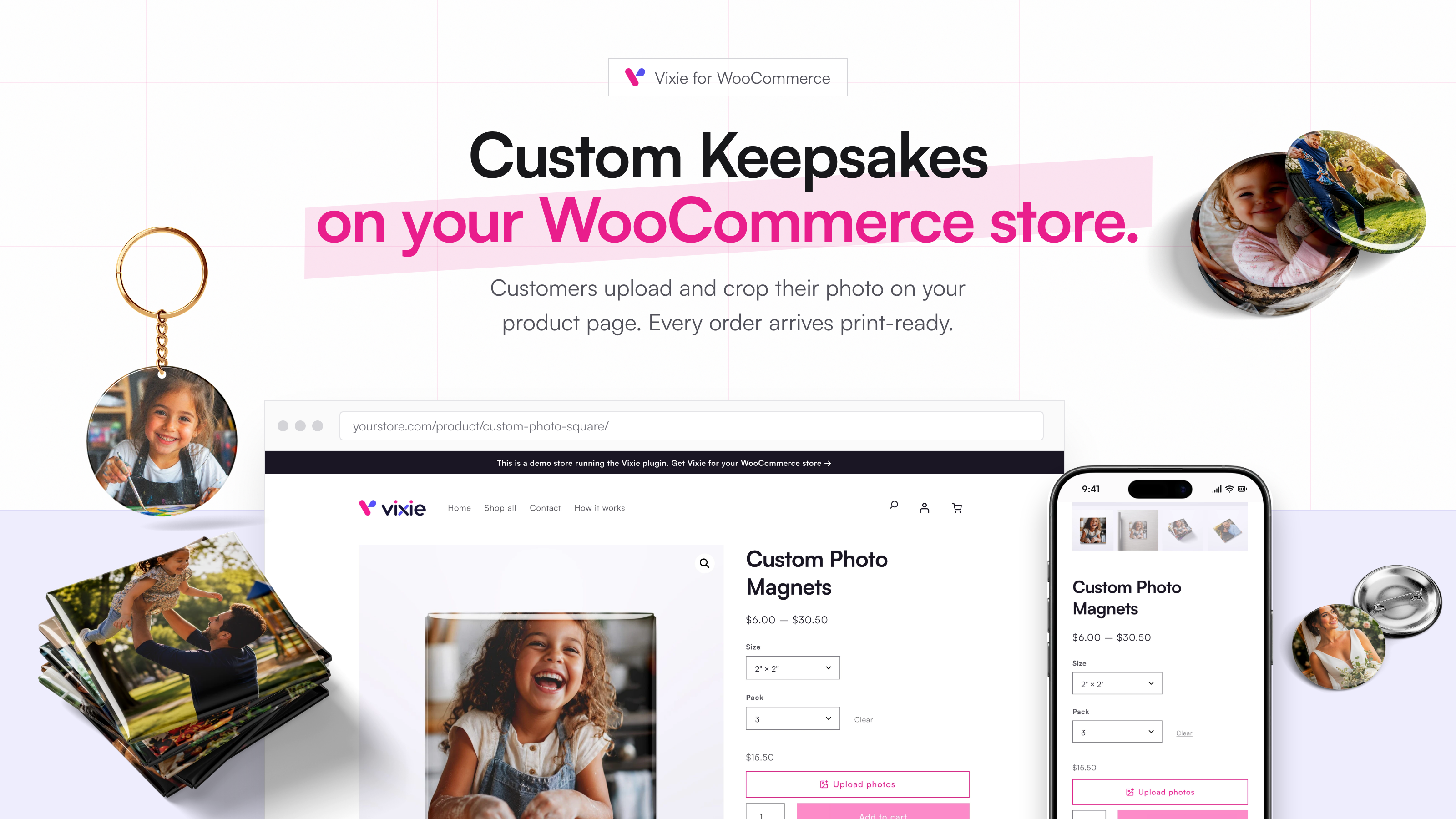
Shoppers upload and crop their photo on your product page.
Sell custom photo magnets, buttons, keychains and other keepsakes on your WooCommerce store. Shoppers design their item right on your product page, and every order lands in Vixie with a print-ready file.
Try it on our demo store: upload a photo and design an item the way your shoppers will. Learn more at vixie.app.
Vixie is a print shop app for small businesses that make personalized photo products, online and at markets and events. This plugin connects your WooCommerce store to your Vixie account.
What shoppers can do
- Upload and crop on any device. Shoppers add photos from their phone or computer and crop them to your size. The frame shows exactly what wraps around the edge.
- Pick a filter. Black and white, vivid and more, previewed live.
- Add names and dates. Shoppers type straight onto the photo, then pick a font, colour, outline or shadow. It prints exactly where they put it.
- Remove the background of a photo in one tap.
- See their design in the cart. Each personalized cart line shows the shopper’s design.
What you get
- Print-ready orders. Once WooCommerce confirms an order, it drops into your Vixie Print Queue with a print-ready file for every item. Pick your paper and print.
- Sheets sized for your press. Cut lines and edge text are already in place. Pick your press, or enter your own measurements.
- Packs, sizes and puzzle grids. Options follow the shopper’s choice of variation, and a puzzle splits one photo into a grid of pieces that all land in your Print Queue.
- Frames you set up on a product appear in the editor.
- Orders stay in sync. Orders cancelled or refunded in WooCommerce are updated in Vixie.
WooCommerce stays in charge
Your product pages, cart, checkout, payments and shipping are unchanged. Vixie handles the personalization and the print files. It works with classic and block themes, the Cart and Checkout blocks, and High-Performance Order Storage.
Perfect for
- Photo magnet and button makers
- Event and market vendors who also sell online
- Print shops adding personalized keepsakes to their store
You need a Vixie account to use this plugin, and new accounts start with a free trial. See plans and pricing.
External services
This plugin connects your store to Vixie, a hosted service, and does nothing without it.
- Vixie (
dash.vixie.app, fonts fromassets.vixie.app). The editor script loads on the product pages of products you link in Vixie, and on every store page while a cart holds a personalized item, so the cart can show the design. It sends Vixie the shopper’s design choices. When you connect, you give Vixie a read and write REST API key through WooCommerce’s own approval screen. Vixie uses it to read your products and orders, mark the products you link, and create order webhooks, which send each order’s customer name, email, phone and addresses. Vixie also checks for missed orders every few minutes. Deactivating or uninstalling sends Vixie a signed notice with your store’s address. Terms, privacy policy. - Cloudflare R2 (
*.r2.cloudflarestorage.com). Shoppers’ photos upload straight from their browser to Vixie’s file storage. Terms, privacy policy. - IMG.LY (
staticimgly.com). When a shopper removes a photo’s background, their browser downloads the model from IMG.LY. The photo is processed in the browser and never sent to IMG.LY. Terms, privacy policy.