

VRTs – Visual Regression Tests

Review changes using the difference view and comparison slider.
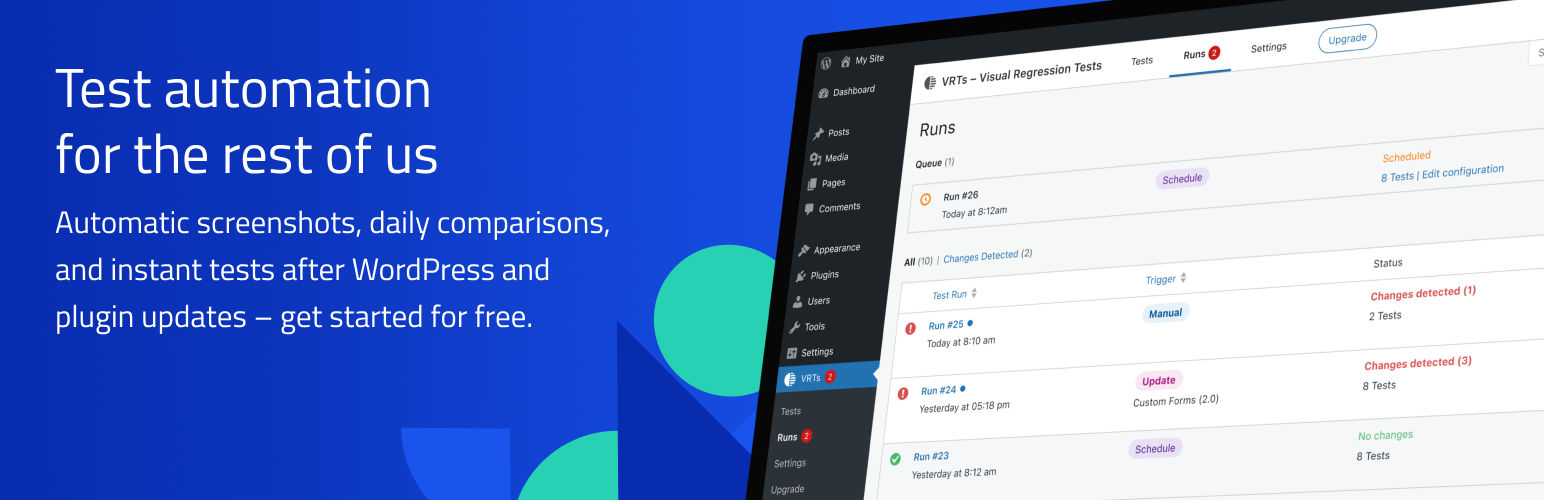
Find issues before others do – every time. With automatic screenshots, daily comparisons, and instant tests after WordPress and plugin updates. Select the pages of your choice for continuous monitoring. The plugin immediately notifies you of any visual changes it detects.
Please note: The website must be publicly accessible in order to set up and run the tests. Password protection or any kind of firewall might prevent the plugin from working correctly.
Your strategy to spot unwanted changes
How do you check your website after updates and code changes? Do you manually go through pages, or do you just cross your fingers, hoping everything will be okay? Visual regression testing provides a better way to spot issues and detect visual changes. The VRTs plugin automates testing for you with a click of a button.
- Activate tests for any page or post: Upon activation, a reference screenshot is taken. This will be renewed when a post is saved or updated.
- VRTs monitors your pages: Every day, VRTs captures and compares screenshots of your selected pages. Upgrade to Pro to automate tests for WordPress updates, integrate deployment pipelines via API, and run manual tests on demand.
- Receive instant alerts: If a change is detected between the snapshot and the comparison screenshot, the plugin will notify you via email.
- Review changes: The difference view makes it easy to spot changes, while the comparison slider lets you inspect the details.
- Hide elements: Prevent false positives by excluding dynamic elements, ads, and animations from snapshots.
Use cases
In which cases can visual regression testing help you spot issues?
- Plugin and core software updates
- Manual code changes
- External software and API issues
- Server issues
- Malware and other malicious code
- Missing quality assurance
Features
- No Setup: After plugin activation, the frontpage is immediately monitored and alerts are sent to the WordPress admin email.
- Daily Tests: The plugin monitors selected posts and pages and compares screenshots daily.
- Hide Elements: Hide dynamic or irrelevant elements to prevent false positives in your tests.
- Click Element: Define an element that should be clicked before taking a screenshot. This is useful for closing cookie banners or modals.
- Email Notifications: As soon as a change is detected between the snapshot and the comparison screenshot, you will be notified via email.
- Fullscreen Review: Inspect changes up close using the difference view and comparison slider in fullscreen mode.
- Read / Unread: Keep track of test results that require further attention by marking alerts as unread.
- Flag False Positives: Identify acceptable changes or non-issues to minimize unnecessary notifications.
- Update Automation (Pro): Automatically trigger tests on WordPress core, plugin, theme, or language updates and catch any issues right away.
- Manual Testing (Pro): Run tests manually on demand, either for all configured pages or for specific pages, to verify any changes or global edits immediately.
- API Integration (Pro): Trigger tests via PHP scripts or WP CLI for integration with other tools, deployment pipelines, or custom automations.
- Customizable Notifications (Pro): Specify email addresses for each trigger, to set up notifications for various teams or stakeholders.
Free forever
- Test up to 3 pages
- On one domain
- Automatic daily tests
Go Pro
Do you like VRTs and want to run more tests?
Unlock more features with our paid plans:
- Test up to 500 pages in total
- On multiple domains
- Scheduled daily tests
- Multiple alert recipient groups by alert type
- Manual tests (unlimited)
- API access (unlimited) Read the docs.
- Automatic tests after WordPress updates, plugin updates and plugin installations
Bug reports
You found a bug? Please report it by creating an issue on the support forum.
Read more
Want to learn more about VRTs?
Visit our website: vrts.app