
Visibility Controls for Editor Blocks
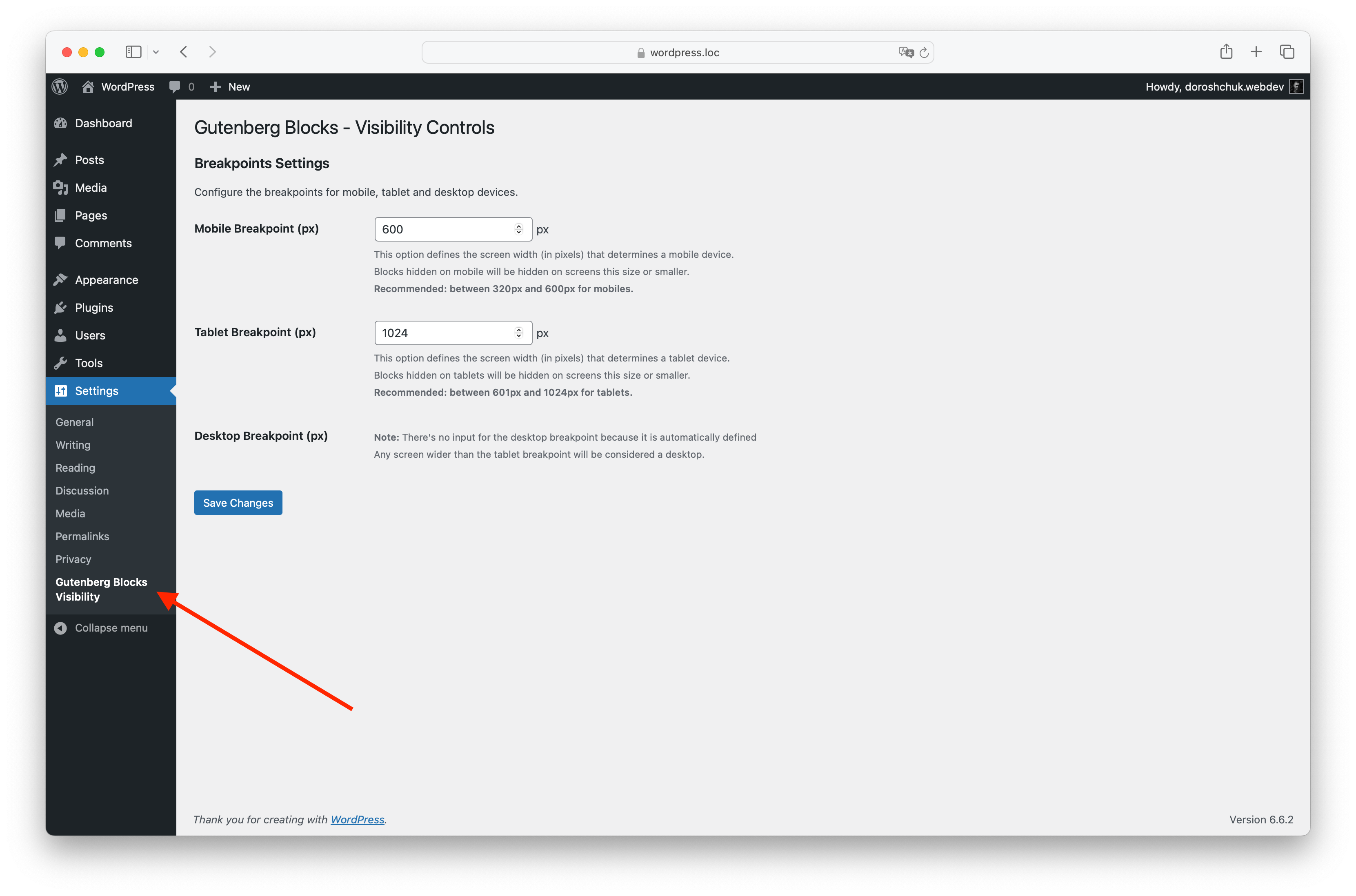
Settings page for configuring breakpoints under <strong>Settings > Gutenberg Blocks Visibility</strong>.
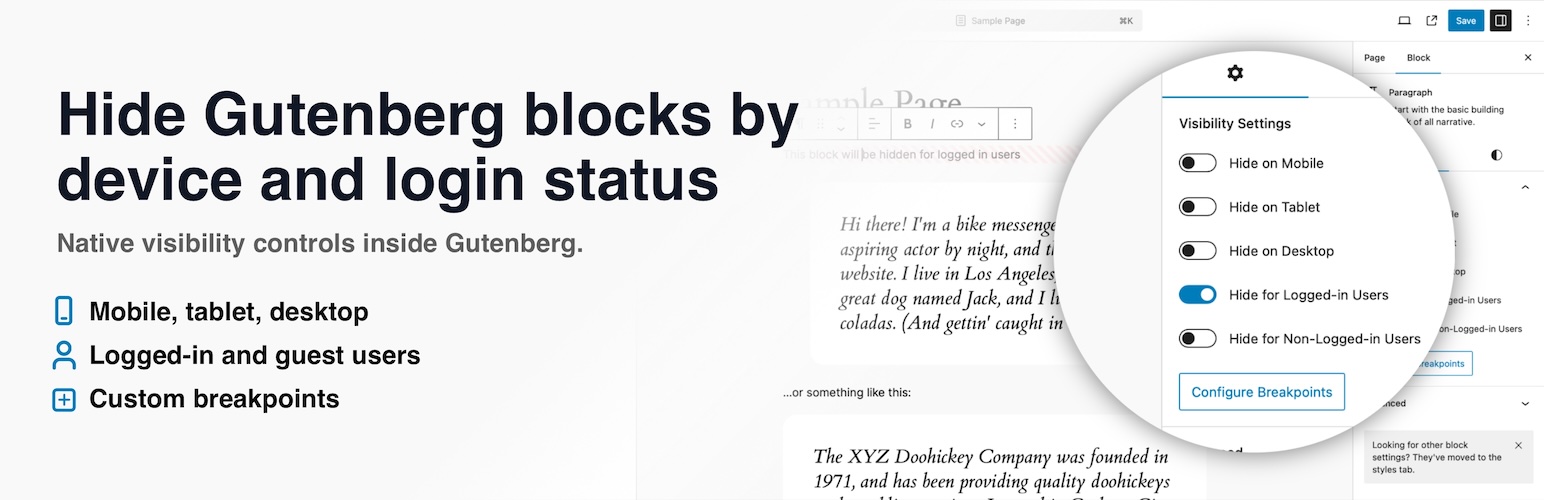
Visibility Controls for Editor Blocks adds native visibility settings to the WordPress block editor, so you can hide or show Gutenberg blocks based on screen size and user login status without writing custom CSS.
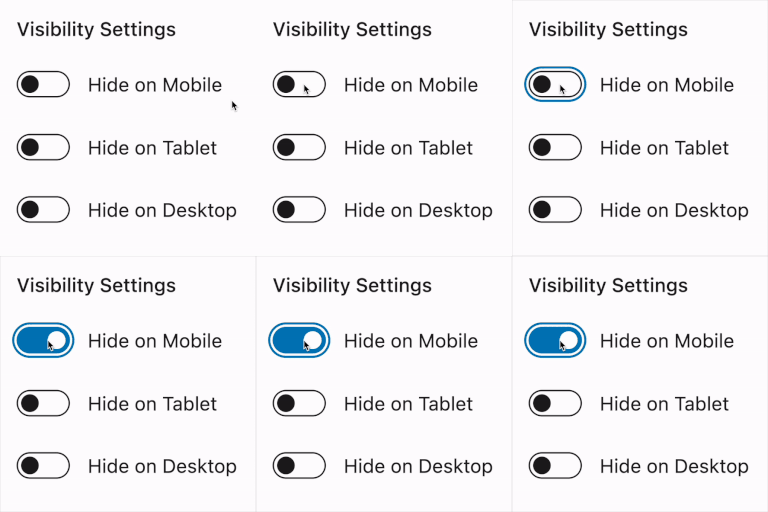
Use it to hide blocks on mobile, tablet, or desktop, show different content to logged-in users and guests, and fine-tune responsive layouts with your own breakpoints. The controls appear directly in the block editor sidebar, so you can manage visibility while editing your content.
On WordPress 7.0 and newer, the device controls stay in sync with the editor’s built-in Hide block modal, so changing Hide on Mobile, Tablet, or Desktop in either place updates the same block visibility setting.
The plugin works with regular Gutenberg blocks and modern dynamic blocks, including block theme and site editor contexts.
Need more advanced conditional visibility? Visibility Controls for Editor Blocks Pro adds user role visibility, date and time scheduling, URL/query parameter rules, and an optional cache-friendly frontend mode for scheduled and URL-based rules.
Key Features:
- Device visibility controls: Hide blocks on mobile, tablet, or desktop.
- Login status visibility: Show or hide blocks for logged-in users or non-logged-in visitors.
- Custom breakpoints: Define what counts as mobile and tablet for your own theme.
- WordPress Hide block sync: Keep device visibility controls aligned with the built-in Hide block modal in WordPress 7.0 and newer.
- No custom CSS needed: Manage block visibility directly from the editor sidebar.
- Gutenberg integration: Visibility options appear where you already edit block settings.
- Dynamic block support: Works with server-rendered blocks, block themes, and modern WordPress layouts.
Pro Features:
- User role visibility: Show or hide blocks for selected WordPress user roles.
- Date and time scheduling: Display blocks only during a selected time window.
- URL and query rules: Show blocks only when a URL parameter is present or matches a specific value.
- Cache-friendly frontend mode: Optionally evaluate scheduled and URL rules in the visitor browser for cached pages.
- Role list control: Choose which WordPress roles appear in the block editor controls.
Ideal For:
- Content creators who want to hide large or secondary blocks on smaller screens.
- Site owners who want to show different calls to action to guests and logged-in users.
- Designers who need responsive Gutenberg layouts without writing one-off CSS.
- Developers and agencies who want simple block visibility controls for client sites.
With Visibility Controls for Editor Blocks, you can keep one clean editor workflow while tailoring the frontend experience for different devices and visitors.
Video tips for using the Visibility Controls for Editor Blocks plugin:
License
This plugin is licensed under the GPLv2 or later. You can find more information at https://www.gnu.org/licenses/gpl-3.0.html.