
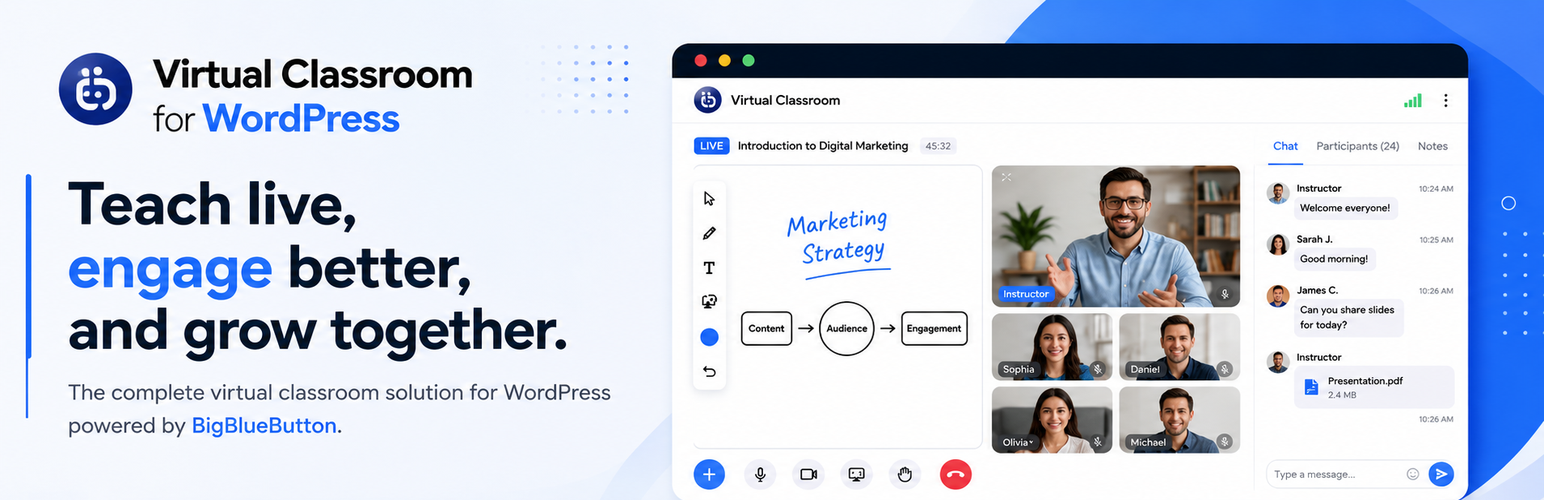

Virtual Classroom – Video Conferencing & Online Meeting with BigBlueButton

WordPress virtual classroom plugin features: audio, video, screen sharing, whiteboard, breakout rooms, and mobile-friendly HTML5 interface.
Dedicated Support
For quick support and assistance, please contact us
Virtual Classroom for WordPress – Free Live Class Plugin
Looking for the best e-learning plugin for WordPress to run live lessons from your own site? Virtual Classroom for WordPress is a WordPress virtual classroom plugin that delivers free virtual classroom software WordPress educators can use as a complete WordPress online teaching platform.
This live class plugin for WordPress uses BigBlueButton for virtual classroom integration WordPress sites need. Create rooms from your dashboard, embed join forms with a shortcode, and let students attend live classes without leaving your website. It works as a WordPress LMS virtual classroom add-on with LearnDash and as a standalone free distance learning plugin WordPress schools and trainers can deploy quickly.
Built for UK educators, training providers, and institutions, this plugin is one of the leading remote teaching tools WordPress offers for live video classes, screen sharing, whiteboards, breakout rooms, and session recordings.
Who Is It For?
- Schools & Colleges – Add live classes as a free distance learning plugin WordPress option.
- Teachers & Coaches – Run 1:1 or group sessions with a live class plugin for WordPress.
- LearnDash & LMS Sites – WordPress LMS virtual classroom integration for course pages.
- Training Providers – Deliver sessions through a WordPress online teaching platform you control.
How It Works
- Install the plugin and connect your BigBlueButton server (hosting guide linked below).
- Create BBB rooms from the WordPress dashboard under BBB Rooms.
- Add the
[bigbluebutton]shortcode to any page or post. - Students click Join to enter the live virtual classroom. Recordings can display after the session ends.
About BigBlueButton
BBB stands as an open-source video conferencing solution crafted with the motto “Built For Teachers”. It includes collaboration tools for virtual classroom engagement. Explore all BBB features
Key Features
Live Virtual Classroom
- Virtual Classroom Integration WordPress – Manage BBB rooms, join forms, and recordings from your WP dashboard.
- Live Class Plugin for WordPress – Students join live video sessions via a shortcode on any page.
- Session Recordings – Display past class recordings so students can review keynotes later.
- Multiple Rooms – Add multiple room tokens in one shortcode so users can choose which room to join.
- Mobile-Friendly HTML5 – Runs on desktop, laptop, and mobile (iOS 12.2+ and Android 6.0+).
Teaching & Collaboration Tools (via BigBlueButton)
- Audio, video, screen sharing, public/private chat, whiteboard, multi-user whiteboard, breakout rooms, shared notes, raise hand, emojis, polling, slide uploads, and external video sharing.
WordPress Integration
Virtual Classroom for WordPress enables the user to create BBB rooms right from the WordPress dashboard. Once the room is created it can be added to any WordPress page through a simple shortcode. There is also a possibility to enter multiple rooms in the shortcode to let the user choose the room that they want to join.
The student can simply click Join from the page where the shortcode is added and enter the BBB room where the teacher can initiate a virtual classroom session.
After the session is over the plugin can also display the recording of the session on the same page so that the students can take the keynotes from the session later on.
Free Plugin Limitations
- Add New option for BBB Rooms on backend is limited to only a maximum of 2 Rooms
- Join room on the same page is not available. Only join in a new full screen window is supported
REQUIRED: Separate BigBlueButton Server
BBB software requires a separate hosting server that should be connected to our plugin. Please refer to our hosting guide for setup.
This free plugin uses a BigBlueButton server provided by Blindside Networks for testing purposes only, is available “AS IS” without any warranty. It’s publicly accessible, and sessions and recordings may be open to anyone. Recordings on this testing server are not accessible and will be removed after 7 days, so do not rely on them.
Pro Version Features
There is also a Pro version available with this plugin that offers the below features:
* Moderators frontend Room management area
* Embed BigBlueButton Room on WordPress i.e join room on the same WP page
* Set a Countdown/Schedule for Room
* Fully White-label Virtual Classroom
* Limit the max allowed participants for a room e.g (5, 10, .. etc) both on a per room and per page basis. This can allow you to conduct a 1:1 or group session
* Upload your brand logo that is visible in the BBB room
* Customize the room background-color as per your brand color
* Change welcome message that is displayed in the Public Chat section of the room
* Customize thank you message when the user leaves the meeting
* Pre-upload your presentation (ability to upload both globally and per room basis)
Video Guide
How-Tos
- How to set up hosting and get Endpoint URL/Secret
- How to join a BigBlueButton room from WordPress
- How to limit users for a BigBlueButton room
- How to let instructors manage BBB rooms
For further queries contact us or email [email protected]