

Usama Admin Post Numbering

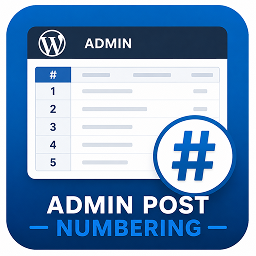
Screenshot 1: Example of numbered posts list in WordPress Admin.
Usama Admin Post Numbering enhances the WordPress admin by adding a clean, compact numbering (#) column to every post type list table (Posts, Pages, Products, etc.).
Each row receives an automatically generated sequence number that respects pagination — helping administrators quickly reference items without changing post data.
It is:
– Lightweight (no settings screen)
– Automatically applies to all public post types
– Pagination-aware (numbers continue correctly on subsequent pages)
– Compact and visually balanced in the admin table
Useful for:
– Quickly referencing or identifying post order in the admin view
– Managing large lists of posts, pages, or WooCommerce products
– Administrative and editorial workflows
Usage
No configuration is required.
After activation, each admin list table (for posts, pages, and other registered post types) will automatically display a numbering column at the far left.