
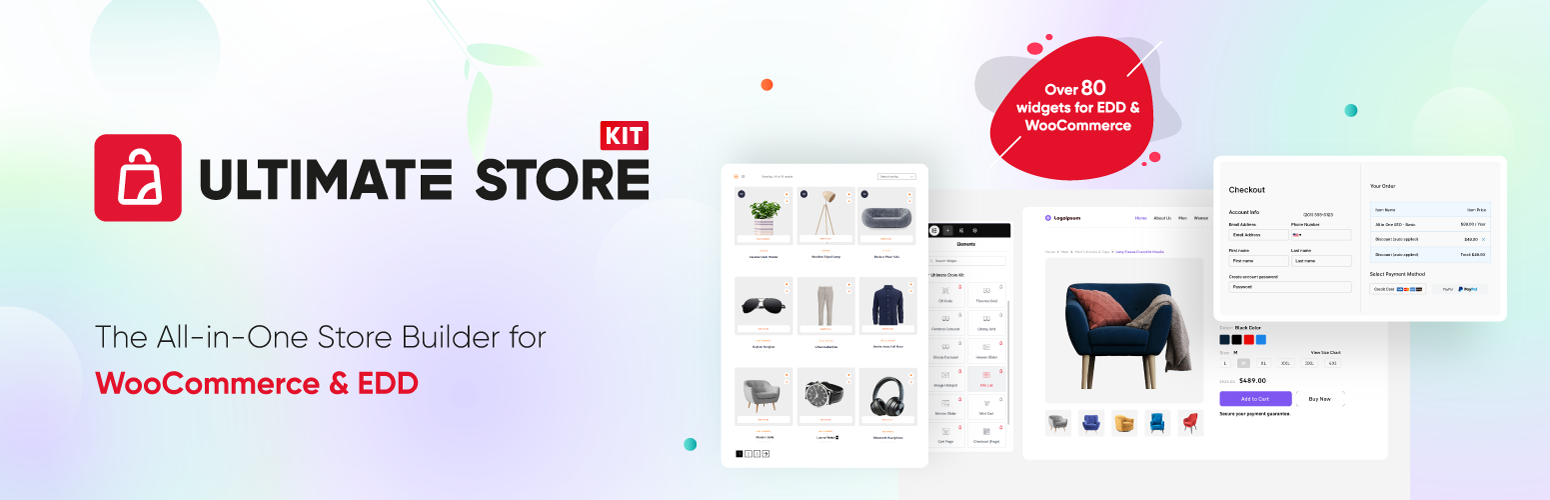

Ultimate Store Kit – Store Builder Addons for Elementor, WooCommerce Store Builder, EDD Store Builder
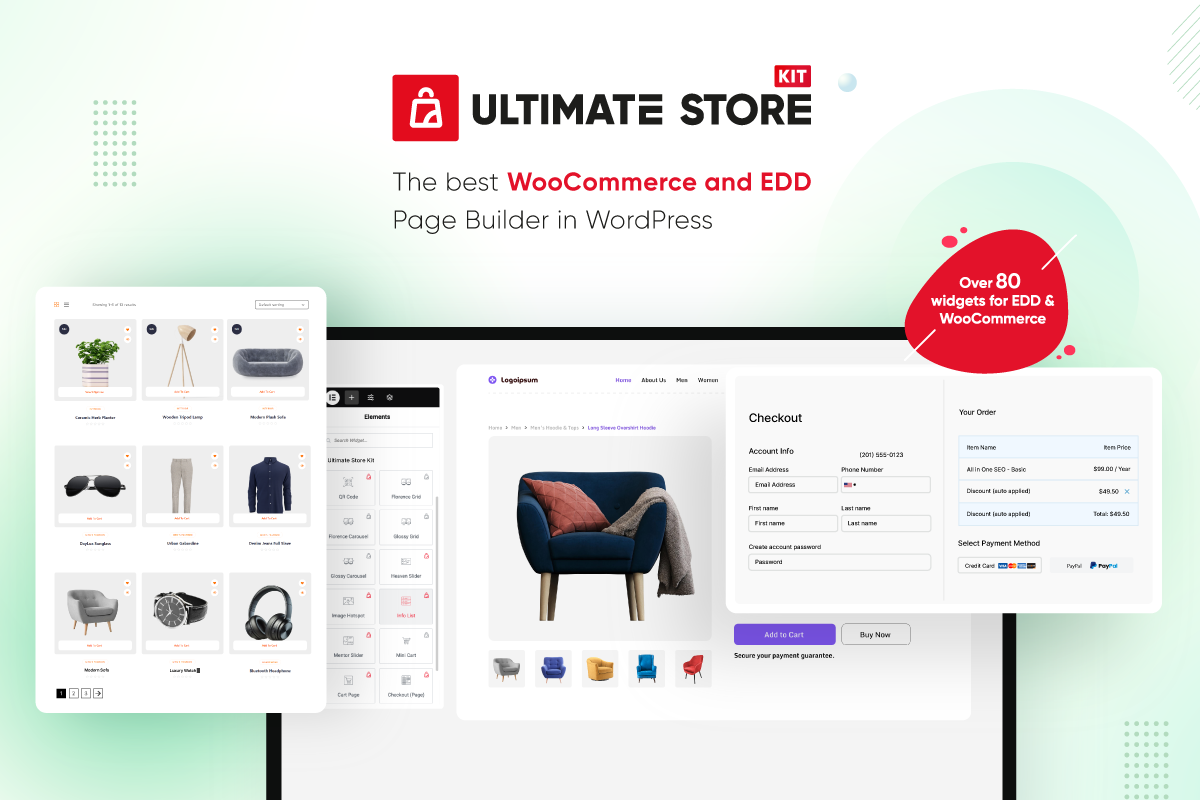
Ultimate Store Kit Intro
Ultimate Store Kit – WooCommerce Store Builder and EDD Store Builder for Elementor
Ultimate Store Kit is a WooCommerce builder and EDD store builder for Elementor. It combines Elementor store addons for WooCommerce and Easy Digital Downloads (EDD), helping you design product displays and key store pages from the Elementor editor.
Use its 80+ Elementor eCommerce widgets and Template Builder to create product grids, carousels, sliders, category displays, review sections, cart pages, checkout pages, order pages and account pages. The free version includes WooCommerce widgets, EDD widgets and other design widgets. The Pro version adds more account, checkout, product, filtering, thank-you, wishlist and EDD review widgets, plus Pro WooCommerce template choices.
The plugin is designed for WordPress sites that already use WooCommerce or Easy Digital Downloads for product data and Elementor for page design. Ultimate Store Kit does not replace your existing eCommerce platform or move products into a separate system. It reads the store data already available in WordPress and gives you Elementor widgets for presenting that content.
Whether you need a single Elementor widget for one product section or a broader collection of WooCommerce addons and EDD addons for several store pages, Ultimate Store Kit helps you create store layouts without writing code.
Ultimate Store Kit at a Glance
- Build WooCommerce and Easy Digital Downloads layouts with Elementor.
- Choose from 80+ free and Pro Elementor widgets listed in this readme.
- Display products in grids, lists, tables, accordions, carousels and sliders.
- Present product categories and subcategories in grids or carousels.
- Design cart, checkout, order, single-product and account page layouts.
- Add product reviews, variation swatches, a mini cart, wishlist tools and comparison tools using the relevant widgets.
- Create supporting store content with brand, featured box, information list, QR code, marquee and breadcrumb widgets.
Key Features
✅ WooCommerce Store Builder & EDD Store Builder – Design stores for physical and digital products with Elementor.
✅ 80+ Elementor Widgets – Use Elementor addons for product grids, carousels, sliders, accordions, review grids, product tables and more.
✅ WooCommerce Widgets & EDD Widgets – Display products, categories, reviews and store content using the widget collections listed below.
✅ Template Builder – Customize shop, product, cart, checkout, order and account page layouts inside WordPress.
✅ Account Page Design – Create custom account page layouts for your store.
✅ Checkout Customization – Design checkout layouts with the available page and checkout widgets.
✅ WooCommerce Store Design – Build product showcases and store page layouts with grids, carousels, sliders, tables, accordions and page widgets.
✅ Built for WordPress & Elementor – Work with WooCommerce and Easy Digital Downloads content from the Elementor editor.
WooCommerce Store Builder for Elementor
Ultimate Store Kit provides a collection of WooCommerce addons for displaying products and designing store pages in Elementor. Instead of relying on one layout, you can choose a WooCommerce widget that matches the type of content you want to show.
For product grids and carousels, the free widget collection includes Florence, Glossy and Shiny layouts. You can also present products with the Product List, Product Table, Product Accordion or Product Image Accordion. Heaven Slider, Mentor Slider and Showcase Slider provide slider-based options for featured products and other product selections.
Category-focused widgets include Product Category, Product Category Carousel, Sub Category and Sub Category Carousel. Product Reviews and Product Review Carousel provide separate layouts for customer review content. The collection also includes Mini Cart, Up Sells and Variation Swatches widgets, while Pro adds Image Hotspot and Product Filters.
The page widgets let you work on important areas of a WooCommerce store from Elementor. The free list includes Page Cart, Page Checkout, Page Order and Page Single. My Account Page is listed in the Pro collection. These widgets are documented individually in the feature lists below, with demo links for checking each layout.
WooCommerce Widgets for Product and Store Pages
If you are searching for a WooCommerce Store Widget, Ultimate Store Kit provides multiple options rather than a single general-purpose widget. You can select a dedicated widget for product presentation, shopping actions, checkout content, customer accounts or post-purchase information.
The Pro collection adds individual product widgets for Add To Cart, Additional Information, Call For Price, Product Description, Short Description, Product Image, Product Meta, Product Price, Product Rating, Product Related, Product Stock, Product Tabs and Product Title. Pro also includes Product Filters and Image Hotspot. These separate Elementor widget options let you assemble a product layout from the components listed in the plugin.
For checkout layouts, the Pro list includes Checkout Additional Info, Checkout Billing Address, Checkout Coupon Form, Checkout Login Form, Checkout Order Review, Checkout Payment, Checkout Shipping Form and Checkout Shipping Methods. Cart and checkout page widgets are also available in the free collection, so review the complete widget lists when deciding which version fits your planned layout.
Account-focused Pro widgets include My Account Page, Account Address, Account Dashboard, Account Details, Account Downloads, Account Login-form, Account Logout, Account Navigation, Account Order-details, Account Orders and Account Registration-form. The Pro list also includes Thankyou Order, Thankyou Order Confirmation, Thankyou Order Customer Address and Thankyou Order Details for completed-order layouts.
Wishlist Button and Wishlist Products provide the listed wishlist tools, while Compare Button and Compare Products provide product-comparison layouts. Together, these WooCommerce widgets cover different stages of the store experience while keeping layout work inside Elementor.
WooCommerce Store Design Options
Use Ultimate Store Kit as a WooCommerce store builder to design product displays and store pages in Elementor. Its WooCommerce addons include product grids, carousels, sliders, categories, reviews, a mini cart, product tables, cart and checkout pages and other WooCommerce widget options listed below.
Choose a grid, list, table or accordion when you want products visible together on one section of a page. Choose a carousel or slider when you want a rotating product display. Category and subcategory widgets can provide another way to organize product browsing, while review widgets can display customer feedback.
For store actions and page layouts, use the relevant cart, checkout, order, account, product, comparison or wishlist widgets. The available styling and layout choices belong to each widget, so the demo and documentation links are the best place to inspect a specific tool before adding it to a page.
EDD Store Builder for Digital Products
Ultimate Store Kit also works as an EDD store builder for sites using Easy Digital Downloads. The EDD addons use the digital product and category data already stored in WordPress, so you do not need to import products into another store system before building the layouts.
The free EDD widget collection includes Beauty, Classic, Standard and Trendy product designs. Each design is available as a grid and a carousel, giving you a static multi-item layout or a rotating presentation. EDD Category Grid and EDD Category Carousel provide separate choices for displaying digital product categories.
The Pro collection adds EDD Product Reviews and EDD Product Review Carousel. Use the standard review layout when you want reviews presented together on the page, or use the carousel option when a rotating review presentation fits the design.
Each EDD widget is available for Elementor-based store design. Review the EDD widget list and linked demos below to compare the Beauty, Classic, Standard, Trendy, category and review layouts.
Elementor Store Addons Beyond Product Listings
Ultimate Store Kit includes general Elementor store addons alongside its WooCommerce and EDD widgets. Brand Grid and Brand Carousel provide two ways to display brand logos. Featured Box and Info List provide layouts for highlighted information, while Marquee can display scrolling announcements, promotions or other store content.
The QR Code widget generates and displays QR codes using the external service disclosed later in this readme. It can point to a product permalink and can include the product add-to-cart query string when the cart URL option is enabled. Because that widget uses an external image service, review the External services section for details about what is requested when the widget appears on a page.
Breadcrumbs is listed in the Pro collection for adding navigation paths. These supporting Elementor addons can be used alongside product, category, cart, checkout and account widgets when a store layout needs more than a product display.
Free and Pro Elementor Addon Coverage
The free collection includes WooCommerce product displays, page widgets, EDD grids and carousels and general design widgets. The Pro collection extends the plugin with individual account, checkout, product, thank-you, wishlist and comparison widgets, as well as EDD review widgets and Breadcrumbs.
The complete free and Pro inventories appear below. Check those lists before selecting a widget because similarly related store areas may have both a full-page widget and separate component widgets. For example, the free collection lists Page Checkout, while the Pro collection lists individual checkout components such as billing address, payment, order review and shipping methods.
Pro Product Filters, Store Widgets and Templates
Ultimate Store Kit Pro expands the WooCommerce builder with Product Filters for product browsing, Image Hotspot for interactive product presentation, Call For Price for WooCommerce product layouts and Short Description for displaying the WooCommerce product short description. My Account Page is also part of the Pro widget collection.
The StoreKit template menu lists Pro ready-made templates for Single Page, Cart, Checkout, Order Received and My Account. Its custom WooCommerce store template collection lists Pro templates for Single Page, Checkout, Order Received and My Account. The Shop Page template is shown separately without a Pro label.
Templates and widgets with similar names are separate items. For example, Page Cart and Page Checkout appear in the free widget catalog, while Cart and Checkout also appear as Pro ready-made template types. Review the live template and pricing pages for the latest plan availability before upgrading.
Pro Productivity Tools and Plan Coverage
The StoreKit Free-versus-Pro comparison lists Live Copy or Paste and Duplicator as the two additional Pro productivity tools. The same comparison lists responsive layouts, smooth transitions and automatic new-product badges for both Free and Pro, so those features are not presented here as Pro-only.
The pricing page states that paid plans include all free features, the complete 80+ widget collection, the Rooten Theme and continuous product updates. White Label Branding is shown for the Developer plan, while the Personal and Business plans are shown without white-label branding. Check the pricing page for the latest license and plan details.
How to Start Building Your Store Layout
- Install and activate Ultimate Store Kit from the Plugins area in WordPress.
- Open the page you want to design with the Elementor editor.
- Add the Ultimate Store Kit Elementor widget that matches the content you want to display.
- Use product, category, review, cart, checkout, order or account widgets according to the page you are building.
- Use the Template Builder when you want to create layouts for WooCommerce store pages.
You can view the demos to compare layouts before choosing a widget. The documentation and video tutorial provide more information about configuring the plugin and using its store-building tools.
Build your WooCommerce or EDD store design with Ultimate Store Kit, keep your existing store data and choose the Elementor store addons that fit each page.
Useful Links 👇
Live Demo | Documentation | Video Tutorial | Need Support?
Template Builder 💎
Use the Template Builder to customize online store pages inside WordPress and apply different layouts to different store areas.
Build, customize and manage single-product, cart, checkout, order and account page layouts with Elementor.
The StoreKit template collection includes a Shop Page template and Pro template choices for Single Page, Cart, Checkout, Order Received and My Account. Pro custom template choices are listed for Single Page, Checkout, Order Received and My Account. View the template collection to compare the available designs.
Free Widgets for Lifetime: 🔥
WooCommerce 🚾
- Florence Carousel – Showcase WooCommerce products in an engaging carousel view.
- Florence Grid – Display products in a stylish grid layout for better visibility.
- Glossy Carousel – Elegant carousel for displaying featured products.
- Glossy Grid – Showcase products in a clean and modern grid design.
- Heaven Slider – Add a sleek slider to display product highlights.
- Mentor Slider – Create advanced sliders for your WooCommerce products.
- Mini Cart – Enhance user experience with a stylish mini cart widget.
- Product Accordion – Display product details in an organized accordion style.
- Product Category – Showcase product categories with customizable layouts.
- Product Image Accordion – Add interactive accordion effects to product images.
- Product List – List WooCommerce products in an elegant and structured format.
- Product Reviews – Highlight customer reviews to build trust.
- Product Review Carousel – Display reviews in a dynamic carousel.
- Product Table – Organize and showcase products in a sortable table layout.
- Shiny Carousel – Add a sleek and shiny carousel to your WooCommerce store.
- Shiny Grid – Present products in an appealing grid format.
- Showcase Slider – Highlight featured products with a customizable slider.
- Sub Category – Display subcategories for better product navigation.
- Sub Category Carousel – Showcase subcategories in an interactive carousel.
- Product Category Carousel – Add a carousel for product categories to enhance browsing.
- Page Cart – Customize the WooCommerce cart page for better user experience.
- Page Checkout – Design an optimized and user-friendly checkout page.
- Page Order – Simplify and enhance the order tracking experience.
- Page Single – Customize single product pages to boost conversions.
- Up Sells – Promote related or complementary products to increase sales.
- Variation Swatches – Enhance WooCommerce product variations with customizable color, image and label swatches.
Easy Digital Downloads 💲
- EDD Beauty Carousel – Display digital products in a visually appealing carousel format.
- EDD Beauty Grid – Showcase digital products in a clean and modern grid layout.
- EDD Category Carousel – Highlight EDD product categories in an interactive carousel.
- EDD Category Grid – Organize and display categories in a stylish grid view.
- EDD Classic Carousel – Add a traditional carousel for EDD products with classic styling.
- EDD Classic Grid – Present digital products in a structured classic grid format.
- EDD Standard Carousel – Showcase EDD products in a simple yet elegant carousel design.
- EDD Standard Grid – Arrange digital products neatly in a standard grid view.
- EDD Trendy Carousel – Add a trendy carousel to make digital products stand out.
- EDD Trendy Grid – Showcase products with a fresh and trendy grid layout.
Others 🌅
- Brand Grid – Display brand logos in an organized and responsive grid layout.
- Brand Carousel – Showcase brand logos in an interactive and rotating carousel.
- Featured Box – Highlight key features or services with customizable featured boxes.
- Info List – Present information in a clean and well-structured list format.
- …