
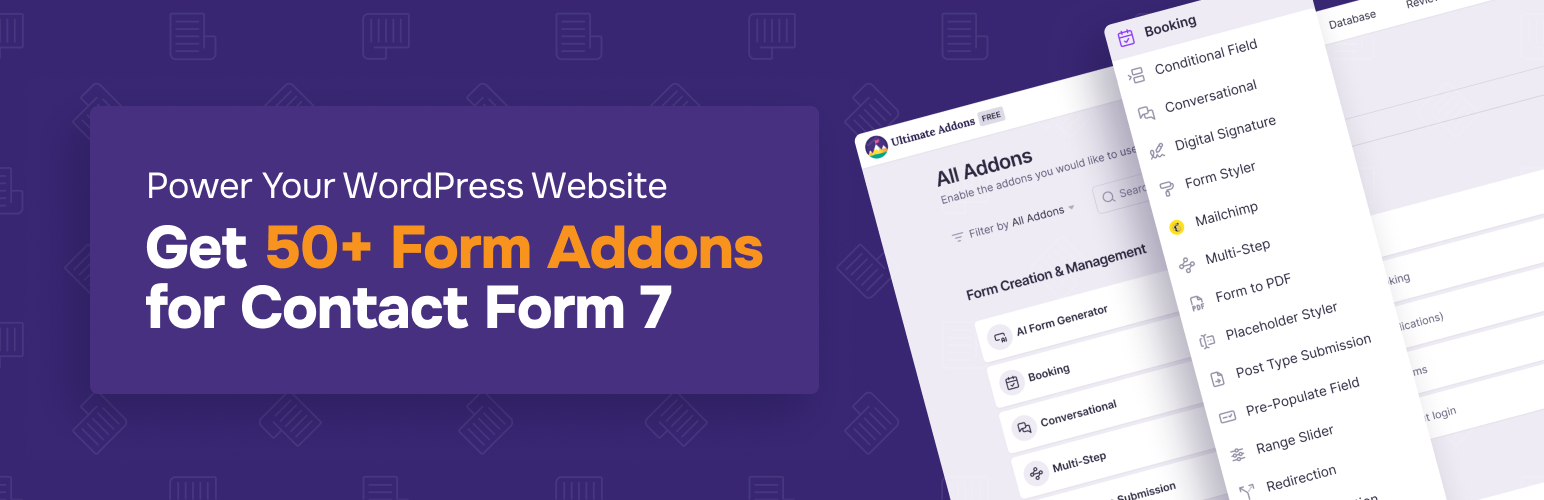

Ultra Addons for Contact Form 7
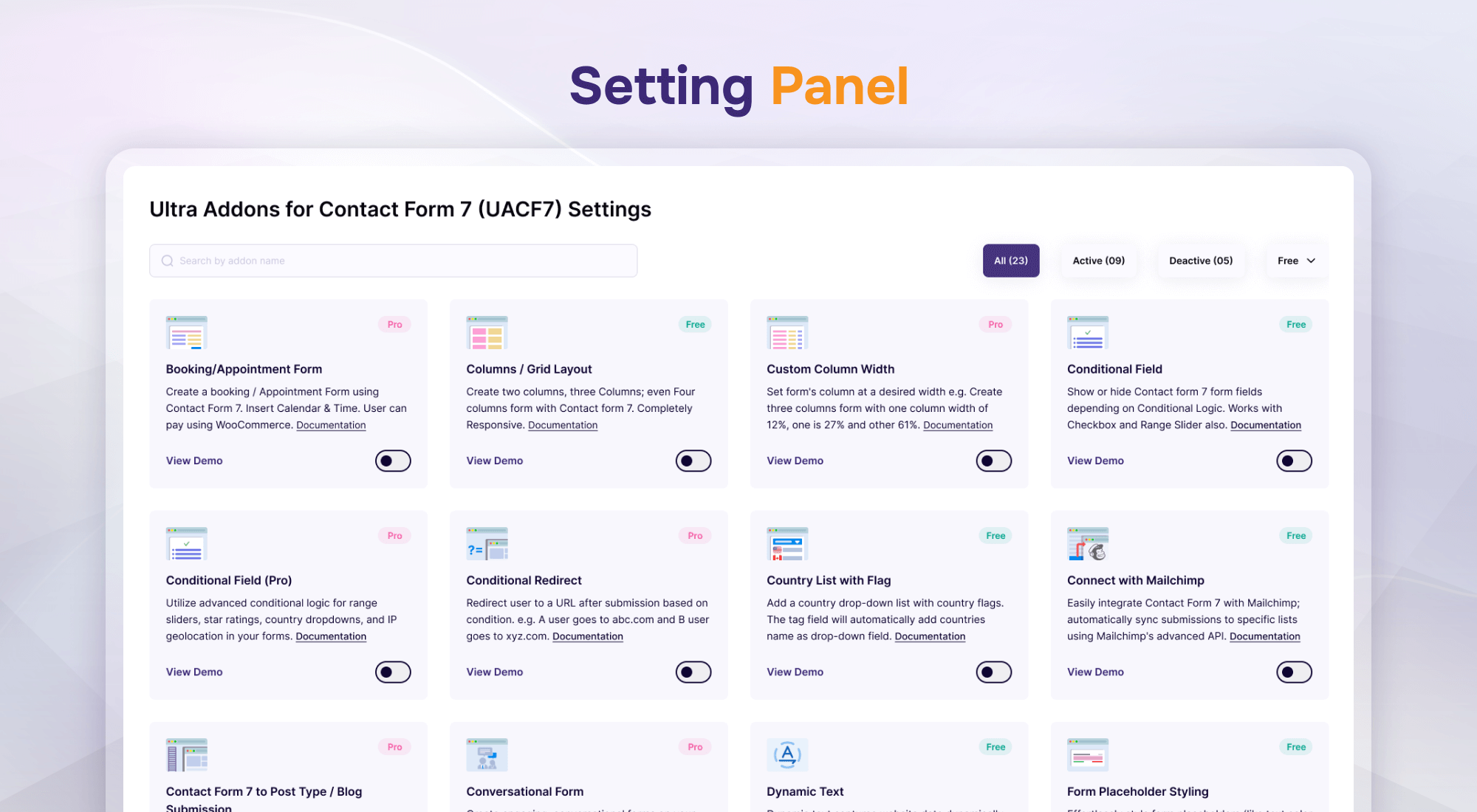
Settings Panel
50+ Essential Addons for Contact Form 7 – Conditional Fields, Multi Step, Redirection, Columns, WooCommerce, Mailchimp & more
THE EASIEST AND BEST CONTACT FORM 7 ADDONS PLUGIN FOR WORDPRESS
👉 Official Demo Link: Click Here
👉 Explore Pro: Play with Backend Options
👉 Buy Pro Version: Click Here
👉 Get Support: Click Here
👉 Video Guide on YouTube
👉 Our Documentation
👉 Join Our Facebook Group
Equipped with over 50 essential features, Ultra Addons For Contact Form 7 is the must-have plugin to complement Contact Form 7. It significantly enhances the functionality of your website’s forms created using Contact Form 7. This All-in-One WordPress Contact Form plugin includes a wide range of options, from basic to advanced, catering to all the needs of your website’s contact forms. Such incredible features are what make this one of the best WordPress contact form plugins.
FREE ADDONS
- AI Form Generator
- Columns / Grid Layout
- Conditional Field
- Country List with Flag & Phone
- Database
- Digital Signature
- Dynamic Text Extension
- Form Styler
- Mailchimp Integration
- Multi-Step Form
- Webhook Integration
- Pre-populate fields
- PDF Generate
- Placeholder Styling
- Redirection (External / Thank You Page)
- Range Slider
- Star Rating Field
- Submission ID
- Spam Protection
- Telegram Integration
- WooCommerce Product Dropdown
PRO ADDONS
- Booking/Appointment Form
- Column (Custom Width)
- Conditional Field Pro
- Conditional Redirect
- Conversational Form
- Form Styler (Global)
- Frontend Post Submission (CF7 to Post Type / Blog)
- IP Geo Fields (Autocomplete Country, City, State, Zip Fields)
- Multi Step Form Pro
- Range Slider Pro
- Repeater Field
- Star Rating Field (Pro)
- WhatsApp integration and Form Tag Support
- WooCommerce Checkout
- WooCommerce Product Dropdown Pro
- Spam Protection (Pro)
- Database Pro (Pro)
- MailChimp Pro
- Form Submission Preview (Pro)
- Save and Continue Later (Pro)
- Weekly Email Summary (Pro)
- Email Piping (Pro)
- PDF Generate (Pro)
- Drag & Drop Multiple File Uploads
- Google reCAPTCHA Integration
- Google Sheets Integration
- Slack Integration
- Twilio Integration
- Prevent Duplicate Entries
- Salesforce Integration
- Webhook Integration Pro
How it works:
How to set up Conditional Fields for Contact Form 7
How to Style Contact Form 7 Forms without CSS/Coding
How to Use Contact Form 7 Fields With Columns / Grid
How to Connect Contact Form 7 with WooCommerce
Find more videos on our YouTube Channel
Free Version:
AI Form Generator | Contact Form 7 Templates
Quickly generate Contact Form 7 templates free using AI. Create custom, ready-to-use WordPress forms from text prompts in seconds.
Contact Form 7 Columns & Grid Layout
Build responsive Contact Form 7 column, 2 column, 3 column, and 4 column layouts without writing custom CSS.
Contact Form 7 Conditional Fields
Create smart forms using Conditional Fields for Contact Form 7 to show or hide fields dynamically based on user selections.
Contact Form 7 Country Dropdown with Flag & Phone
Add a Contact Form 7 phone number with country code featuring country flags and automated country codes.
Contact Form 7 Save to Database
Store and manage entries with the Contact Form 7 save to database addon. View and export form submissions as CSV.
Contact Form 7 Digital Signature
Add a Contact Form 7 digital signature field so users can draw and submit signatures directly on WordPress forms.
Contact Form 7 Dynamic Text & Hidden Fields
Auto-fill text and hidden fields using the Dynamic text Contact Form 7 addon with URL parameters, user info, or post metadata.
Form Styler | Contact Form 7 Style Customizer
Customize form appearance with the Contact Form 7 style customizer. Change fonts, colors, borders, and button styles without CSS.
Contact Form 7 Mailchimp Integration
Connect Mailchimp and Contact Form 7 to automatically subscribe form respondents to your Mailchimp email lists.
Contact Form 7 Multi Step Forms
Split long forms into manageable steps with the Multi step Form Contact Form 7 addon to boost conversions.
Contact Form 7 Webhook Integration
Send form submission data to external APIs, Zapier, Pabbly, and CRMs using Contact Form 7 webhook.
Pre-populate Fields for Contact Form 7
Auto-fill form inputs from URL parameters and pass values between pages with Pre-populate Fields for Contact Form 7.
Contact Form 7 PDF Generator
Generate PDF receipts from form entries automatically with the Contact Form 7 PDF Generator addon and email them to admins or users.
Contact Form 7 Placeholder Styler
Style placeholder text color, font, and size without coding via the Placeholder Styler for Contact Form 7.
Contact Form 7 Range Slider
Let users select numbers and ranges with interactive sliders using the Contact Form 7 Range Slider field.
Contact Form 7 Redirect after Submit
Redirect visitors to thank-you pages or external URLs with the Redirection for Contact Form 7 addon.
Contact Form 7 Star Rating Field
Collect user feedback, reviews, and ratings easily with the Star Rating fields for Contact Form 7 addon.
Contact Form 7 Unique Submission ID
Assign a tracking ID to every form entry with the UniqueID for Contact Form 7 addon for streamlined order/inquiry management.
Contact Form 7 Spam Protection
Block bot spam using arithmetic and image CAPTCHA with Spam Protection for Contact Form 7.
Contact Form 7 to Telegram
Get instant submission notifications sent straight to your channel with the Telegram for Contact Form 7 integration.
Contact Form 7 WooCommerce Product Dropdown
Display WooCommerce products inside form dropdowns with the WooCommerce Product Dropdown Field for quick inquiries.
More free addons are on the way. Stay tuned!
Pro Version
The Pro version includes all the features available in the free version. Plus:
Contact Form 7 Booking & Appointment Form
Add calendar scheduling and time slots with the Contact Form 7 Booking Form addon to manage appointments directly.
Custom Column Width for Contact Form 7
Set custom grid column widths (e.g. 12%/88%, 30%/70%) using Custom Columns & Grid for pixel-perfect layouts.
Contact Form 7 Conditional Fields Pro
Apply advanced conditional logic to sliders, country dropdowns, star ratings, and geolocation with Conditional Field Pro.
Contact Form 7 Conditional Redirect
Redirect users to specific landing pages or thank-you URLs based on their input selections with Conditional Redirect.
WordPress Conversational Form
Convert static forms into interactive, step-by-step chat flows using WordPress Conversational Forms.
Global Form Styler for Contact Form 7
Style and manage the design of all your site’s contact forms globally from one centralized panel with Global Form Styler.
Frontend Post & Custom Post Type Submission
Convert form submissions into blog posts or custom post types (CPTs) with categories, tags, and featured images via Contact Form 7 to Post.
IP Geolocation & Address Autocomplete for Contact Form 7
Automatically detect and autofill Country, City, State, and Zip fields with IP Geolocation for Contact Form 7.
Multi-Step Pro for Contact Form 7
Access premium pre-designed skins, custom navigation button text, and background images with Multi-Step Form Pro.
Range Slider Pro for Contact Form 7
Unlock advanced slider themes and multi-range handles with the Range Slider Pro addon.
Contact Form 7 Repeater Fields
Allow users to dynamically duplicate text fields, file uploads, checkboxes, and textareas with the Repeater Field for Contact Form 7.
Contact Form 7 Star Rating Field Pro
Choose from 5 custom rating styles or integrate any Font Awesome icon with Star Rating Pro.
Contact form 7 Whatsapp Integration + CF7 Tag Support
Send submitted form values directly to WhatsApp chat threads and pass dynamic CF7 tag data with WhatsApp for Contact Form 7.
Contact Form 7 WooCommerce Checkout / Auto Add to Cart
Automatically add selected products to the cart on form submit and redirect directly to checkout with WooCommerce Checkout Integration.
Choose Specific / Multiple / Categorize WooCommerce Product
Display products by ID, category, or allow multiple product selections inside dropdowns with WooCommerce Product Field Pro.
Contact Form 7 Product Grid View with Thumbnails
Display WooCommerce products in visual grid cards with images, pricing, and checkboxes using WooCommerce Product Grid View.
Contact Form 7 Spam Protection Pro
Prevent bot spam by setting submission rate limits and cooldown timers with Spam Protection Pro.
Contact Form 7 Database Pro
Advanced dashboard for filtering, organizing, searching, and managing saved form submissions with Database Pro.
Mailchimp Pro for Contact Form 7
Add GDPR consent acceptance checkboxes and map custom audience fields with Mailchimp Pro.
Contact Form 7 Submission Preview
Let visitors review, verify, and edit their submitted answers before final submission with Form Submission Preview.
Save Progress & Continue Later
Allow visitors to save partial form progress and resume filling later from any device with Save and Continue Later.
Weekly Email Summary Reports
Receive automatic weekly email digest reports summarizing submission counts with Weekly Email Summary.
Email Piping for Contact Form 7
Capture email replies directly into your WordPress dashboard and send email responses using Email Piping.
PDF Download on Submission for Contact Form 7
Enable visitors to download customized PDF receipts immediately upon form submission with PDF Generate Pro.
Drag & Drop Multi-File Upload for Contact Form 7
Allow visitors to drag and drop multiple files simultaneously with the modern Multi-File Upload field.
Google Sheets Integration for Contact Form 7
Automatically sync form submissions into Google Sheets spreadsheets in real-time with Google Sheets Integration.
Slack Notifications Integration for Contact Form 7
Receive instant form submission alerts and lead notifications inside Slack channels with Slack Integration.
Prevent Duplicate Submissions for Contact Form 7
Block accidental or spam duplicate form submissions based on specific fields or time windows with Prevent Duplicate Entries.
Twilio SMS & WhatsApp Alerts for Contact Form 7
Send instant SMS and WhatsApp text notifications to admins or customers on submission with Twilio Integration.
Salesforce CRM Integration for Contact Form 7
Sync contact form submissions, leads, contacts, and cases directly into Salesforce in real-time with Salesforce Integration.
Webhook Integration Pro for Contact Form 7
Send form data with conditional logic and custom payload headers to Zapier, Pabbly, Make, and external APIs with Webhook Pro.
More Pro addons are in development and will be available soon.
Join our Community to stay updated
Join our Facebook group to stay informed with the latest news and updates about Ultra Addons for Contact Form 7.
Our Support
We provide full support on the WordPress.org forums & Our Website. Check our Support Policy.
External services
This plugin connects to external services when enabled by the site administrator:
- Telegram Bot API (api.telegram.org): Validates bot tokens and transmits form submission messages to configured Telegram channels. Terms | Privacy
- Mailchimp API (api.mailchimp.com): Validates API keys, retrieves lists, and subscribes form respondents upon submission. Terms | Privacy
- Webhook Endpoints: Sends submitted form data via HTTP POST to administrator-configured URLs (e.g., Zapier, Pabbly, Make, custom APIs). Subject to destination policies (e.g., Zapier Privacy).
Our Plugins
- Ultimate Before After Image Slider & Gallery – BEAF
- Instantio – WooCommerce Quick Checkout | Floating Cart, Side Cart & Popup Cart
- Tourfic – Ultimate Hotel Booking, Travel Booking & Apartment Booking WordPress Plugin
- Hydra Booking – All in One Appointment Scheduling and Booking Calendar Solution
Our Themes
Credits
Icons source Iconfinder.