

Twenty20 Image Before-After
4/5 (55 ratings) 20K+ active installs Updated Sep 25, 2026
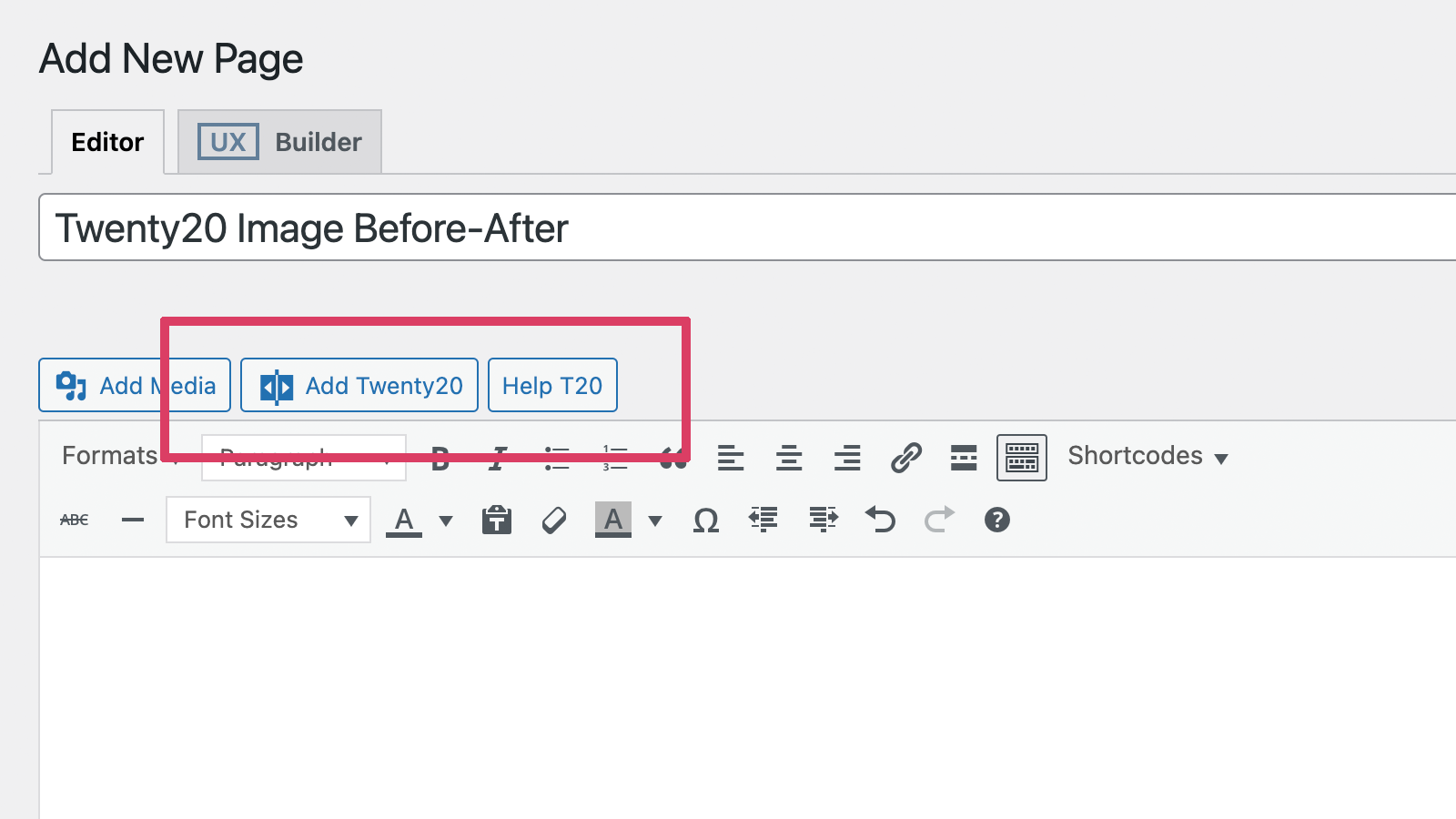
Add a Twenty20 before-after image.
Twenty20 is a professional-grade image comparison tool that helps you showcase transformations in a highly engaging way. Perfect for:
- Photography portfolios
- Real estate before/after
- Renovation projects
- Design makeovers
- Product comparisons
- Restoration work
- Medical procedures
- And much more!
Video Tutorial
Live Demo
Check the Live Demo.
Key Features
- Responsive design – works perfectly on all devices
- Horizontal and vertical sliding options
- Customizable slider position and orientation
- Custom “before” and “after” labels
- Adjustable image widths and alignments
- Mouse hover sliding effect
- Touch-enabled for mobile devices
- Multiple sliders per page
- Widget support for sidebars
- SEO-friendly with proper alt tag support
- Accessibility compliant image comparisons
Page Builder Support
- Elementor
- WPBakery Page Builder (Visual Composer)
- Flatsome UX Builder
- Classic Editor
Perfect For
- Photography before/after edits
- Home renovation comparisons
- Web design makeovers
- Product transformations
- Restoration projects
- Beauty transformations
- Real estate renovations
Usage
Shortcode Example
Quick Example
[twenty20 img1="" img2="" direction="vertical" offset="0.5" align="right" width="60%" before="Before" after="After" hover="true"]
Shortcode Parameters
img1– image ID.img2– image ID.offset– range from 0.1 to 1.0.direction–horizontal|vertical.align–none|right|left.width– supports bothpxand%.before– text for the “before” label.after– text for the “after” label.hover–trueorfalse.