
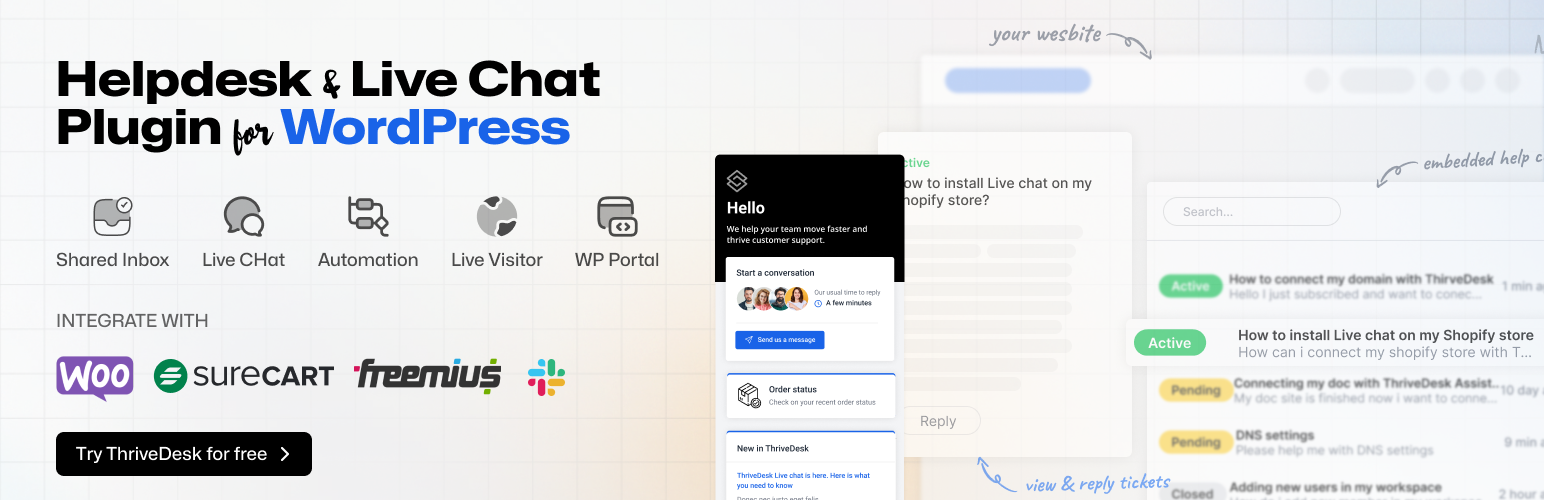

ThriveDesk – Live Chat, AI Chatbot, Helpdesk & Customer Support Ticket System
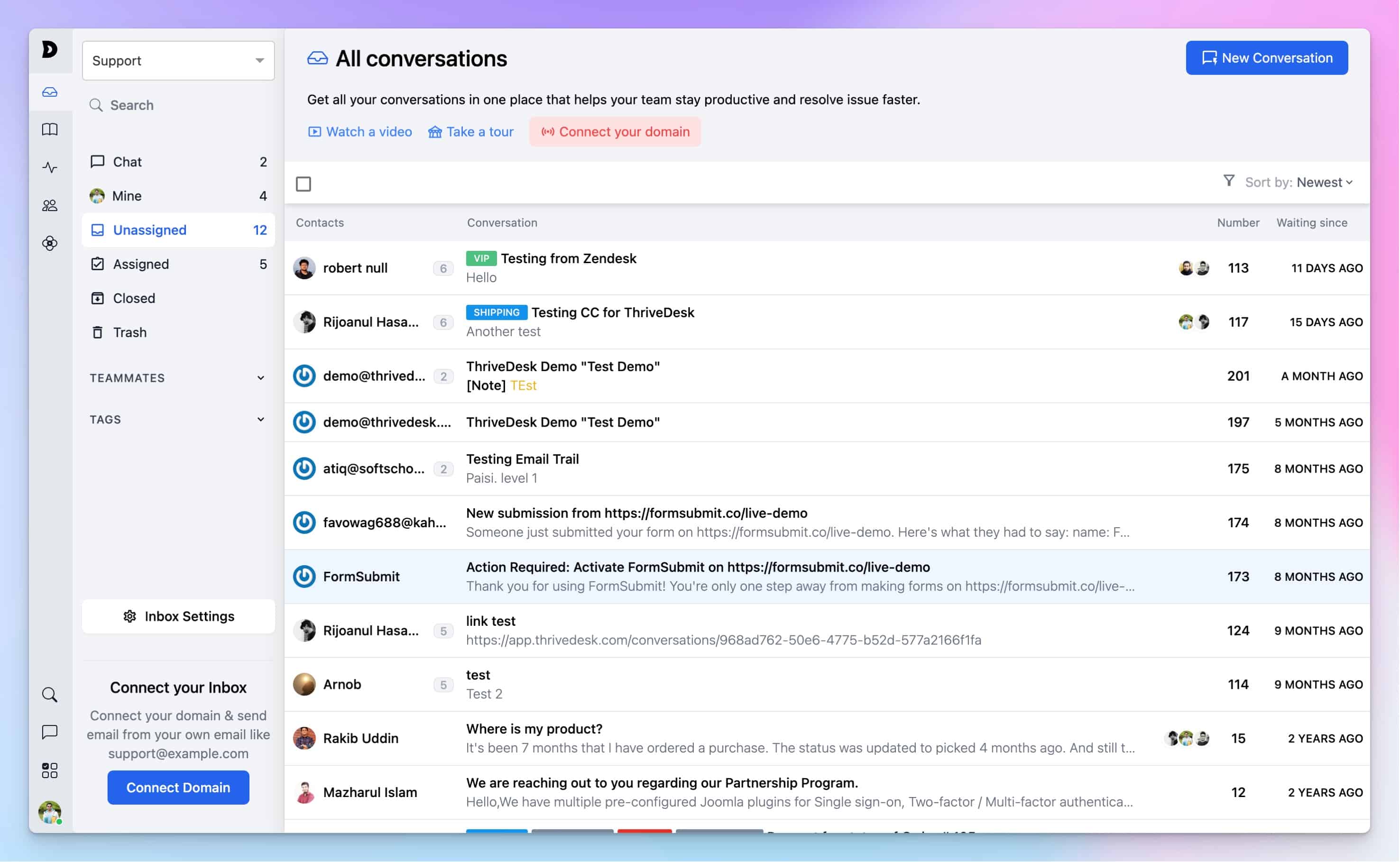
The shared inbox: every email, live chat and support ticket in one place.
Help desk, live chat and AI chatbot for WordPress and WooCommerce
A customer asks “where is my order?”. Your agent opens the ticket and the order is already there: shipping status, payment, purchase history, and the buttons to refund or cancel it. No second tab, no copying order numbers, no extra plugin.
ThriveDesk is customer support software built for WordPress and WooCommerce from day one. It puts live chat, an AI chatbot, a shared inbox and a support ticket system in one place, and this plugin connects it to your site in under five minutes. Rated 4.8/5 on G2 and 4.7/5 on Capterra.
Start your free 7-day trial – no credit card required.
Live chat for WordPress and WooCommerce
Add the live chat widget to any page without touching code, and talk to visitors from the web app or the mobile apps. The widget is 20 KB and loads only on the pages you enable it on.
- Match the widget to your brand: colors, launcher, position and welcome text
- Several agents can help the same customer at once
- Customers can drop screenshots and files straight into the chat
- Ask for the right details with a custom pre-chat form
- Business hours and holiday notices, so nobody waits on an empty office
- Hide the widget on the pages where you do not want it
- Sound and push notifications, so no chat goes unanswered
- WooCommerce stores see the customer’s order history beside the chat
AI chatbot that answers from your own content
NEO, the ThriveDesk AI chatbot, learns from your knowledge base, your documents and your website. It answers the routine questions on its own and hands the rest to a person with the whole conversation attached.
- Auto-replies to common questions, 24/7
- Drafts replies for agents to review before sending
- Tags and prioritizes incoming tickets
- Hands off to a human agent with full context
- Picks up new training content the moment you add it
- Test it in the AI Playground before you switch on auto-reply
AI Copilot helps the humans too: it summarizes long threads, writes a first draft from the conversation history and suggests the next step.
We are honest about what AI customer support can do. In the first months, expect NEO to resolve 20–45% of first-tier requests. A well-trained setup reaches up to 90%. It supports your team; it does not replace them.
Helpdesk and support ticket system
Every email, live chat and contact form submission becomes a trackable ticket in a shared inbox, so nothing is lost in a personal mailbox. Sales, billing and technical support can each have their own inbox, and the ticketing system scales from one person to a customer service team.
- Collision detection: two agents never answer the same ticket
- @mentions and private notes your customers never see
- Canned responses for the answers you give every day
- Tags, labels and custom fields for routing and reporting
- Snooze, schedule a reply, and undo send
- Split a ticket in two, or merge duplicates
- Bulk assign and bulk close
- Automation rules: route by keyword, assign round-robin, escalate after a set time, enforce SLAs
- Reports for volume, response time, resolution rate and customer satisfaction (CSAT)
The WooCommerce help desk: orders, refunds and subscriptions inside the ticket
The WooCommerce integration is built and maintained by ThriveDesk, not a third-party connector. From inside any ticket or chat, an agent can:
- See the customer’s complete order history and lifetime value
- Check shipping status without opening a tracking link
- Cancel or refund an order
- Add, edit or remove order items
- View and cancel subscriptions, with WooCommerce Subscriptions and WPSubscription
- Only do what their role allows: refunds and cancellations can be limited to the agents you choose
Store data is fetched from your site on demand and cached locally. It is not copied to ThriveDesk servers.
Customer portal and knowledge base on your own site
- WPPortal – put the
[thrivedesk_portal]shortcode on any page and customers can open tickets, follow replies and search your help articles without leaving your site - WooCommerce My Account – add a Support tab to My Account, so customers find their tickets next to their orders
- Search before you ask – require a search of your help center and chosen post types before the new-ticket button appears; a good help center cuts email volume by up to 30%
- Knowledge base – a public help center with your own domain, AI-assisted writing, nested categories, version history and search that understands “can’t log in” means the password reset article
Support from anywhere
Agents can reply, assign, tag and chat from the ThriveDesk iOS and Android apps, with real-time updates and dark mode.
Works with
- Ecommerce – WooCommerce, WooCommerce Subscriptions, WPSubscription, Easy Digital Downloads, SureCart, Freemius, Envato, Stripe, Paddle
- CRM and automation – FluentCRM, FunnelKit, Zapier, Pabbly Connect, FlowMattic
- Forms – any contact form plugin can create tickets, and the plugin recognizes Contact Form 7, WPForms, Fluent Forms, Forminator, Ninja Forms, Formidable Forms, SureForms, MetForm, JetFormBuilder, Everest Forms, Jotform and more
- Team tools – Slack, GitHub, plus an API, webhooks and SmartApp for connecting any external data source without code
- Any theme – works with every theme that follows WordPress standards; no page builder required
Switching from Zendesk or Help Scout
Migration from Zendesk and Help Scout is free and handled by the ThriveDesk team: conversations, contacts and history come across intact. Themesgrove saves $4.2K a year since moving from Help Scout.
What customers say
“I’ve been using ThriveDesk for a while now to manage my online store’s customer service, and the experience has been incredibly smooth.”
alamin2002, WordPress.org review, April 2026“ThriveDesk is the best live chat we’ve ever used.”
Crypto Cloud, WordPress.org review
Pricing
The plugin is free. Every ThriveDesk plan includes live chat, and every plan starts with a 7-day free trial and no credit card. See plans and pricing.
Documentation and support
- Help center – setup guides for the plugin, live chat, the AI chatbot and every integration
- Support forum – ask here and the ThriveDesk team will answer
- Status page