
T
TJ Custom CSS
5/5 (6 ratings) 8K+ active installs Updated Oct 26, 2022
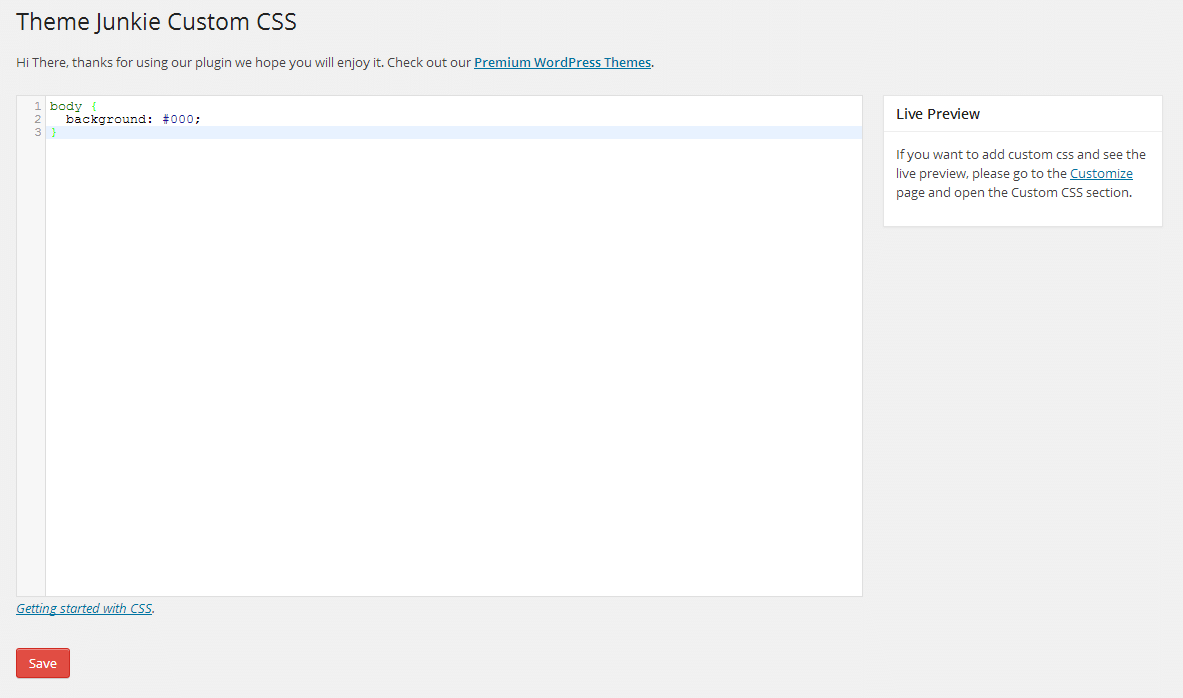
Custom CSS settings.
This plugin will enable a custom css manager on administration page to add Custom CSS code to your WordPress website. It will automatically override any theme or plugin default styles. It also very useful if you want to add customization to your website but do not want to edit your theme or plugin css files.
It comes with two ways to add the custom css code:
1. Setting
You can go to Appearance → Custom CSS, then you will see a big box/textarea. Put your css code there.
2. Customizer – Live Preview
If you want to see the live preview while you adding the custom css code, then you can go to Appearance → Customize, after that open the Custom CSS section tab.
Features Include:
- No configuration needed
- Live preview
- Easy-to-use
- Child theme alternative to add customization
- Uninstall procedure
Plugin Info
- Developed by Theme Junkie
- Check out the Github repo to contribute.