

Buy Now for WooCommerce – Quick Checkout by TheForge
0/5 (0 ratings) — active installs Updated Apr 22, 2026

General Settings — enable button, text, redirect, and category targeting
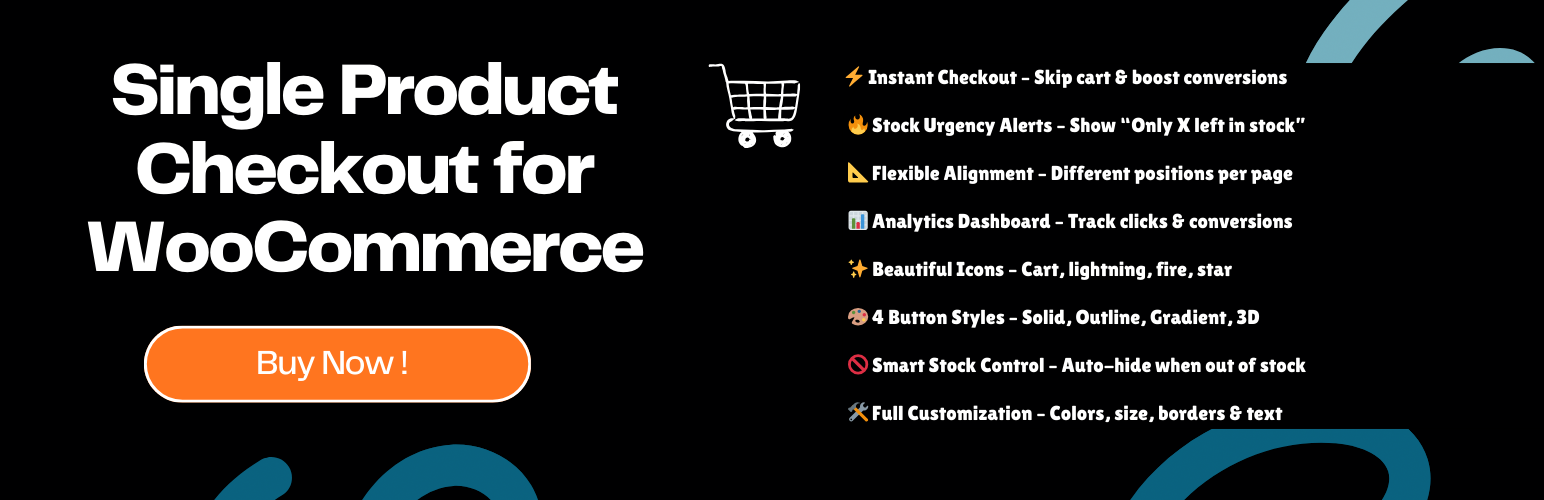
Quick Checkout adds a “Buy Now” button to your WooCommerce product pages. Customers skip the cart entirely and land straight on checkout.
Features
- Buy Now Button — Adds product to cart and redirects to checkout via AJAX. No page flicker.
- Quantity Selector — Optional +/− input inline with the button so customers can adjust quantity before buying.
- Sticky Buy Now Bar — Fixed bar at the bottom of the screen that appears when the main button scrolls out of view.
- Per-Product Overrides — Override button text, color, and redirect per product. Disable the button on specific products.
- Variable Product Support — Button stays disabled until a variation is selected, then activates automatically.
- Stock Urgency Message — Shows a customisable low-stock message above the button. Custom text, background, and text color.
- Advanced Styling — Solid, Outline, Gradient, or 3D style. Custom colors, size, border radius, and width.
- Category Targeting — Limit the button to specific product categories via AJAX-powered search.
- Shop Page Support — Show the button on archive/shop pages with configurable hook position.
- Analytics — Track button views, clicks, and conversion rates per product. Filter by Today, 7 Days, 30 Days, or All Time.
- Shortcode —
[spcb_buy_now product_id="123"]— place a Buy Now button anywhere.
Redirect Options
- Checkout page (default)
- Cart page
- Custom URL
Per-product redirect overrides work independently of the global setting.
Built by The Plugin Forge.
Privacy
This plugin does not collect, store, or transmit any data externally. Analytics data is stored only in your WordPress database and deleted on uninstall.