

The Get Hired Button
Admin settings page showing token configuration
Once you install the plugin, the Get Hired Button usually appears on your site automatically. 🎉
No complicated setup. No coding. It just works.
If the button doesn’t show right away, no stress — it just means we need your widget token.
Add Your Widget Token (only if needed)
Most users won’t ever need to do this, but if auto-connect didn’t pick up your site:
1. Log in to TRYclub.com
2. Open Get Hired Button Settings
3. Copy your widget token
4. Paste it into the plugin settings and click Save
💡 Tip: Even if you skip the token, the plugin still runs safely in automatic mode so you can try it right away.
What the Plugin Does
The Get Hired Button brings TRY’s hiring widget to your WordPress site.
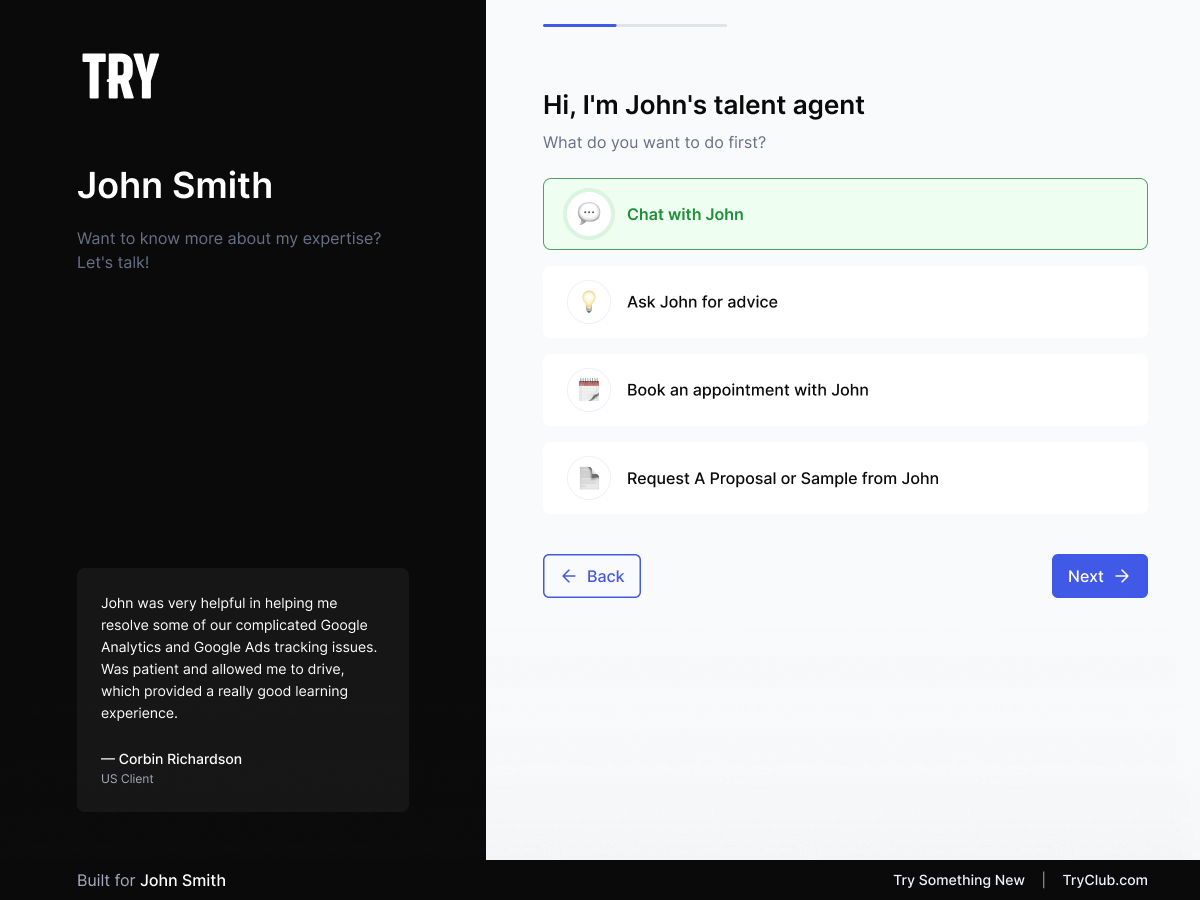
Visitors can chat, request proposals, book appointments, or hire you — directly from your own website.
No code required. No theme headaches. No performance issues.
How It Connects (Behind the Scenes)
Everything is designed to “just work”:
1. Token Mode (best) — If you paste in a token, we connect instantly and securely.
2. Auto-Detect Mode — No token? We automatically try to match your site’s domain to your TRY account.
3. Guest Mode — Not connected yet? The button still works so you can test it immediately.
Why People Love It
- Works automatically in most cases
- Friendly, no-stress setup
- Loads asynchronously (keeps your site fast)
- Secure and fully HTTPS-compatible
- Works with WordPress multisite
- Great for freelancers, creators, consultants, agencies, and small businesses
Requirements
- WordPress 5.8 or higher
- PHP 7.4 or higher
- A TRY account (free at TRYME.co)
- HTTPS recommended for best reliability
Privacy
The plugin loads a small external script from TRYME.co to display your widget.
All visitor interactions follow TRY’s privacy policy.
The plugin itself collects no personal data.
Troubleshooting
- Confirm your site URL matches the one in your TRY account
- Try clearing your cache or opening your site in incognito mode
- HTTPS improves reliability
- Need help? We’re here tryclub.com/contact
For Developers (optional)
- Uses standard WordPress hooks (
wp_body_open,admin_menu,admin_init) - Async loading for performance
- Clean uninstall removes all plugin options
- Constants include:
GHB_VERSION,GHB_PLUGIN_FILE,GHB_PLUGIN_DIR
Thanks for using the Get Hired Button — helping you turn every visitor into an opportunity.