
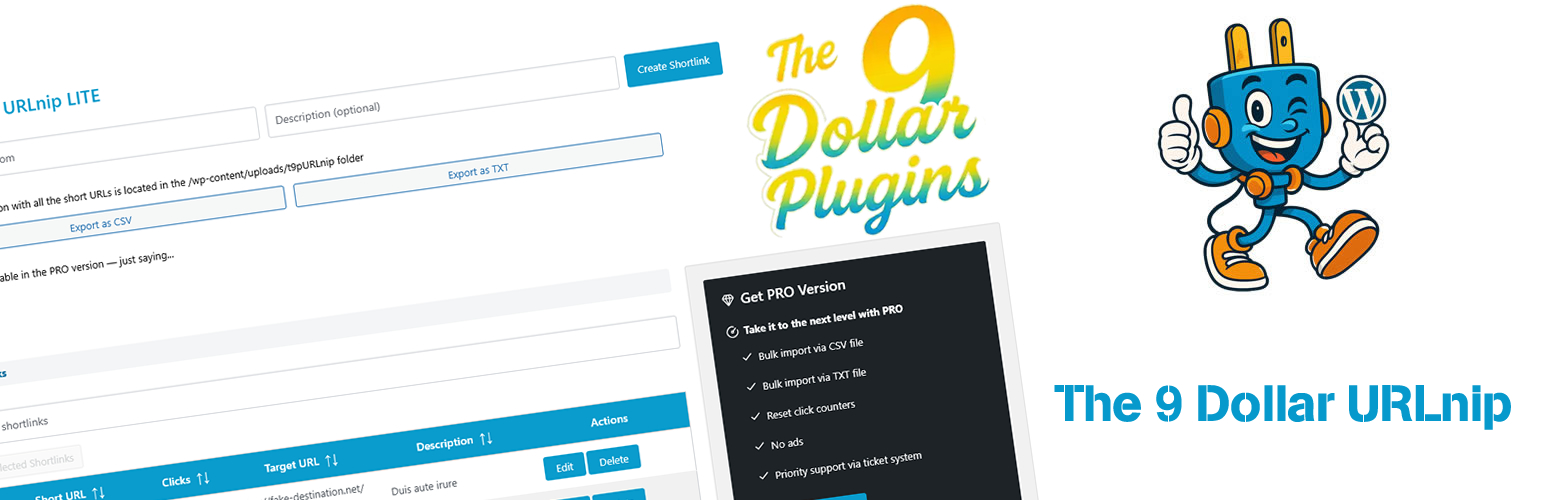

The 9 Dollar URLnip
Create shortlinks directly inside WordPress
The 9 Dollar URLnip is the URL shortener for people who hate unnecessary complexity. It’s minimal, fast, and does exactly one thing well: create short links under your own domain. No database overhead, no third-party shortening services, no subscription nonsense.
Data lives in a simple JSON file. Redirects are instant. You stay in control.
Why you’ll actually like it
Most URL shorteners either send your traffic through someone else’s servers (hello, bit.ly) or add so much database bloat that you wonder why you didn’t just use a pen and paper. URLnip does neither. It lives inside your WordPress, uses a single JSON file, and respects your server resources.
Core Features — LITE (free)
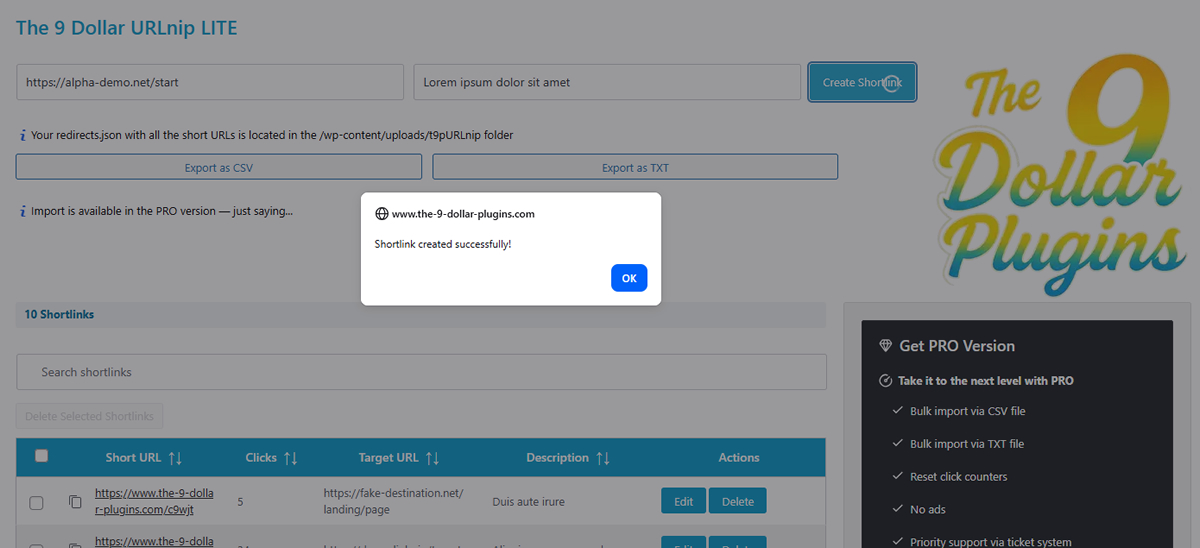
– Create, edit, delete shortlinks — all from your WordPress admin, no extra dashboard to learn
– Automatic 301 redirects — permanent, SEO-friendly, and fast
– Unique 5‑character slugs — no thinking required, just works
– Click counter — every visit increments automatically. See what’s popular
– Export as CSV or TXT — full export including click counts. Great for reporting or backups
– Live search with real‑time filtering — start typing, results update instantly. Also shows current count
– Sortable columns — sort by short URL, clicks, target URL, or description
– One‑click copy to clipboard — grab your shortlink in a split second
– Bulk delete — select multiple shortlinks and delete them all at once
– Configurable duplicate handling — choose whether the same target URL can have multiple shortlinks
– JSON file storage — faster than database queries for this use case. Zero database tables created
– Fully translatable — ready for WordPress.org translations
PRO Version extras
– Bulk import via CSV or TXT — upload hundreds of shortlinks in seconds. Invalid rows are skipped and reported. Duplicate handling is configurable
– Reset click counters — reset individual counters in bulk actions
– Priority support — because sometimes you need a human
How it works
1. Install and activate the plugin.
2. Go to URLnip in your WordPress admin menu.
3. Enter a target URL and an optional description.
4. Boom — your shortlink is ready. Copy it, use it, track clicks.
That’s it. No hidden steps, no config files, no PhD required.