


Texty – SMS Notification for WordPress, WooCommerce, Dokan and more
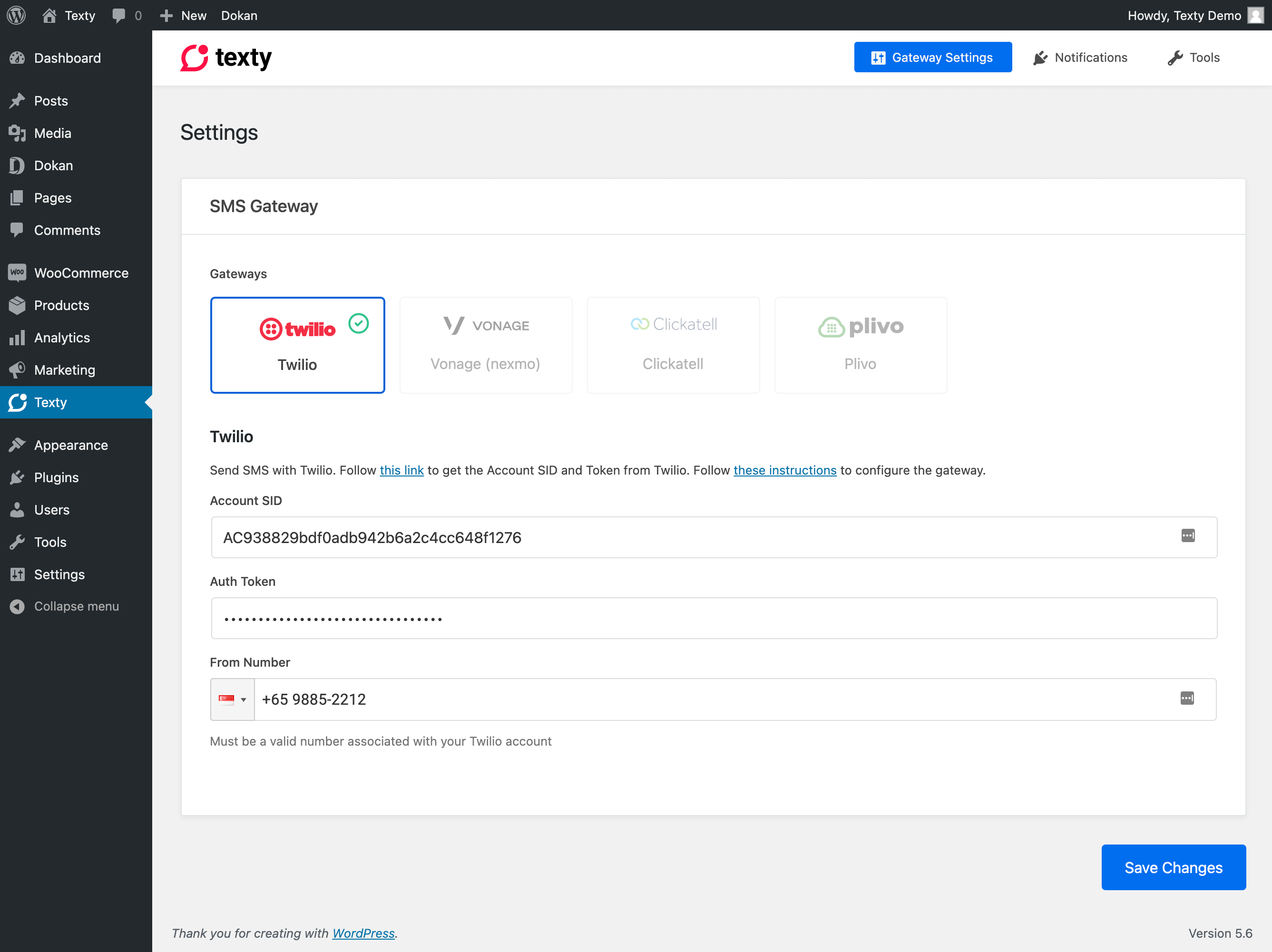
Gateway settings page
Texty is a lightweight SMS notification plugin for WordPress. With so many emails coming to your inbox, often it becomes overwhelming to stay on top of things that matter most. A text notification on your phone may be more desired.
Texty integrates with 3rd party SMS providers to add support for text messaging. When events occur in WordPress, WooCommerce, or Dokan, Texty sends an SMS notification to the right people at the right time.
👉 GitHub | Developer Docs
Features
- Multiple SMS Gateways – Choose from Twilio, Vonage, Plivo, or Clickatell
- WordPress Notifications – New user registration and new comment alerts
- WooCommerce Notifications – Admin and customer order status notifications
- Dokan Notifications – Vendor order status notifications
- Customizable Messages – Use template tags to personalize every SMS
- Developer Friendly – 20+ action and filter hooks for full extensibility
Supported Gateways
- Twilio
- Vonage – Formerly Nexmo
- Plivo
- Clickatell
Supported Events
WordPress Core
- New User Registration
- New Comment
WooCommerce (Admin)
- Order Processing
- Order Complete
- Order Cancelled
- Order Failed
- Order Refunded
WooCommerce (Customer)
- Order On Hold
- Order Processing
- Order Complete
- Order Cancelled
- Order Failed
- Order Refunded
Dokan (Vendor)
- Order Processing
- Order Complete
- Order Cancelled
- Order Failed
- Order Refunded
Extensibility
Texty is built with developers in mind. Register custom gateways, add new notification types, modify messages on the fly, or integrate with any WordPress plugin. See the Developer Documentation for details.
Message placeholders such as {order_id} can be added, overridden or removed with the texty_notification_placeholders filter (or texty_notification_placeholders_{notification_id} for one notification). Changes appear in the “Available variables” lists and the order “Send SMS” box, and are applied when messages are sent.
Disclaimer
Texty integrates with 3rd party providers to send SMS messages. Please review each provider’s terms before use:
- Twilio – Terms of Service | Privacy Policy
- Vonage – Legal | Privacy Policy
- Plivo – Terms of Service | Privacy Policy
- Clickatell – Terms of Service | Privacy Policy
Privacy Policy
Texty uses Appsero SDK to collect some telemetry data upon user’s confirmation. This helps us to troubleshoot problems faster & make product improvements.
Appsero SDK does not gather any data by default. The SDK only starts gathering basic telemetry data when a user allows it via the admin notice. We collect the data to ensure a great user experience for all our users.
Learn more about how Appsero collects and uses this data.
External services: outgoing IP detection
Some SMS gateways (currently SSL Wireless) only accept requests from whitelisted server IPs. For those gateways, Texty finds your server’s outgoing IPv4 address by asking a public “what is my IP” service, so it can show you which IP to whitelist. This happens only when the gateway’s settings page is opened, or after a message is sent through such a gateway, and the result is cached for 12 hours per server. The request contains no site or customer data; the service only sees your server’s IP address.
Services used, in order, until one answers:
- ipify — api.ipify.org (privacy policy)
- Amazon Web Services — checkip.amazonaws.com (privacy notice)
- icanhazip (Cloudflare) — ipv4.icanhazip.com (privacy policy)
To change or disable these lookups, use the texty_egress_ip_services filter (return an empty array to disable them; you can still add IPs by hand).