
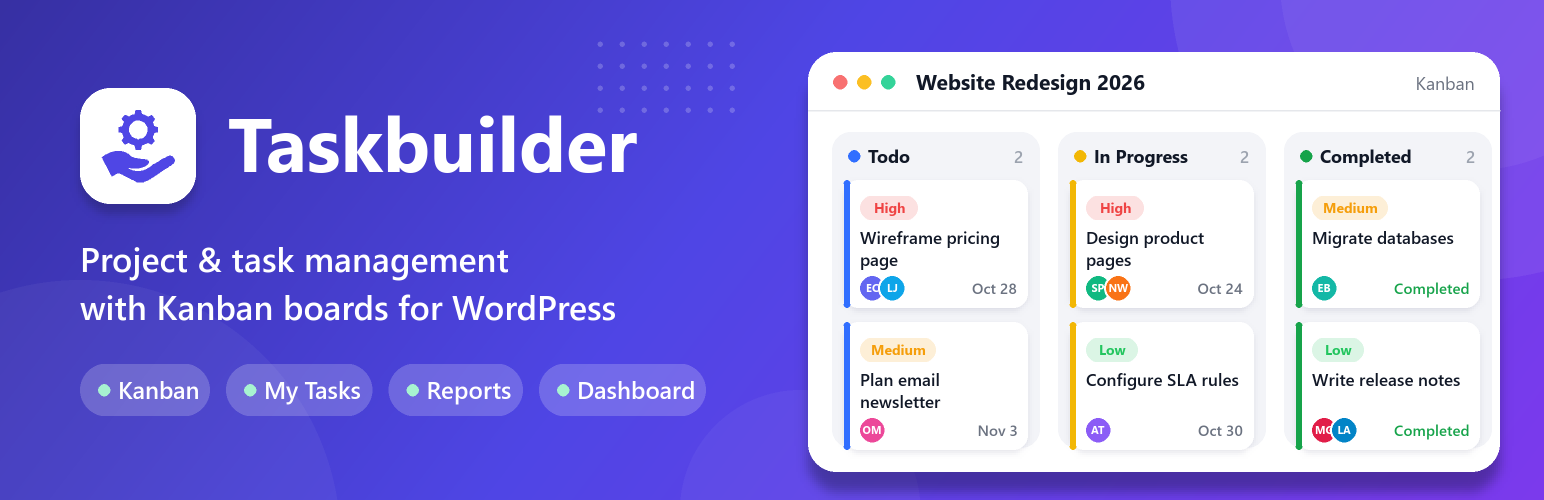

Taskbuilder – Project Management & Task Management Tool With Kanban Board
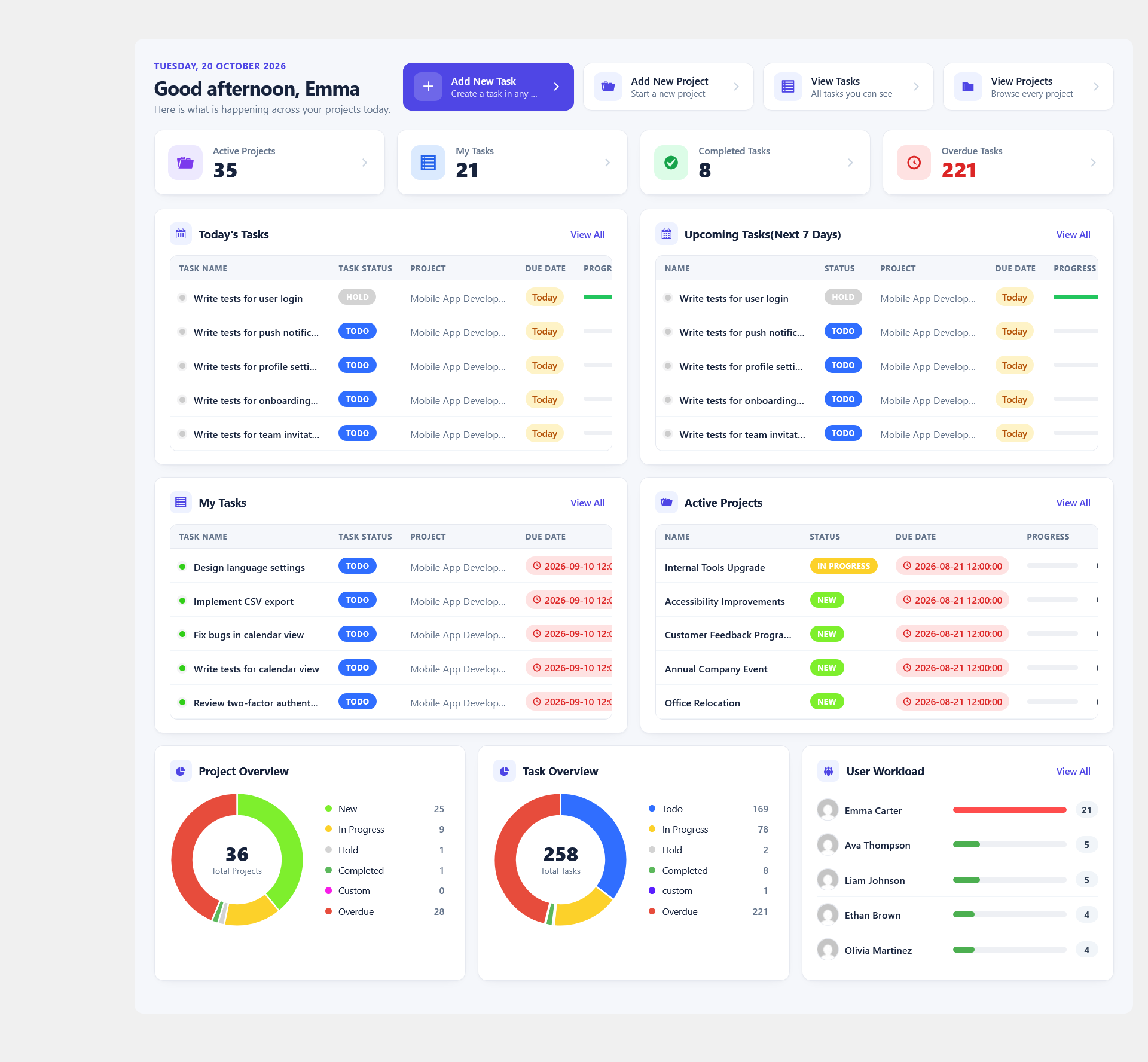
Modern Dashboard
Taskbuilder is a complete project and task management solution that helps teams organize projects, assign tasks, track progress, collaborate, and manage their workload — all from inside WordPress. Whether you’re managing a business, agency, organization, client projects, or a remote team, Taskbuilder gives you the tools to keep everyone organized and productive.
No external SaaS subscription required. Your projects and tasks stay inside your WordPress website.
The free plugin includes projects, tasks and subtasks, Kanban boards and task lists, My Tasks, a dashboard, checklists, comments with @mentions, file attachments, email notifications, custom statuses, priorities and categories, and frontend pages through shortcodes.
Premium add-ons (sold separately) add a calendar, Gantt charts, time tracking, reports, custom fields, recurring tasks, due date reminders, email piping, and BuddyPress, WooCommerce and SupportCandy integrations.
Shortcodes
Bring project management to your website’s frontend. Add these shortcodes to any page:
[wppm_projects]– Manage projects from the frontend.[wppm_tasks]– Manage tasks from the frontend.[wppm_tasks project="Project name"]– Show only the tasks of one project.[wppm_dashboard]– The Taskbuilder dashboard on the frontend.[wppm_my_tasks]– Tasks assigned to the current user.[wppm_public_projects_tasks]– Tasks of public projects.[wppm_tasks_calendar]– Task calendar (Calendar premium add-on).[wppm_gantt_chart project="Project name"]– Gantt chart of one project (Gantt Chart premium add-on).[wppm_group_projects]– Projects of BuddyPress groups. Filter withgroup_id="15"orgroup="group-name"(BuddyPress premium add-on).[wppm_group_tasks]– Tasks of BuddyPress groups. Filter withgroup_id="15"orgroup="group-name"(BuddyPress premium add-on).
Combine several shortcodes on one page to give your team a central workspace without going into the WordPress admin area.
🌟 Top Features
- Modern Dashboard: Get a quick overview of projects, tasks, and team workload in one centralized place.
- Project Management: Create and organize projects, manage project members, monitor progress, and keep all project information in one place.
- Powerful Task Management: Create tasks, assign team members, set priorities, manage deadlines, and track task progress.
- Kanban Board: Visualize your workflow with an intuitive Kanban board. Each card is a task; drag it from column to column as work progresses so everyone knows its status.
- My Tasks: Give team members a dedicated view of their tasks, helping them focus on their responsibilities and deadlines.
- Quick Edit: Update task and project information quickly without navigating through multiple screens.
- Task Overview & Collaboration: Keep task discussions, comments, attachments, and change history together so everyone stays informed.
- Project Overview: Get a clear picture of project progress, completed tasks, active tasks, and overdue work.
- Unlimited Co-workers: Add as many co-workers as you need to share the workload. Any registered WordPress user can be a manager, co-worker or client on a project.
- Free Subtasks: Create and manage subtasks for better task organization, and convert subtasks into standalone tasks — completely free.
- Client Access Mode: Add users with a client role to projects and tasks with controlled access.
- Team Collaboration: Work together with your team in real time.
- Task Comment Mentions: Mention team members directly in task comments using @mentions to notify and collaborate with the right people.
- Fast, Ajax-based Interface: Almost every action runs without a page reload.
- Manage Projects & Tasks From the Frontend: Free — no add-on needed.
- Checklist: Break big tasks into small ones, check things off the list, and watch the progress bar reach 100%.
- File Attachments: Attach files to task and project comments.
- Responsive Design: Works on any screen size, so you can work anytime, anywhere. For frontend pages, a full-width page template works best.
- List View: Manage projects and tasks in a list.
- Filter: Filter tasks and projects by title, project name, status, category, priority and user.
- Advanced Filters: Quickly find the tasks you need using advanced filters such as Created By, Assigned User, Priority, Start Date, and End Date.
- Email Notifications: Customizable email notification templates available for you to customize as per your requirement. You can make use of macro tags for task & projects specific information which gets replaced dynamically.
- Global Notifications: Get notified when you are mentioned in a task comment or assigned a task.
- Custom Statuses: You can create unlimited custom statuses for projects and tasks.
- Custom Priorities: You can create unlimited custom priorities for tasks.
- Custom Categories: You can create unlimited custom categories for projects.
- Appearance Setting: Customizable Appearance to match up with your theme.
- Single-Project Task Pages: Show only one project’s tasks on a page with
[wppm_tasks project="Project name"]. - Archive Tasks and Projects: Keep your workspace organized by archiving completed or inactive tasks and projects instead of permanently deleting them.
🙌 Give Taskbuilder a try — the core plugin is free.
🚀 Why Choose Taskbuilder?
- Built for WordPress: Manage projects and tasks directly from your own WordPress website.
- Complete Project Workflow: Organize projects, create tasks, assign team members, and track completion.
- Visual Task Management: Use Kanban boards and task lists to manage work your way.
- Team-Focused: Give project members clear responsibilities and visibility into their work.
- Flexible Access: Manage project roles and permissions according to your team’s needs.
- Frontend & Backend Management: Let users work with projects and tasks through dedicated frontend pages using shortcodes.
- Extendable: Add more capabilities with Taskbuilder premium add-ons.
Take control of your projects without moving your team’s workflow to another platform.
🔌 Extend Taskbuilder With Premium Add-ons
Need more advanced project management capabilities? Extend Taskbuilder with premium add-ons (sold separately):
- Calendar – Daily, weekly or monthly view of task timelines with drag and drop. Filter by title, project, status, category, priority and user.
- Email Piping – Create tasks directly from email, without logging in to the website.
- Custom Fields – Add custom fields to tasks and projects: Text, Number, Date, Dropdown and File Upload.
- Time Tracker – Track the exact time spent on each task with a start/stop timer.
- Gantt Chart – Plan tasks on a timeline, see upcoming deadlines and keep a bird’s-eye view of every project.
- Duplicate Project – Clone an existing project together with its tasks and checklists.
- Report – Create detailed project progress reports, choose what they show, and download them as PDF or CSV.
- BuddyPress – Create and manage projects and tasks inside BuddyPress groups.
- WooCommerce – Automatically create a task when an order is received, with the order details in the task description.
- Due Date Reminder – Email reminders before a task’s due date to keep your team on track.
- Usergroup – Assign a group of users to a project, then assign the group to the project’s tasks.
- Recurrent Task – Schedule recurring tasks that are created automatically, with flexible recurrence periods and start and end dates.
- Overdue Notifier – Automatic email notifications when a task’s due date has passed and it is not completed.
- SupportCandy – Automatically create a Taskbuilder task for each new SupportCandy ticket, and add private notes to the ticket when the task is created and completed.
👨💻 DOCUMENTATION AND SUPPORT
Available Translations
Taskbuilder is available in these languages:
- Romanian
- French (France)
- German (Germany)
- German (formal)
- Turkish
- Portuguese (Brazil)
If you are a translator, you can get free access to all premium add-ons for a year in exchange for translating Taskbuilder into your language, if it is not available already. We will renew the Premium subscription next year if you continue contributing to the translation. If interested, don’t hesitate to contact us via our support page.