
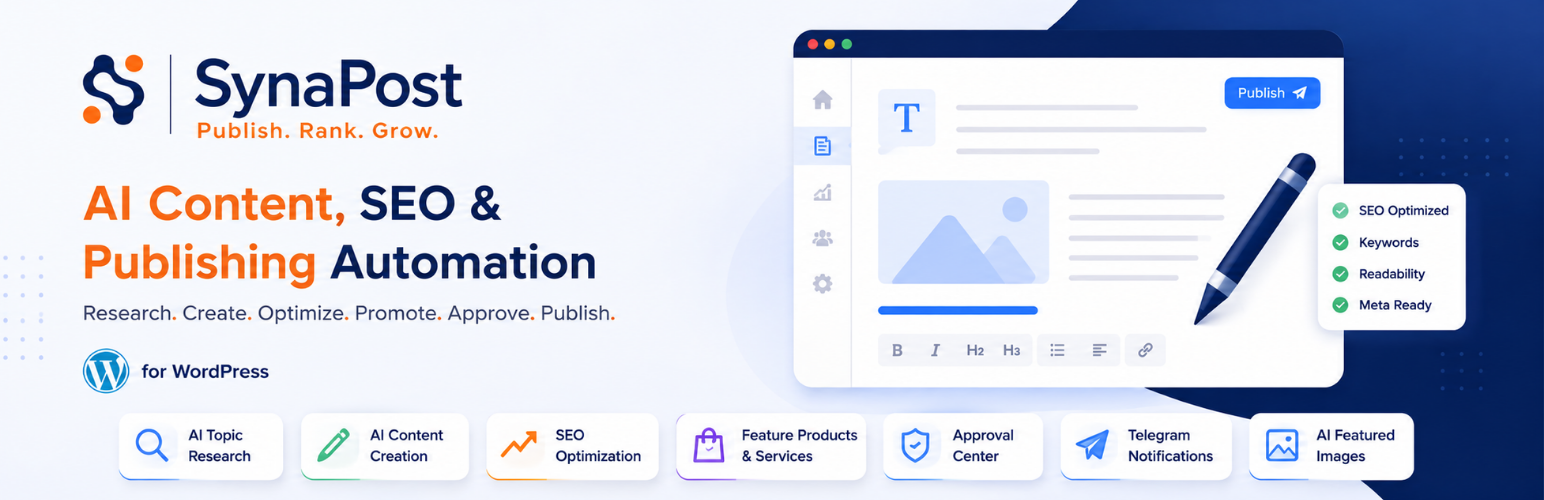

SynaPost – AI Content, SEO & Publishing Automation for WordPress

Dashboard - guided setup checklist and today's content at a glance.
SynaPost is an AI-powered content and SEO automation plugin for WordPress that helps you research topics, create high-quality content, optimize it for search engines, automatically feature relevant products and services, review content, and publish from one streamlined dashboard.
SynaPost is built for website owners, bloggers, businesses, agencies, publishers, creators, and marketers who want to turn their WordPress website into a consistent content and growth engine.
Instead of moving between separate tools for research, AI writing, SEO, product promotion, content approval, notifications, and publishing, SynaPost brings the workflow together inside WordPress.
Turn Your WordPress Website Into a Content Engine
Publishing consistently requires more than generating words.
You need to find worthwhile topics, understand what to write, structure the content, optimize the result, connect it to your business, review it, and get it published.
SynaPost helps streamline that entire process.
Research Create Optimize Promote Review Approve Publish
Included in SynaPost:
- Business Setup – a profile of your business, audience, and brand voice that every generated article stays consistent with.
- AI Strategy Planner – generate a full 30/90/365-day content plan organized around topic clusters aligned to your site’s existing categories.
- Topic Library, Pipeline & Published Content – three purpose-built pages instead of one mixed list: a browsable idea catalog, an active workflow queue, and a performance-oriented view of everything that’s gone live. Bulk-import topics via CSV, TXT, or XLSX.
- AI Writer – generate structured, publish-ready articles with OpenAI, or the built-in free Demo Provider for testing the entire workflow with zero setup and no API key. A guided setup modal makes connecting your OpenAI key a 2-step process: paste it, test it, done. Every draft gets a self-critique editing pass and is held to a minimum readability score before it’s considered done.
- AI Thumbnail – a featured image generated automatically for every article. Choose from 4 free placeholder styles and match the colors to your brand, with a live preview before you commit.
- SEO Assistant – auto-fills Yoast SEO, Rank Math, or All in One SEO with focus keyword, meta title/description, and a readability-based SEO score.
- CTA Engine – a real styled call-to-action box (or any shortcode) on every generated article, driven by your business profile.
- Category-aligned content – generated articles only ever use your site’s existing categories, never invent new ones.
- Automatic tagging – every generated blog post gets 2-5 relevant WordPress tags, no manual tagging needed.
- Duplicate prevention – no topic is ever generated twice, checked at both the AI-prompt level and as a hard database backstop.
- Automatic internal linking – new articles link naturally to your existing published content where genuinely relevant, using only real URLs.
- Locale-aware, human-sounding writing – country-based spelling/idiom guidance and prompt guardrails against common AI-writing cliches.
- Configurable word count – set your own min/max article length.
- Opt-in product/service featuring – naturally reference your own products or services in articles where it genuinely fits, never forced.
- Per-format writing guidance – How-To Guides, Comparisons, Case Studies, News, Tutorials, and Listicles each follow a real structure suited to that format, not just a different label on a standard article.
- Approval Workflow – approve, edit, regenerate, or cancel an article from your phone via Telegram (no WordPress login required), or use the in-dashboard Approval Center instead. An explicit choice between auto-publishing and requiring approval.
- Editorial Calendar – Month and Week views with drag-and-drop rescheduling.
- Daily Automation – a self-healing WP-Cron run that generates due topics from your queue automatically, once a day.
- Dashboard – a guided setup checklist that hides itself once complete, a “Today” widget, and basic content stats.
- Integrations page – one screen showing what’s connected and what isn’t across every provider, channel, and automation setting – Pro-only integrations are shown too, clearly marked, so you always know what’s available.
- Automatically Feature Products & Services – Turn content into business opportunities by automatically featuring relevant products and services within your articles..
Generation isn’t metered by any internal credit or usage-limit system – connect your own OpenAI key and SynaPost uses it freely; whatever OpenAI bills you is between you and them. The Demo Provider needs no key at all.
Looking for more? SynaPost Pro adds every other AI provider (Anthropic, Gemini, OpenRouter, Groq, Mistral, DeepSeek, and a self-hosted Ollama model), multiple business profiles for agencies, the Content Repurposer, Content Snippets (standalone FAQ/Product Review/Product Description copy for WooCommerce or any other product plugin), Deep Research, real AI-generated thumbnails, named CTA presets, Slack + Email approval channels, full first-party analytics, custom brand-voice prompts, content gap suggestions, a content refresh workflow, bulk actions, and finer automation scheduling. See the “Upgrade to Pro” page inside the plugin, or visit synapost.ufirstdev.com.
External Services
SynaPost connects to the following external services. Both are entirely optional – the plugin is fully usable without either one, and no data ever leaves your site unless you’ve deliberately connected your own account.
OpenAI
What it does: Powers the AI Writer, Strategy Planner, and the SEO/quality-review passes SynaPost runs on its own output. In SynaPost Pro specifically (not part of this free plugin’s own code), the same connection also powers Real AI Thumbnails, an image-generation feature.
Why SynaPost uses it: This is the actual content-generation engine behind article writing, topic planning, and self-review – there’s no local/offline model that could do this instead.
What data is sent: Your business profile context (business name, industry, target audience, website, main competitors, target countries, brand voice guidelines, preferred output language, content goals, preferred tone, and words to avoid – no personal data such as names, emails, or phone numbers is included in this context) plus the specific topic, title, or draft content currently being generated or reviewed.
When it’s sent: Either immediately when you click “Generate” or “Regenerate” in wp-admin, or automatically by the daily WP-Cron automation run if you’ve enabled it.
Where it’s sent: https://api.openai.com/v1/chat/completions for all text generation, and (SynaPost Pro only) https://api.openai.com/v1/images/generations for AI-generated thumbnails.
Configuration required: Yes – your own OpenAI API key, entered under Settings AI & Images. Without a key configured, SynaPost uses its own free, keyless Demo Provider instead, and makes no network request to OpenAI at all.
OpenAI Terms of Service | OpenAI Privacy Policy
Telegram Bot API
What it does: Powers the optional Telegram approval workflow – approve, edit, regenerate, or cancel a generated article from your phone, without logging into WordPress.
Why SynaPost uses it: Telegram’s Bot API is the mechanism that lets SynaPost send you a message and receive your button tap back, which is what the approval workflow is built on.
What data is sent: The generated article’s title, category, content type, SEO score, estimated read time, scheduled publish date, and full content (sent as one or more messages), a link to its generated thumbnail image, and whichever approval button you tap in response.
When it’s sent: Automatically the moment an article finishes generation and enters the approval queue, and again each time you tap an approval button (received back via a webhook).
Where it’s sent: https://api.telegram.org
Configuration required: Yes – your own Telegram bot token and chat ID, entered under Settings Approvals. Without these configured, nothing is sent to Telegram; SynaPost’s in-dashboard Approval Center works as a Telegram-free alternative.
Telegram Terms of Service | Telegram Privacy Policy
A note on the WordPress AI Client
SynaPost evaluated the WordPress AI Client as a potential replacement for its direct OpenAI integration. SynaPost’s own multi-provider abstraction (which the free plugin’s OpenAI support and SynaPost Pro’s additional providers both build on) already provides equivalent text/image generation, provider configuration, and error handling across more providers than the WordPress AI Client currently supports, with a dozen established call sites throughout the codebase already depending on its specific contract. Direct integration was retained rather than migrated; all external API usage it powers is fully disclosed above.
Support
For help and support, visit the WordPress.org support forums or the plugin website at SynaPost Support.