

Swish Migrate and Backup
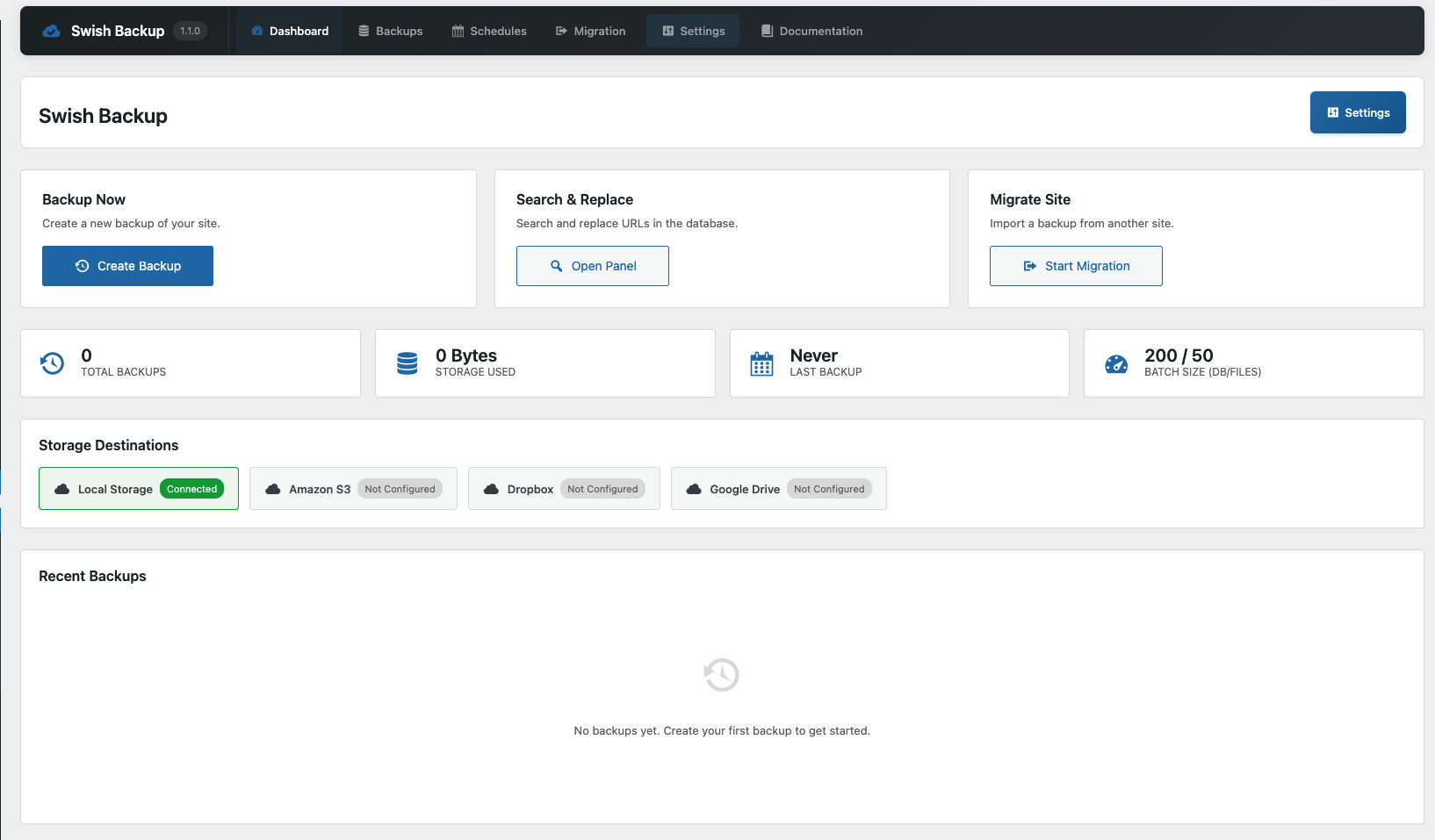
Dashboard - Overview of your backups and storage status
Swish Migrate and Backup is a powerful WordPress plugin that allows you to create full backups of your website, including the database, plugins, themes, uploads, and core files. It supports multiple cloud storage providers and makes site migration seamless.
Features
- Full Site Backups – Backup your entire WordPress site including database, plugins, themes, and uploads
- Database-Only Backups – Create lightweight backups of just your database
- Files-Only Backups – Backup only your WordPress files without the database
- Cloud Storage Support – Store backups on Amazon S3, Dropbox, or Google Drive
- Local Storage – Keep backups on your server
- Site Migration – Easily migrate your site to a new domain with automatic URL replacement
- Search and Replace – Perform database search and replace operations with serialization support
- Scheduled Backups – Set up automatic backups on your preferred schedule
- Chunked Processing – Handle large sites without memory issues
- Encrypted Credentials – Cloud storage credentials are encrypted using AES-256-CBC
- REST API – Full REST API for integration with other tools
- WP-CLI Support – Command line interface for backup and migration operations
Remote Backup Storage
- Amazon S3
- Dropbox
- Google Drive
Swish Backup & Migrate PRO
Upgrade to PRO for advanced features: Get PRO
- Multisite Support – Full compatibility with WordPress multisite networks
- Multisite Clone Site – Clone sites within your multisite network
- Unlimited Backup/Restore Size – No file size limits on backups or restores
- Full Backups – Complete backups including wp-core, wp-content, themes, plugins, uploads, and database
Requirements
- WordPress 6.0 or higher
- PHP 8.1 or higher
- Write access to wp-content/uploads directory
CLI Backup Commands
Swish Backup includes WP-CLI commands for backup and migration operations. Requires WP-CLI to be installed.
Backup Commands:
wp swish backup --type=database - Create a database-only backup
wp swish backup --type=full - Create a full backup (database + files)
wp swish backup --type=full --include-core - Full backup including WordPress core files
Import Commands:
wp swish import /path/to/backup.zip - Import a backup (auto-detects old URL)
wp swish import backup.zip --old-url=https://old.com --new-url=https://new.com - Import with URL replacement
wp swish import backup.zip --skip-url-replace - Restore only, no URL replacement
Utility Commands:
wp swish status - Check active import session status
wp swish cleanup - Clean up stale import sessions
Privacy Policy
This plugin stores backup files that may contain personal data from your WordPress database (such as user emails, names, and content). Backups are stored either locally on your server or on third-party cloud storage services that you configure.
When using cloud storage providers (Amazon S3, Dropbox, Google Drive), your backup data is transmitted to and stored on their servers according to their respective privacy policies.
The plugin does not collect or transmit any data to the plugin author or any other third party beyond the cloud storage services you explicitly configure.