
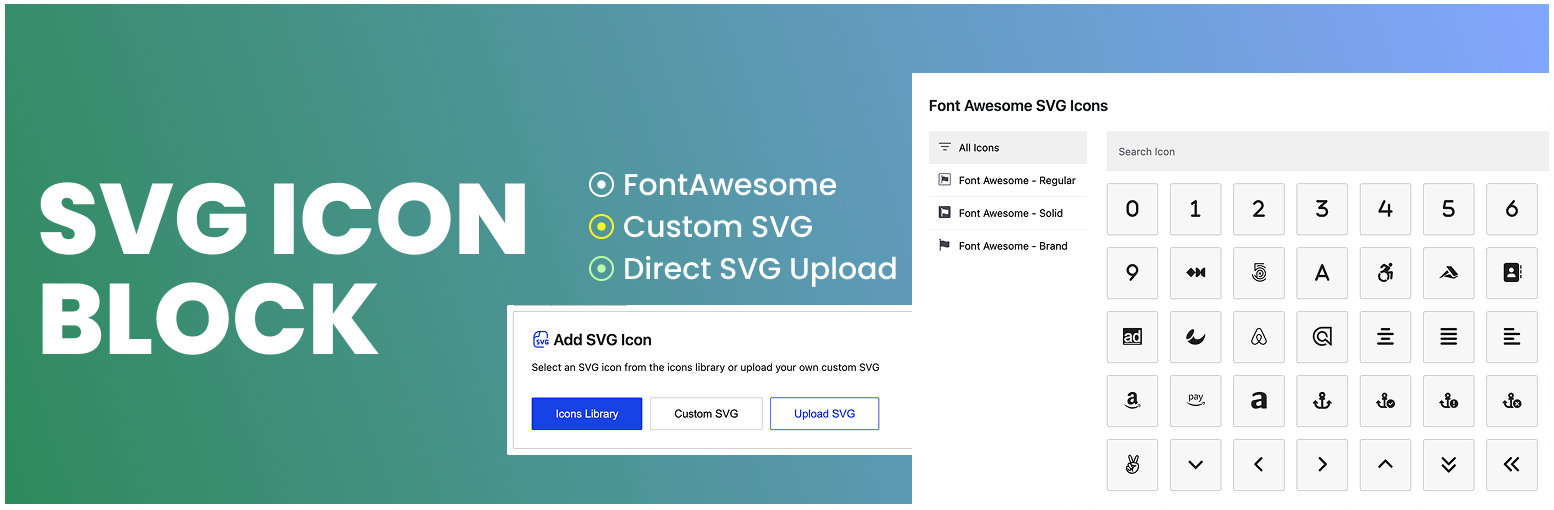

SVG Icon Block

SVG Icon Block is a custom Gutenberg block plugin that allows you to add SVG icon to your Gutenberg block editor. It comes with a lot of customization options, as a result, you can customize it as per your needs.
Video Tutorial
Features
- Easy to use
- Simple, light-weight and fast
- Font Awesome SVG Icon ( not font library, rather direct SVG)
- Direct SVG upload option
- SVG format support for direct upload
- My Icons library – save your own SVG code once and reuse it in any block
- Rotate, Flip (Horizontal & Vertical) features are available
- No third-party dependencies.
- Only SVG codes are rendered.
My Icons
Paste your SVG code in the Custom SVG window, turn on Add to My Icons, give it a label, and the icon is saved to your site. A My Icons button then appears in the block placeholder so you can pick that icon again in any post or page, without pasting the code a second time.
The library is shared by everyone on the site who can edit posts, so a logo or brand icon saved by one author is available to the whole team. Saved icons can be searched and removed from the same window.
Every icon is sanitized before it is stored, using the same security checks applied to uploaded SVG files: scripts, event handlers and unsafe links are stripped out.