

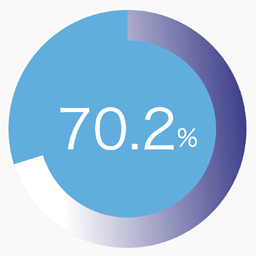
SPW Pie Chart
0/5 (0 ratings) — active installs Updated Aug 31, 2026

The shortcode generator screen in the WordPress admin area. You can configure the label, percentage, size, thickness, angle, text color, track color, and gradient colors while checking the live preview.
SPW Pie Chart adds a simple shortcode for displaying a single percentage-based pie chart with gradient colors, optional label text, and entry animation.
Features:
- Render a single pie chart with the
[spw_pie_chart]shortcode. - Control the percentage, size, thickness, colors, stops, angle, and label.
- Enable or disable animation when the chart becomes visible.
- Generate shortcode parameters from the admin screen under
Settings > Pie Chart.
Example shortcode:
[spw_pie_chart percent="75" label="Sample" colors="#3d3e8e,#009ef9,#affffb" stops="0,50,100" angle="135"]