

Skarman Social Link Page
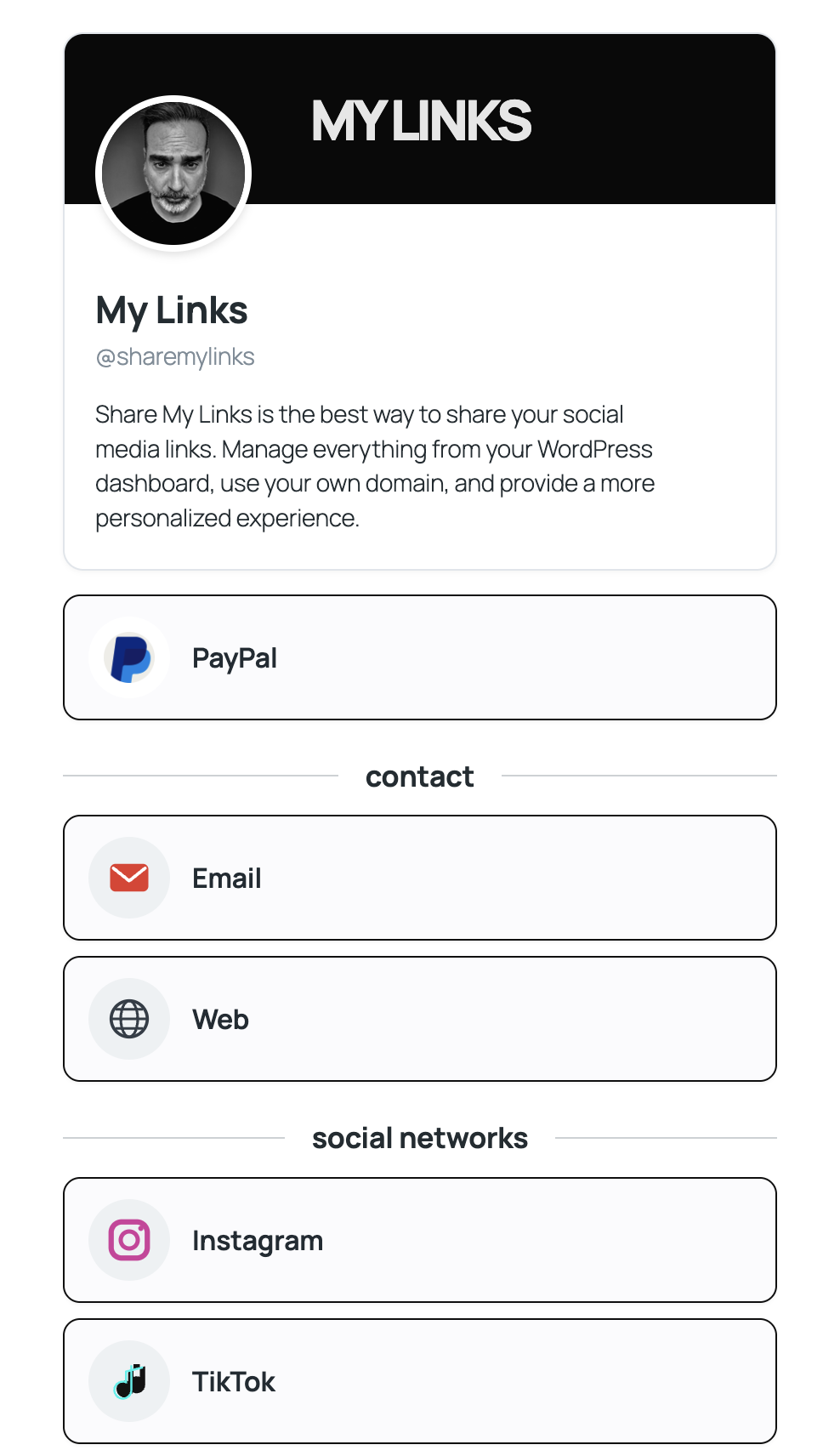
Mobile profile page displaying the profile photo, name, username, description, custom link, and social media links.
Create a clean, lightweight and responsive social links page on your WordPress website with Skarman Social Link Page.
This simple, fast and easy-to-use WordPress plugin lets you build a personal link page directly from your dashboard. Add your profile photo, name, username, description and social media links, then display everything wherever you want using the [my_links] shortcode.
Why use Skarman Social Link Page?
- Lightweight and simple: a straightforward way to share your links without needing a separate link-in-bio service.
- Responsive design: a two-column layout on desktop that adapts to a stacked layout on mobile devices.
- Easy profile management: configure your profile details and photo from your WordPress dashboard.
- Popular platforms: add links for Instagram, TikTok, YouTube, Twitch, Kick, Facebook, X, LinkedIn, Spotify, Apple Podcasts, Telegram, WhatsApp, Discord and more.
- Custom link: add a featured destination, such as a website, store, booking page or donation page.
- Flexible appearance: choose a light, dark or custom-colour style.
- Organised links: reorder items and group them with titled separators.
- Local icons: social icons are bundled with the plugin, so no external icon CDN is required.
Tip for the best mobile experience: create a dedicated landing page for your link profile. A page template without a top navigation menu or large header gives your links more room, especially on mobile screens.
How to use it
- Install and activate the plugin.
- Go to Settings My Links and configure your profile.
- Add your social links and customise their order and appearance.
- Insert
[my_links]into the page where you want your profile to appear.
Learn more at Share My Links.
Features
- Select a profile photo and a custom-link image from the WordPress Media Library.
- Configure a name, handle, and description.
- Add links for Web, Email, Instagram, TikTok, Twitch, YouTube, Kick, OnlyFans, Spotify, Apple Podcasts, Facebook, X, LinkedIn, Telegram, WhatsApp, Discord, and Patreon.
- One custom link in the free version.
- Light, dark, and transparent custom themes.
- Reorder links and add titled separators.
- Responsive two-column desktop layout and stacked mobile layout.
Icon assets and licensing
Share My Links includes a collection of 48 SVG icon assets created specifically for the plugin. These assets are bundled locally and do not require an external icon CDN.
The original icon artwork was generated for the Share My Links project. The plugin is distributed under the GNU General Public License, version 2 or later (GPL-2.0-or-later), subject to applicable third-party rights.
Some icons represent or refer to third-party platforms, services, or brands. Their names and trademarks remain the property of their respective owners. Their inclusion is intended to identify supported platforms and does not imply endorsement, sponsorship, or affiliation.
The Share My Links project does not claim ownership of third-party trademarks.
Icons
The plugin bundles local SVG icon files and does not need an external icon CDN to display supported platform icons.
Privacy
Share My Links does not send profile settings or link data to an external service. Profile photos and custom-link images must correspond to image attachments in the current WordPress site’s Media Library. External image URLs are rejected.
Development status
This release has been tested by the developer in a WordPress 7.1.3 test installation. Further checks with the WordPress Plugin Check tool are recommended before public release.