
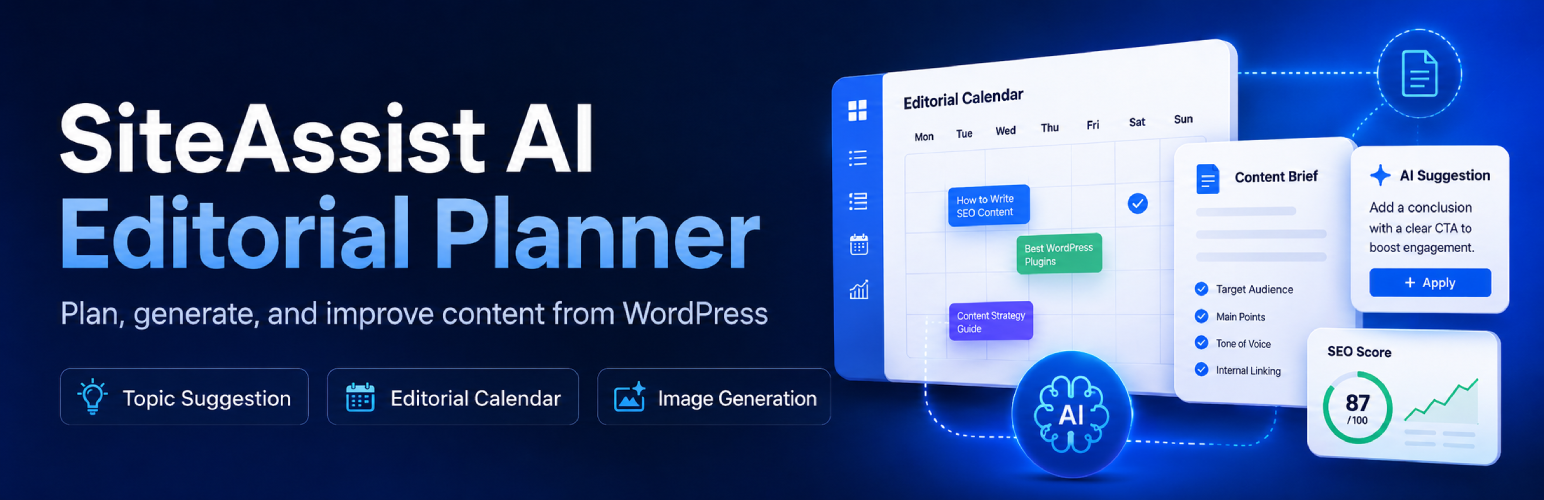

SiteAssist AI Editorial Planner

Start the setup wizard and choose how SiteAssist AI Editorial Planner should scan and prepare your WordPress site.
SiteAssist AI Editorial Planner helps WordPress site owners build a structured publishing plan and generate AI-assisted blog articles using their own OpenAI API key.
The plugin can scan existing site content, build a brand profile, suggest article topics, organize them into a calendar, generate draft or published articles, create featured images, and estimate OpenAI API costs before content is generated.
Major capabilities include:
- Site scan and content inventory for topic planning.
- Brand profile generation and editing.
- Publishing plan controls for frequency, article length, writing style, author, and category.
- Editorial calendar with calendar and list views.
- AI-assisted topic generation.
- Article generation and post status handling.
- Basic contextual internal linking controls.
- Basic AI featured image generation.
- Monthly API cost estimate and tracked usage summary.
- Support for sites protected by HTTP Basic Authentication during scans.
- BlogPosting structured data for all published WordPress posts, with duplicate-provider detection.
- Optional IndexNow notification when a SiteAssist article is first published, with external-provider detection and latest submission status.
This plugin requires an OpenAI API key. OpenAI API usage is billed separately by OpenAI based on the prompts, tokens, and image generation settings used.
The WordPress.org plugin includes the core planning, calendar, article generation, and basic featured image workflow.
Premium Features
An optional separately distributed advanced version is available for teams that need deeper editorial workflows, including SEO campaign planning, editorial review tools, automation workflows, and advanced image controls. Learn more at WPAssist website.
Premium features include:
- SEO campaign planning and campaign-aware topic generation.
- Final Article Quality Review for direct-answer clarity, entity clarity, extractable explanations, editorial quality, AI Readiness scoring, and schema suggestions.
- Internal Link Review and CTA Alignment for stronger anchors, linked sentences, destination variety, and final CTA fit.
- Balanced and Advanced Evidence Depth controls with exact-page source matching and final claim-to-source validation in Advanced mode.
- Advanced image controls, including prompt refresh and different-concept generation.
- Automation workflows for scheduled article generation and publishing support.
External Services
SiteAssist AI Editorial Planner connects to external services only when a site administrator uses features that require them.
OpenAI
The plugin connects to the OpenAI API at https://api.openai.com when a site administrator generates or reviews content, such as brand profiles, topic ideas, article drafts, article improvements, or AI-generated images. Depending on the feature being used, requests may include site scan summaries, brand profile details, article topics, selected settings, article draft content, internal-link candidates, image prompts, and related generation context. The plugin uses the OpenAI API key saved by the site administrator, and OpenAI API usage is billed separately by OpenAI.
OpenAI Terms and Policies: https://openai.com/policies/
OpenAI Platform: https://platform.openai.com/
IndexNow
When a site administrator enables the IndexNow setting, the plugin queues the public URL of a newly published SiteAssist article for submission to the IndexNow API at https://api.indexnow.org/indexnow. The request also includes the site’s public host name and an automatically generated verification key and key-location URL. SiteAssist does not send the article content, OpenAI API key, private post data, or administrator information to IndexNow. Requests occur only when an eligible SiteAssist-generated WordPress post is published for the first time, and temporary failures may be retried in the background. Before SiteAssist sends its request, it checks whether another plugin has already submitted the same URL successfully through the WordPress HTTP API. When such a request is observed, SiteAssist avoids the duplicate and records the latest submitted URL, provider, and HTTP response for display in the SEO settings. This coordination is not limited to SEOPress or another specific SEO plugin. IndexNow is used by participating search engines and does not submit the article to Google.
IndexNow Documentation: https://www.indexnow.org/documentation
IndexNow Terms of Service: https://www.indexnow.org/terms
Freemius
This plugin includes the Freemius SDK to provide opt-in account connection, license/account screens, update handling for separately distributed paid versions, and optional usage/account communication. The SDK may connect to Freemius services, including https://api.freemius.com and related Freemius endpoints, when a site administrator opts in, activates a license, opens Freemius account screens, or uses Freemius-powered update and account-management features.
Data sent to Freemius may include plugin slug/version, site URL, WordPress and PHP environment details, administrator account/contact details supplied during opt-in or account connection, account identifiers, and diagnostic data needed for licensing, updates, account management, and support.
Freemius Terms of Service: https://freemius.com/terms/
Freemius Privacy Policy: https://freemius.com/privacy/