
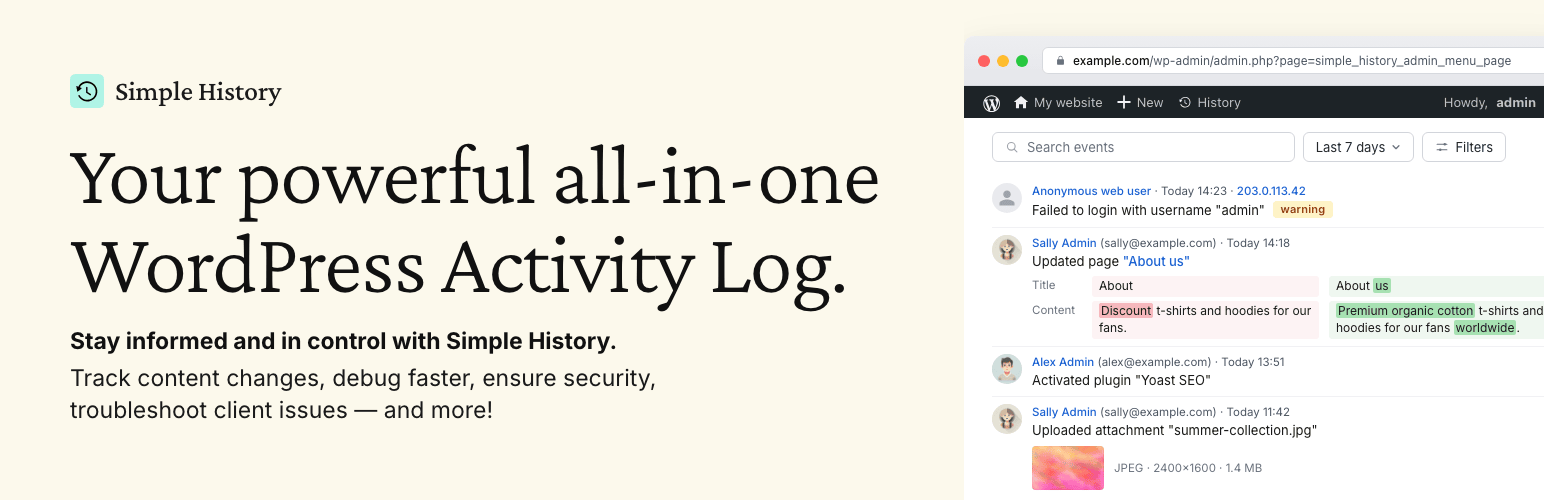

Simple History – Track, Log, and Audit WordPress Changes
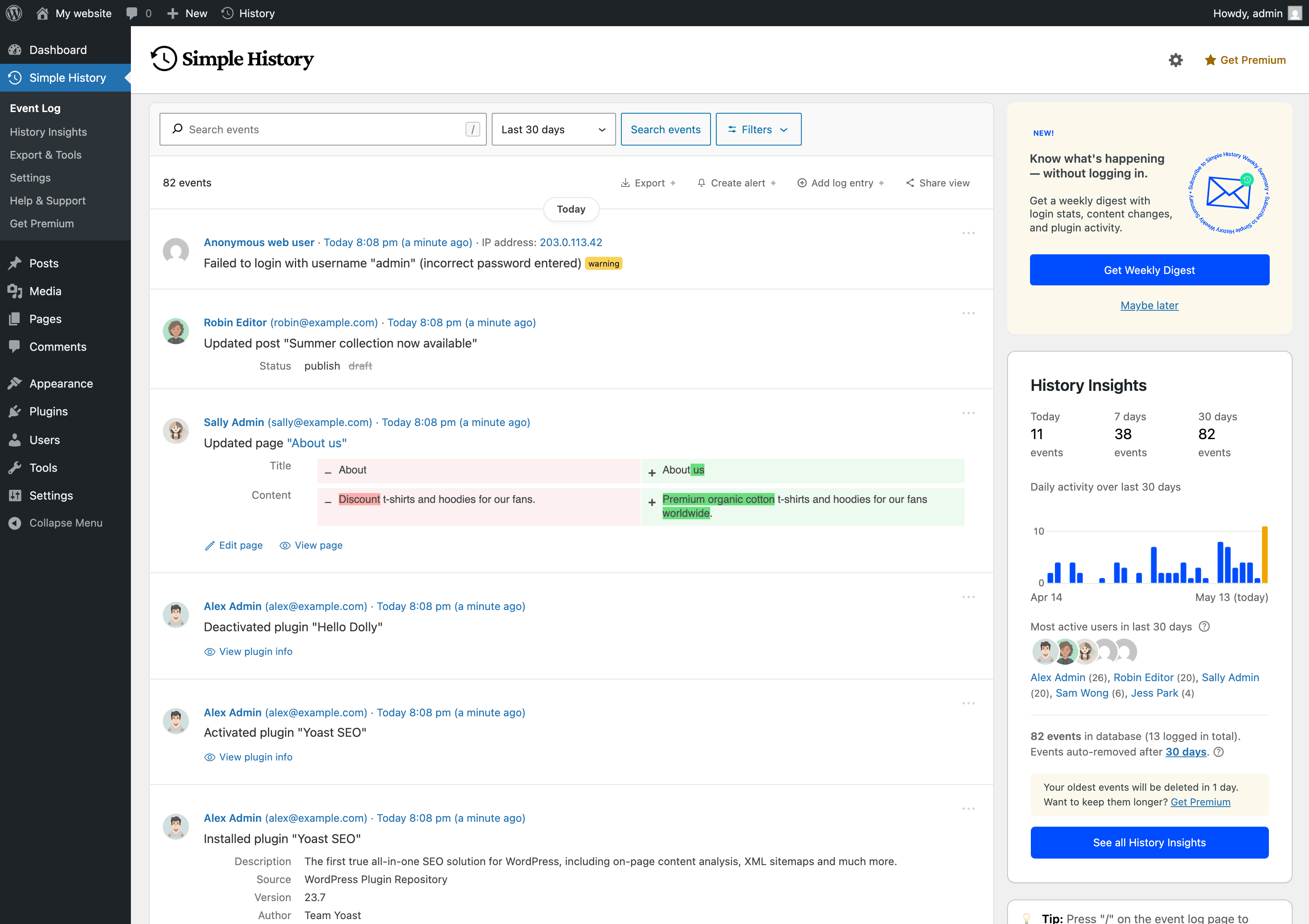
<p>The main event log: a clear timeline of who did what on your site, when, and from where — alongside a sidebar with daily activity and your most active users.</p>
Trusted by 300,000+ WordPress sites, rated 4.9 stars with 450+ five-star reviews, actively developed for 10+ years, and translated into 15+ languages.
Simple History is the complete audit log for WordPress. It tracks every meaningful change — content edits, user logins, plugin updates, security events, and more — so site owners, teams, agencies, and developers always know who did what and when. Just install and activate; no configuration required.
Every event is written to be read: plain language like Updated page “About us”, relative timestamps such as “5 minutes ago”, and before/after comparisons instead of raw data dumps.
🔍 How Simple History Helps in Real Situations
Track what’s happening on your site
“Has anyone done anything today? Ah, Sarah uploaded the new press release and created an article for it. Great — now I don’t have to do that.”
Identify issues and debug faster
“The site feels slow since yesterday. Has anyone done anything special? … Ah, Steven activated ‘naughty-plugin-x’, that must be it.”
Keep freelancers & agencies accountable
“I hired a developer to optimize my site. But did they actually do anything? A quick glance at Simple History shows me exactly what they worked on.”
Spot suspicious activity early
“I see three failed logins from an unfamiliar IP address overnight. Let me click the IP to check all activity from that address — just those attempts, nothing else. Good to know.”
✨ What Simple History Tracks
Security & Monitoring
- Failed user logins with IP tracking and filtering by type (wrong password vs. non-existent username)
- Core file integrity checks against official checksums
- Forced security auto-updates from WordPress.org
- Site Health status changes
- Admin page access denied events
Content & Users
- Posts, pages, and custom post types — create, edit, delete, and homepage assignment
- Attachments with image edit details (crop, rotate, flip, scale) and thumbnail previews
- Taxonomies with detailed diffs of name, slug, description, and parent
- Comments, menus (with item-level detail), and widgets
- User profiles, logins, logouts, and role changes
- Notes — the collaboration feature in WordPress 6.9
System & Updates
- Plugin lifecycle: install, update, activate, deactivate, delete, and auto-update toggle
- Theme install, update, activate, switch, and delete
- WordPress core updates (manual and automatic)
- Translation and language pack updates
- Available update notifications
- Settings and option screen changes
Privacy & Compliance
- Privacy data export and user data erasure requests
- Privacy page changes
- IP addresses anonymized by default — no cookies, no external fonts
- WordPress AI plugin activity is logged without ever storing API keys or prompt content
🔌 Built-in Third-Party Plugin Support
Simple History includes built-in logging for:
- WordPress AI plugin – Feature toggles, AI provider and model changes, and connector approval requests, grants, and revocations
- Jetpack – Module activations and deactivations
- Advanced Custom Fields (ACF) – Field group and field changes
- User Switching – User switch events
- WP Crontrol – Cron event and schedule changes
- Enable Media Replace – File replacement details
- Limit Login Attempts – Login attempts, lockouts, and config changes
- Redirection – Redirect and group changes, global settings
- Duplicate Post – Post and page cloning
- Beaver Builder – Layout, template, and settings saves
Is your plugin missing? Plugin authors can add support using the logging API.
💬 What Users Say
450+ five-star reviews on WordPress.org:
- “So far the best and most comprehensive logging plugin” – @herrschuessler
- “The best history plugin I’ve found” – Rich Mehta
- “Fantastic plugin I use on all sites” – Duncan Michael-MacGregor
- “It is a standard plugin for all of our sites” – Mr Tibbs
🚀 View Your Log Everywhere
Simple History starts tracking instantly after activation — no setup needed. It even imports recent activity so your log isn’t empty on day one. Access your log from:
- Dashboard widget – Activity stats summary and recent events
- Admin bar quick view – Dropdown with latest events on any admin page
- Command palette – Type “Simple History” to jump to the log for the current post
- Dedicated admin page – Full log with search, filters, and insights sidebar
- Email reports – Weekly summary delivered to your inbox
- RSS feed – Password-protected feed for your favorite reader
- WP-CLI – Command-line access for automation and scripting
- REST API – Programmatic access for custom integrations
📧 Weekly Email Reports – Stay Informed Without Logging In
Weekly email reports deliver a summary of your site’s activity every Monday morning — total activity, daily breakdown, key metrics (logins, content updates, plugin changes), and direct links to the full log.
Perfect for site owners, agencies managing client sites, and teams who need regular updates without logging in. Enable it in settings and see what the email looks like before turning it on.
🛠️ For Developers & Power Users
- WP-CLI – List, search, and export events from the command line — perfect for automation and managing multiple sites
- REST API – Full programmatic access to query the log and add custom events. See the documentation
- Logging API – Log your own events from themes and plugins with a single line of code
- RSS feed – Subscribe to changes using any feed reader
- AI & agent-friendly – The REST API and RSS feed make Simple History accessible to AI agents and automated workflows like Claude Code
- Stealth Mode – Run Simple History completely hidden from the admin interface via code; Premium adds a GUI. Ideal for agencies and client sites
🔆 Extend with Add-ons
Simple History Premium
Alerts & Notifications – Get notified instantly via Email, Slack, Discord, or Telegram when important events occur. Start quickly with preset rules for common scenarios or build custom rules filtered by event type, user, role, and log level.
Log Forwarding – Stream events to external destinations: local log files, syslog servers (UDP/TCP/TLS), Datadog, Splunk, webhooks, or external MySQL/MariaDB databases. Perfect for centralized logging, compliance, and backup.
Enhanced Controls – Custom retention periods (or keep logs forever), CSV/JSON export of filtered search results, post activity panel in the block editor, custom log entries for team decisions, stealth mode GUI, logger control to fine-tune which events are recorded, and an ad-free experience.
WooCommerce Logger
Track WooCommerce activity: orders, refunds, stock changes, product updates, pricing adjustments, settings modifications, and coupon usage.
Debug and Monitor
Monitor outgoing HTTP requests and emails, debug API calls, and see what’s happening under the hood. Essential for developers and support teams.
💚 Sponsor this project
If you like this plugin please consider sponsoring the development of the free plugin. The plugin has been free for over 10 years and will continue to be free.