

Quick Feed Copyright
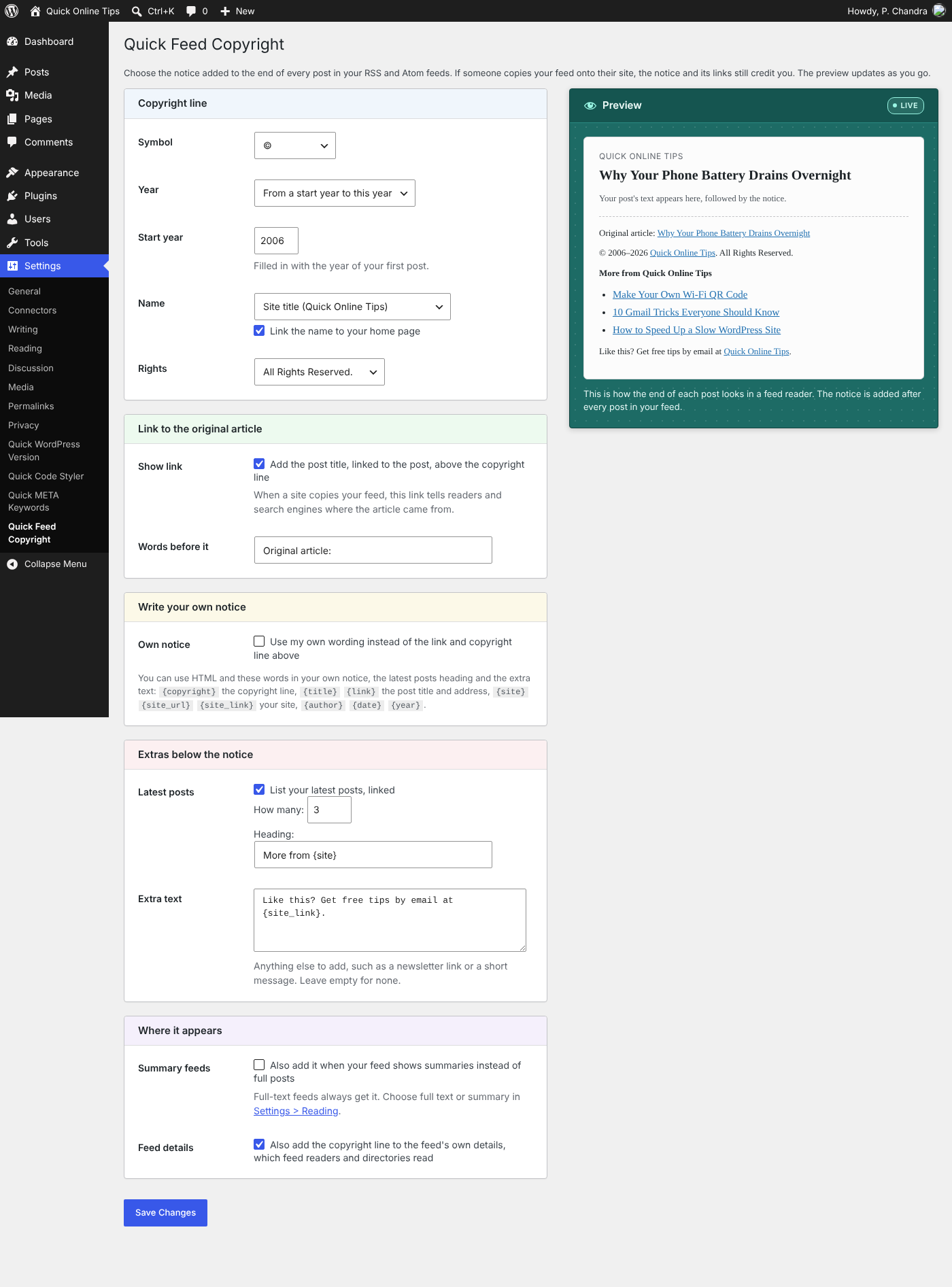
The settings page, with a live preview of the notice as it will look in a feed reader.
Your RSS feed travels far beyond your site. Feed readers show it, and scraper sites and autoblogs often copy it word for word onto their own pages. Quick Feed Copyright adds a short notice to the end of every post in your feed, so wherever your posts end up, they still say who wrote them and link back to the original.
Refreshed for 2026. First released in 2007 as Simple Feed Copyright, version 2.0 is rebuilt with a settings page and a live preview. Choose every part of the notice, change the wording, write your own, and add extras below it. Far more control than the original fixed notice, and more useful than ever now that feeds are copied more widely.
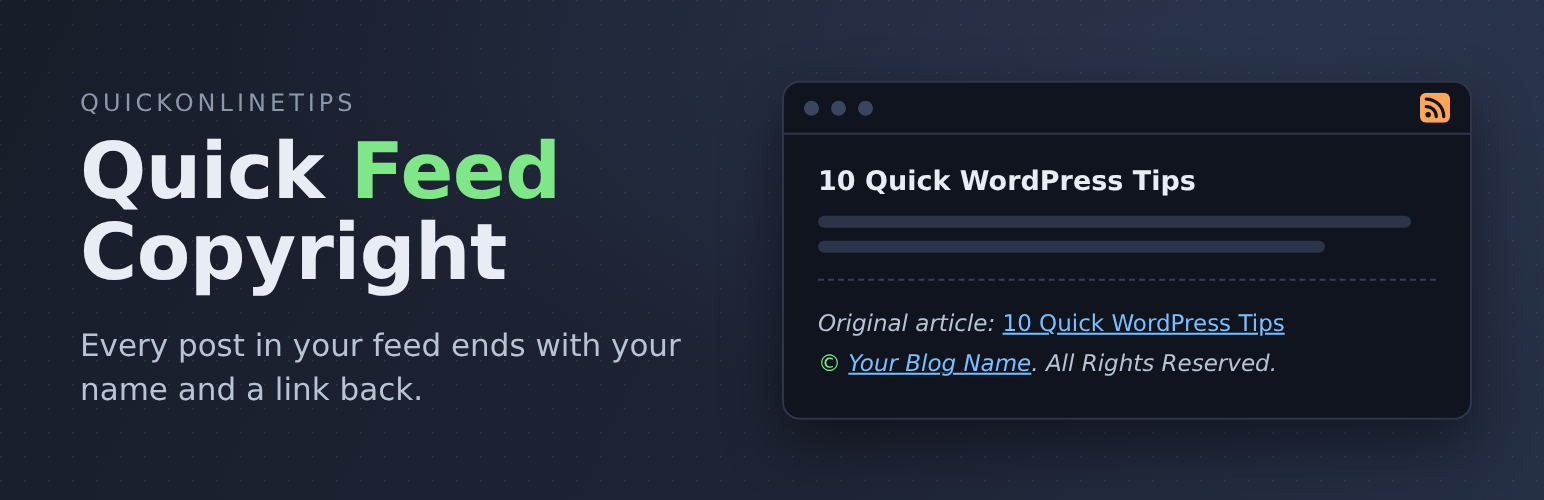
Out of the box, every post in your feed ends like this:
Original article: Title of the Post (linked to the post)
© 2026 Your Blog Name. All Rights Reserved. (your blog name linked to your site)
Those links tell readers and search engines where the article came from, even on a site that copied it. For more ways to protect your site and your content, see our security guides.
Choose your own wording
Go to Settings > Quick Feed Copyright and pick each part of the copyright line, with a live preview as you go:
- Symbol: ©, (c), Copyright, Copyright ©, or none
- Year: this year, the year each post was published, a range such as 2006–2026, or none
- Name: your site title or another name, such as your company, linked to your home page or not
- Rights: All Rights Reserved, Some Rights Reserved, your own wording (links allowed, for example to a Creative Commons licence), or nothing
Write your own notice
Prefer your own words? Write the whole notice yourself, with HTML and handy placeholders such as {title}, {link}, {site_link}, {author} and {copyright}.
Extras below the notice (all off until you switch them on)
- A list of your latest posts, so feed readers find more of your articles
- Any extra text, such as a newsletter link or a short message
Also
- Adds the copyright line to the feed’s own details (
<copyright>in RSS,<rights>in Atom), which feed readers and directories read - Can add the notice to summary feeds too, not just full-text feeds
- Only touches your feeds. Your site’s pages are never changed.
- Lightweight: one setting saved in the database, no files or scripts loaded on your site, and nothing at all outside the feed and its settings page
Formerly called Simple Feed Copyright. Updating keeps your feed exactly as it was until you change a setting.
Made by Quick Online Tips, tech help that works since 2004. See the Quick Feed Copyright plugin page for more.