
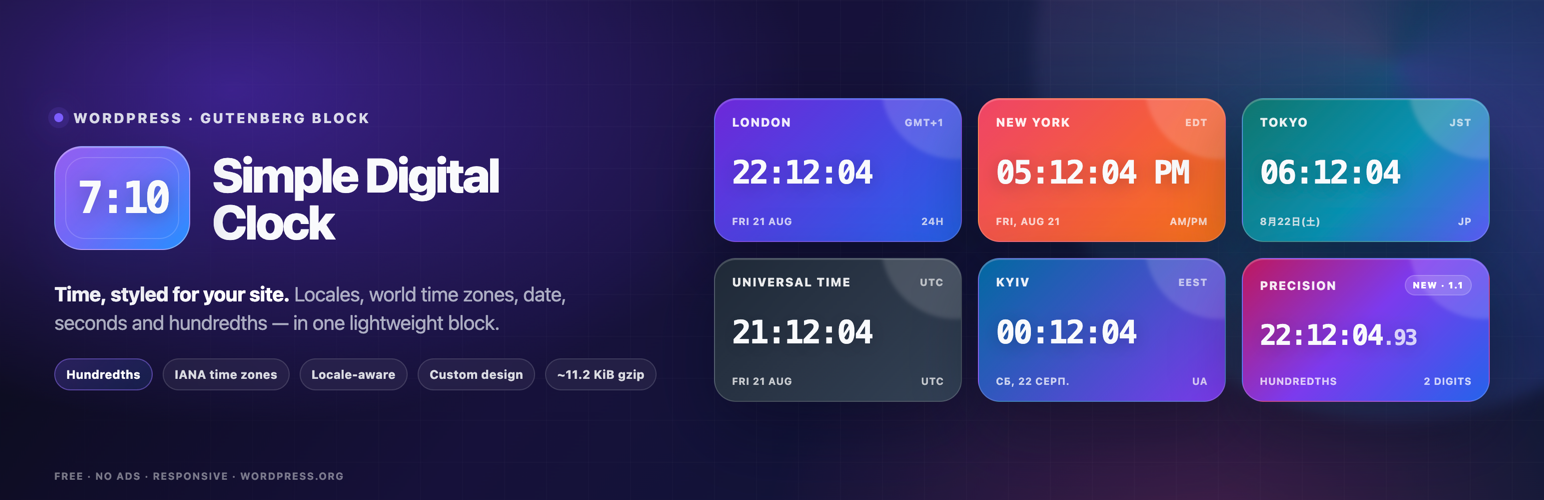

Simple Digital Clock 🕒
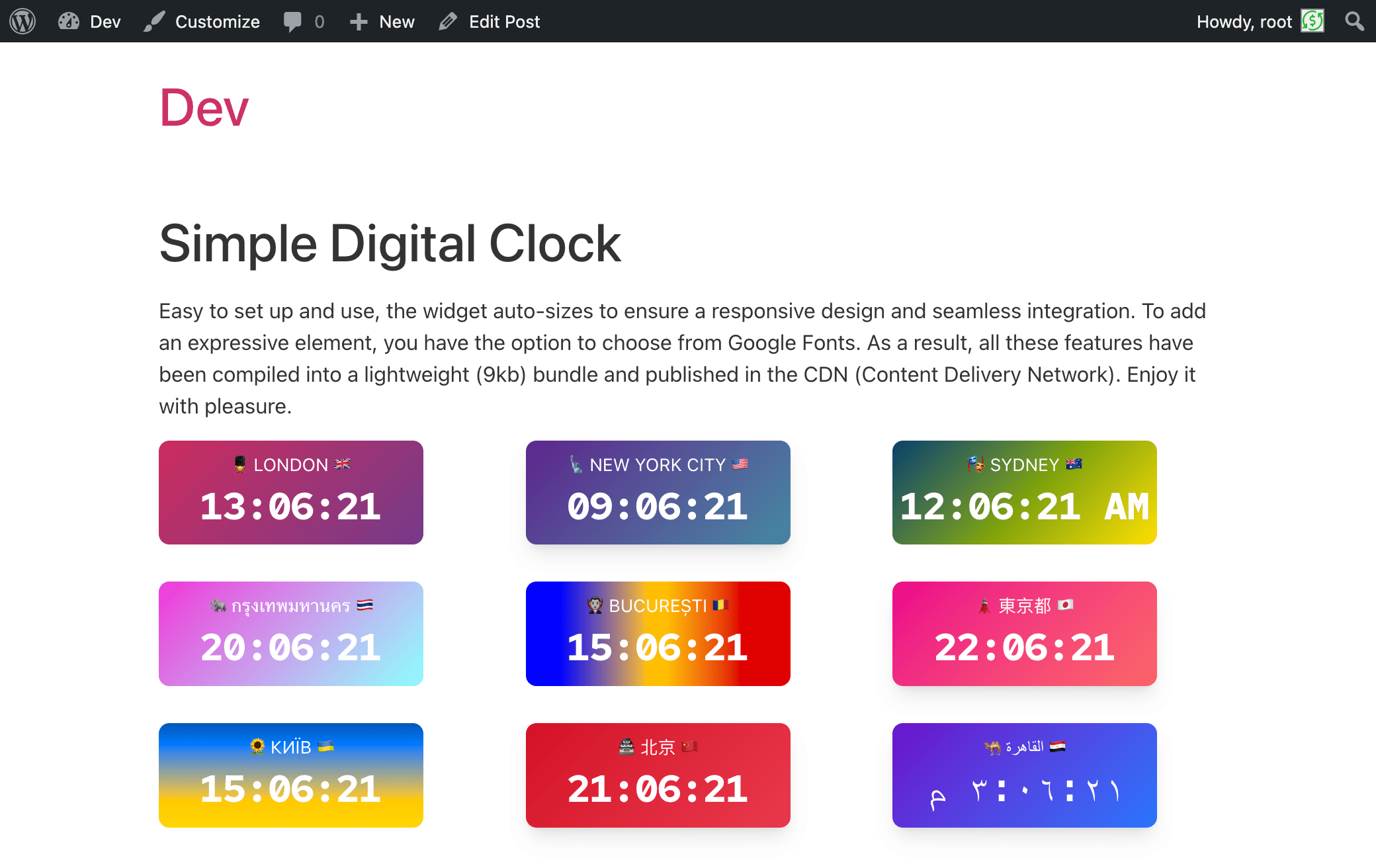
screenshot-1.png – Front-end examples: multiple Simple Digital Clock blocks on one page, each with different locales, time zones, colors, and formats (AM/PM or 24-hour).
It is 🪄 a magical and easy-to-use digital clock with a beautiful UI, supporting multiple languages, locales, dates, captions, and time zones.
📌 Description
The Digital Clock Widget – the perfect addition to your website! This sleek and minimalist digital clock Gutenberg block (widget) offers a quick and easy way to display the current time on your site. With its clean design and unobtrusive style, it seamlessly blends into any webpage. Whether you’re running a blog, an e-commerce store, or a personal website, our widget keeps your visitors informed with accurate, real-time information. Easy to install and highly customizable, it’s the ideal choice for adding a touch of professionalism to your online presence. Upgrade your website today with the Simple Digital Clock Widget and keep your audience in sync with the times!
Live demo👀 | CodePen playground👀
⭐️ FEATURES ⭐️
- 🚀 Lightweight (~11.2 KiB gzip)
- 🗣 Locale support (BCP-47, e.g.,
en-US,uk,de-DE) - 🌐 IANA time zones (e.g.,
Europe/Kyiv,UTC) - 📝 Custom caption
- 🎨 Styling: color/gradient, radius, shadows
- 🔢 24-hour or AM/PM, ⏱ seconds, ⏱️ optional hundredths of a second, 📅 date
- 🔒 SSL-friendly, 📱 responsive, 🔍 SEO-friendly
- 💯 Free, no ads
How it works
- Add the Simple Digital Clock block in the editor or as a widget.
- Configure in the right sidebar:
- Locale (e.g.,
en-US,uk,fr-FR) - Time Zone (IANA ID, e.g.,
Europe/Kyiv,America/New_York,UTC) - Seconds, Hundredths, Date, 24-Hour (AM/PM), Caption
- Background/gradient, border radius, shadow, and font
- Locale (e.g.,
Hundredths shows two fractional digits after the seconds for clocks that need finer visual precision. Hundredths automatically include seconds while enabled. Note: the browser may not render every 10 ms increment.
📌 Installation
= From your WordPress dashboard =
1. Go to Plugins Add New
2. Search for “Simple Digital Clock”
3. Install & Activate
4. Insert the block in the editor or add it as a widget (/wp-admin/widgets.php)
From WordPress.org
- Download “Simple Digital Clock”
- Upload to /wp-content/plugins/
- Activate
- Insert the block / add the widget
Source / Development
The production JavaScript bundled with this plugin is built from the public Simple Digital Clock Widget source.
- Source repository: https://github.com/Timenow-zone/Simple-Digital-Clock-Widget
- Bundled upstream version: 0.7.0
- Exact source for this bundled release: https://github.com/Timenow-zone/Simple-Digital-Clock-Widget/tree/v0.7.0
To reproduce the production bundle:
npm cinpm run build
🍩 Donations
🕒 Sync Time: UTC
🗓️ Today’s Date: TodaysDateNow