
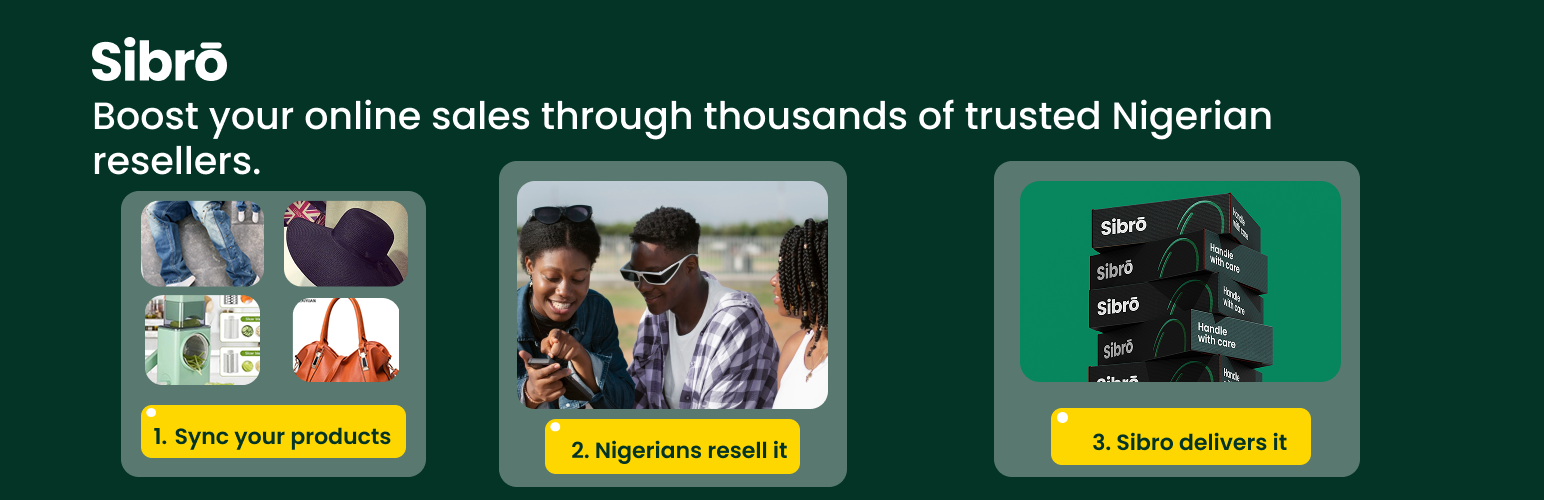

SibroX
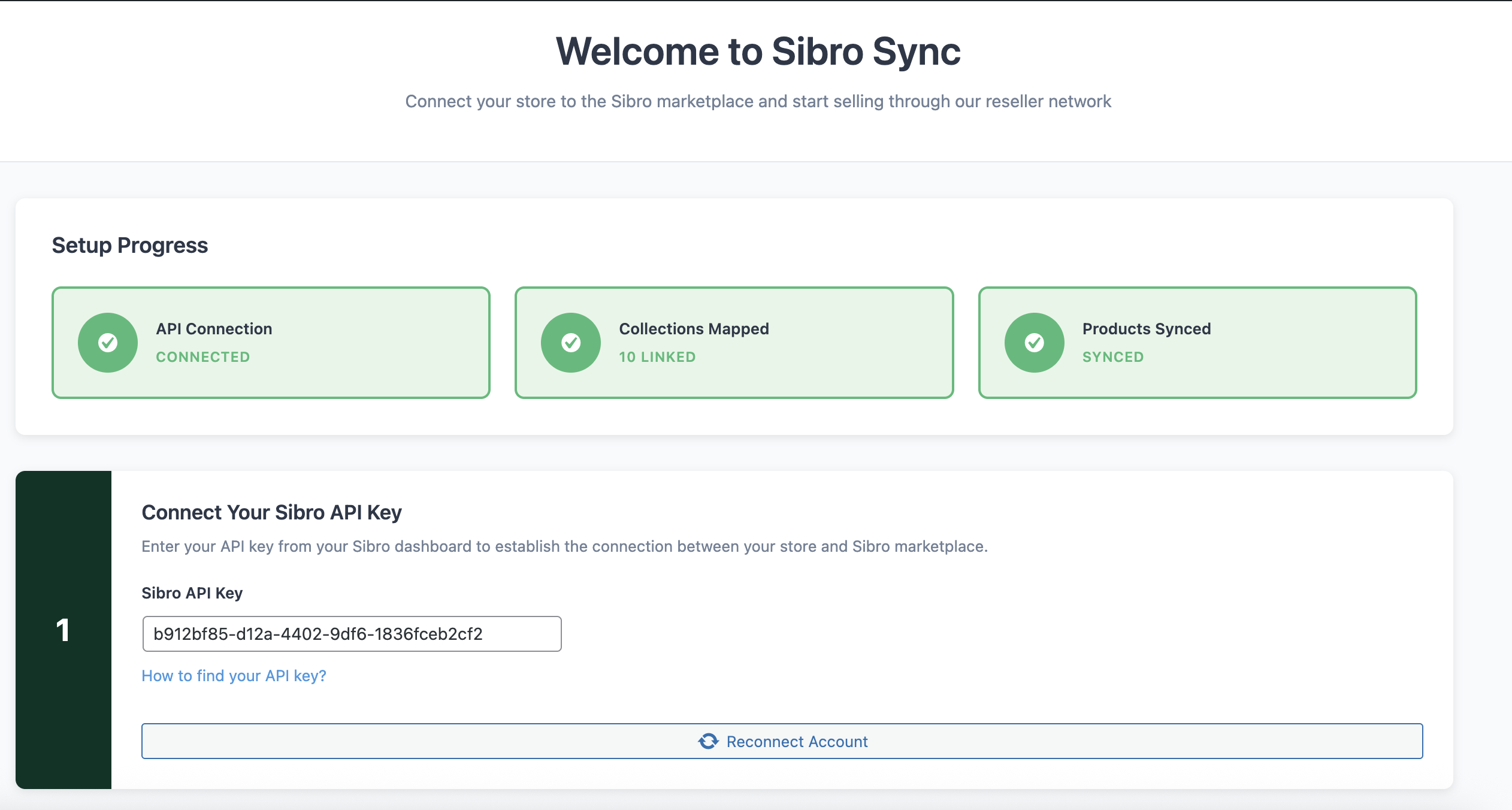
Admin dashboard with sync status, product counts, and quick actions
👉 Expand Your Reach with Sibro Resellers!
👉 Connect your WooCommerce store to Nigeria’s growing reseller marketplace and let thousands of resellers sell your products for you
As an eCommerce vendor, finding new customers and expanding your market reach can be challenging and expensive. What if you could tap into a network of motivated resellers who actively promote and sell your products to their own customer base?
sibrox is designed for WooCommerce store owners who want to scale their business across Nigeria by connecting with the Sibro reseller marketplace — a fast-growing platform where resellers help vendors like you reach more customers, increase visibility, and boost revenue.
This plugin seamlessly integrates your WooCommerce store with Sibro, allowing you to sync your products directly to the marketplace where resellers can discover, promote, and sell them to their networks.
With sibrox, you maintain full control of your inventory while resellers handle the marketing and customer acquisition. It’s the perfect solution for wholesalers, manufacturers, and retailers looking to expand their distribution channels without additional overhead.
External Service Disclosure
This plugin relies on the Sibro Marketplace API to function.
Sibro Marketplace
This service is used to sync your WooCommerce products to the Sibro reseller marketplace, allowing resellers to find and sell your products.
* Service URL: https://sibro.ng
* Data Sent: Product information including title, description, price, stock levels, images, and category data.
* When Data is Sent: Data is sent when you manually trigger a sync, or automatically when product stock changes or orders are placed (if these options are enabled in settings).
* Terms of Service: https://www.sibro.ng/pages/seller-terms
* Privacy Policy: https://www.sibro.ng/pages/seller-privacy
💁 Key Features of sibrox
Everything you need to successfully list your products on the Sibro reseller marketplace
The sibrox plugin is equipped with powerful features to make syncing your products simple and efficient:
🔑 One-Click Product Sync – Send all your products to Sibro marketplace with a single click
🔑 Smart Category Mapping – Map your WooCommerce categories to Sibro’s marketplace categories for accurate product placement
🔑 Real-Time Stock Updates – Keep inventory synchronized automatically when stock changes
🔑 Order-Based Sync – Automatically update Sibro when orders affect your stock levels
🔑 Selective Product Sync – Choose which products or categories to sync to the marketplace
🔑 Sync Status Dashboard – View all synced products, pending items, and sync history
🔑 Detailed Activity Logs – Track every sync operation with comprehensive logging
🚀 Why Choose Sibro Reseller Marketplace?
Expand your business without the overhead
- Access Thousands of Resellers – Tap into a network of active resellers across Nigeria
- Zero Marketing Cost – Resellers market your products to their customer base
- Increase Sales Volume – Multiple resellers selling your products means more sales
- Maintain Inventory Control – You fulfill orders while resellers handle sales
- Nationwide Reach – Reach customers in regions you couldn’t access before
- Build Brand Awareness – More resellers means more visibility for your products
- Flexible Pricing – Set competitive reseller margins that work for your business
- Trusted Platform – Sibro handles reseller verification and marketplace management
📋 How It Works
A simple 4-step process to start selling through resellers
1. Install & Configure
Install the plugin, enter your Sibro API key from the mobile app, and configure your sync preferences.
2. Map Your Categories
Use the intuitive category mapping interface to match your WooCommerce categories to Sibro marketplace categories.
3. Sync Your Products
Click “Sync All Products” to send your inventory to the Sibro marketplace where resellers can find them.
4. Receive Orders & Fulfill
When resellers make sales, you receive orders and ship directly to customers — simple!
💼 Perfect For
Businesses that benefit most from reseller networks
- Fashion & Apparel Vendors – Clothing, shoes, accessories, and jewelry
- Electronics Retailers – Phones, gadgets, accessories, and tech products
- Health & Beauty Brands – Cosmetics, skincare, and wellness products
- Home & Living Suppliers – Furniture, décor, and household items
- Food & Beverage Producers – Packaged foods, beverages, and groceries
- Wholesalers & Distributors – Anyone looking to expand their dealer network
- Manufacturers – Direct-to-reseller distribution channels
💁 Contact Us or Submit Support Ticket
Need help getting started or have questions? Our support team is here to assist you!
- Email Support: [email protected]
- Phone Support: +234 816 782 3631
- Visit Website: sibrocommerce.com
When contacting support, please include:
- Your WooCommerce store URL
- Description of the issue
- Any error messages from the Sync Log
- Steps you’ve already tried
Privacy
This plugin communicates with the Sibro API (https://sync.sibro.ng) to synchronize product data with the Sibro reseller marketplace.
Data sent to Sibro:
- Product information (title, description, price, images, stock levels)
- Category mappings
- Store identifier (API key)
Data NOT sent:
- Customer personal information
- Order details
- Payment information
API credentials are stored securely in the WordPress options table. For more information, please review our Privacy Policy.
Notes for Developers
- Built using WordPress HTTP API (wp_remote_get, wp_remote_post)
- All admin AJAX endpoints protected by nonces and capability checks (manage_options)
- Follows WordPress coding standards
- Extensible architecture with separate classes for admin, API, products, and categories
- Full support for WooCommerce HPOS (High-Performance Order Storage)
- Database tables created with proper indexes for performance