

Settings Manager for Elementor
Export settings - 1/2
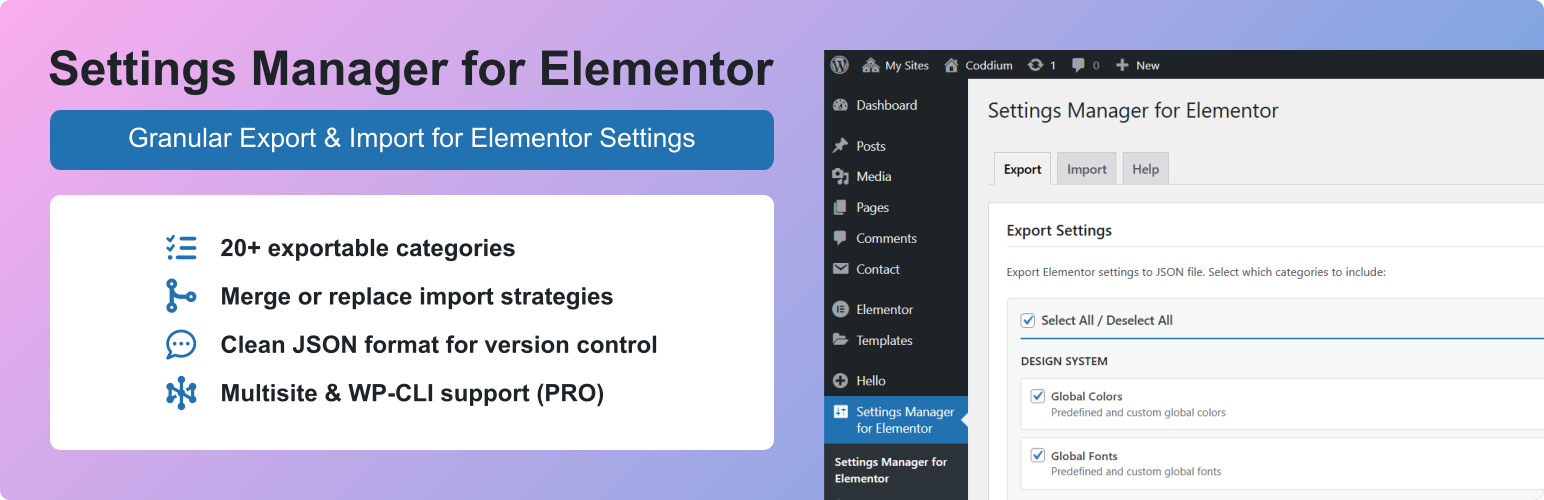
Settings Manager for Elementor provides granular control over Elementor settings export and import with more flexibility than native tools.
Why is granular important? It allows you to export or import only what you need, e.g., you may create several variants of breakpoints settings, which you can later reuse on the same site or some other site without overwriting other settings.
Features
- Site Settings – Export/import site settings (Site Settings from Elementor editor)
- Backend Settings – Export/import backend settings (Elementor > Editor > Settings from WP admin dashboard)
- Hello Theme Settings – Export frontend and backend Hello Elementor theme settings
- Selective Export/Import – Export/import only the categories you need
- 20+ Categories – Granular control over export/import for minimum errors and maximum flexibility
- Merge or Replace – Choose how Global Colors and Global Fonts are imported (keep or remove existing custom items)
- Media Separation – Export site name without logo, background style without image
- Clean JSON format – Version control friendly
- Multisite Network Import – Import to multiple sites at once (PRO)
- WP-CLI Automation – Command-line export/import for DevOps workflows (PRO)
- Automatic Backup – Creates a backup before every import for easy recovery
Available Categories
Design System
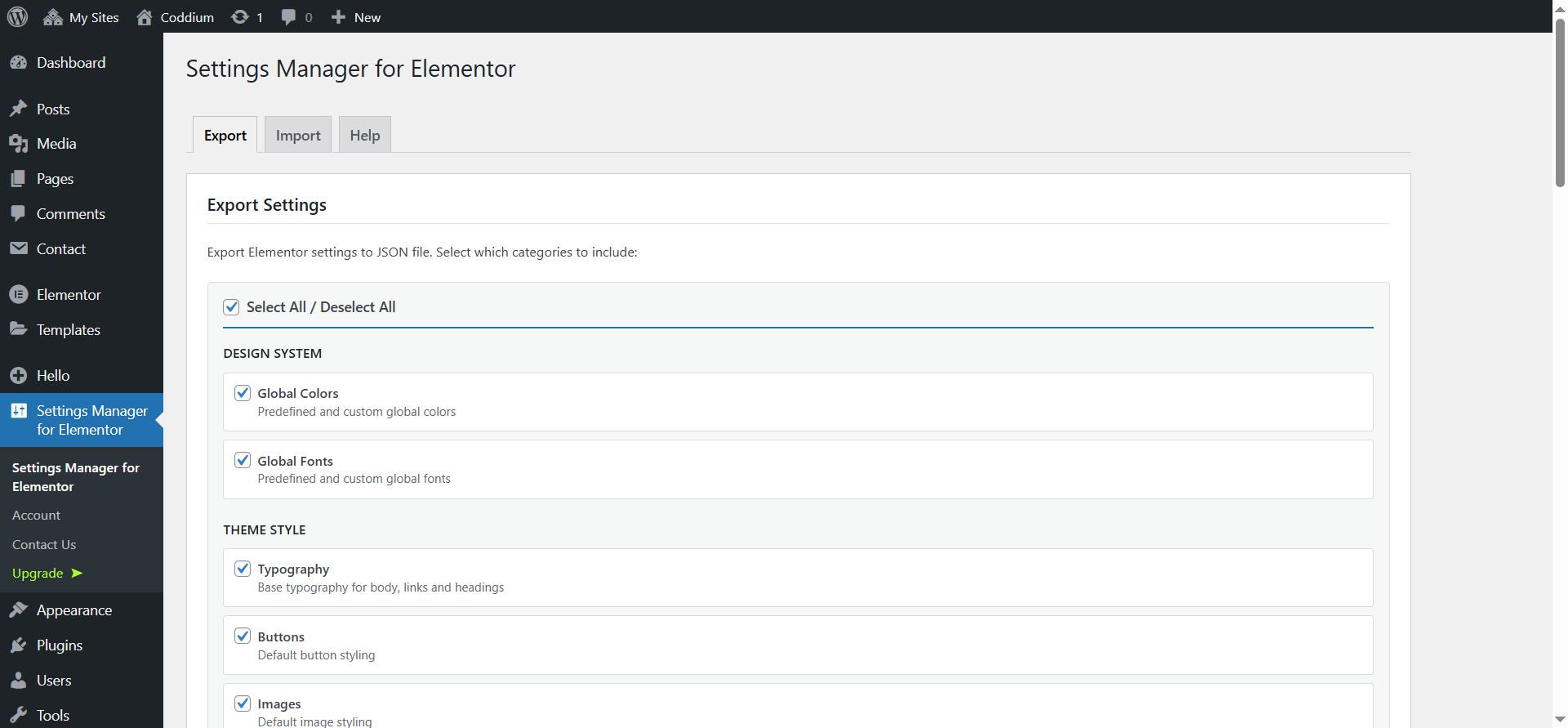
* Global Colors – Predefined and custom global colors
* Global Fonts – Predefined and custom global fonts
Theme Style
* Typography – Body, headings, links, paragraph spacing
* Buttons – Default button styling and hover states
* Images – Border, shadow, filters for images
* Form Fields – Label, field, and focus state styling
* Hello Theme Header/Footer Settings (when Hello Elementor is active)
Settings
* Site Identity (Text) – Site name and description
* Site Identity (Media) – Logo and favicon (separate from text)
* Background (Style) – Color, gradient, and settings
* Background (Image) – Background image (separate from style)
* Layout – Container width, padding, widget spacing
* Breakpoints – Responsive breakpoint values
* Lightbox – Colors and behavior
* Page Transitions – Page transition animations (requires Elementor Pro) (PRO)
* Preloader Settings – Animation and style (requires Elementor Pro) (PRO)
* Preloader Media – Icon and image (requires Elementor Pro) (PRO)
* Custom CSS – Global custom CSS code (requires Elementor Pro) (PRO)
Backend Settings
* General – Post types, colors, fonts, tracking
* Integrations – API keys (Google Maps, reCAPTCHA, etc.)
* Advanced – Editor settings, file uploads, Google Fonts
* Performance – CSS print method, lazy loading
* Features – Elementor experiments and stable features
* Hello Theme Settings (when Hello Elementor is active)
Extra PRO Features
Multisite Network Import:
* Import settings to multiple network sites simultaneously
* Real-time progress tracking with site-by-site status
* Cancel import anytime
* Sites without Elementor are automatically skipped
WP-CLI Commands:
wp semfe export <file> [--categories=<categories>]
Export settings to JSON file.
wp semfe import <file|url> [--categories=<categories>] [--strategy=merge|replace] [--sites=<sites>]
Import settings from file or URL. Use –sites for multisite network import.
wp semfe list-categories [--format=table|json]
List available categories.
Use Cases
- Development to Production – Export from staging, import to live site with selected categories
- Client Projects – Create reusable brand guideline templates
- Multisite Networks – Sync design system across network sites (PRO)
- Backup & Recovery – Create versioned backups of your settings
- Team Collaboration – Share settings files between team members
⚠️ Important:
This plugin manages Elementor settings only.
It does not export content, templates, themes, plugins, or custom files.
Requirements
- WordPress 6.0+
- Elementor 3.23.0+
- PHP 7.4+