
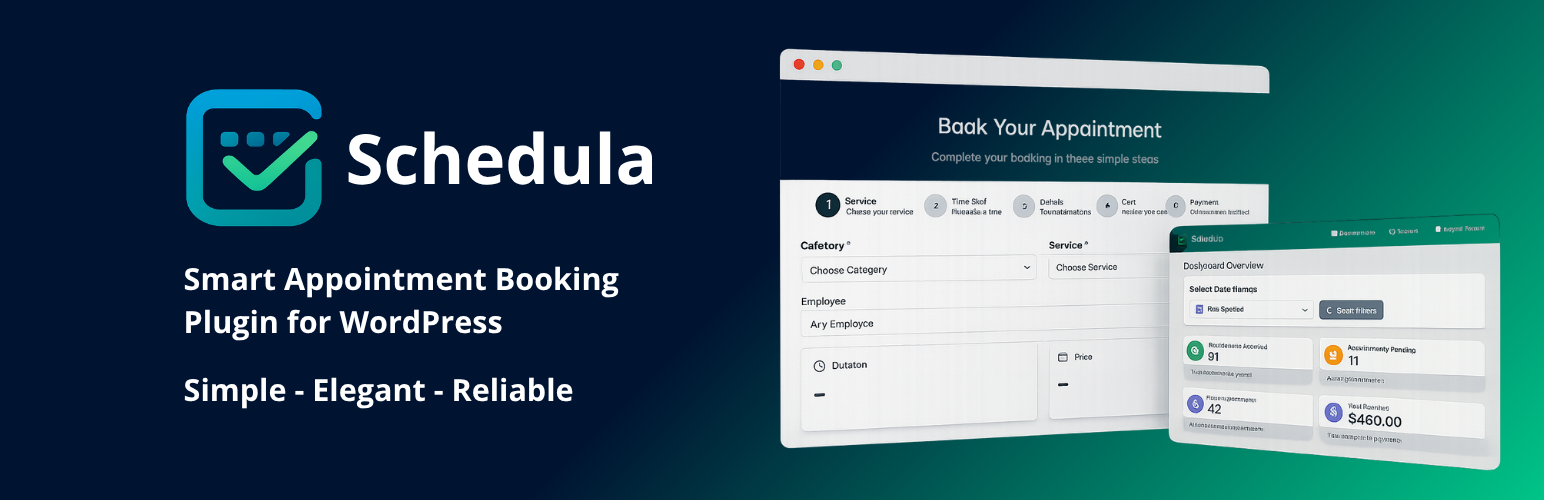

Schedula – Smart Appointment Booking

User-friendly booking form
Schedula is a complete appointment booking solution for WordPress. It helps service businesses accept online bookings 24/7, manage staff schedules, keep a clean calendar, and automate reminders — so you can focus on delivering great service.
Whether you run a salon, clinic, training center, garage, consulting practice, or any local service, Schedula gives you a frictionless booking flow on the front end and a powerful, simple admin on the back end.
• Mobile-first booking form
• Services, categories, and variable durations
• Staff schedules and availability
• Email notifications and reminders
• Clean admin calendar (day / week / month)
• Works with any theme — no coding required
Live demo: https://demos.vertimcoders.com/schedula-smart-appointment-booking-live-demo/
Docs: https://docs.vertimcoders.com/docs/schedula-smart-appointment-booking-doc
Plugin site: https://vertimcoders.com/apps/schedula-pro-smart-appointment-booking/
Why Schedula
• Convert more visitors with a fast, 3-step booking flow
• Keep your calendar organized with color-coded services
• Reduce no-shows with automated notifications
• Scale easily with Pro features when you grow
Who uses Schedula
Beauty & wellness, medical & clinics, fitness & coaching, education & tutoring, garages & workshops, professional services (legal, finance, consulting), and more.
Key Features (Free)
- Modern, responsive booking form
- Create services, categories, and pricing
- Variable service durations
- Staff members (basic) and availability
- Day/Week/Month admin calendar
- Email notifications (booking, update, cancel)
- Customer list with quick add from calendar
- Shortcode and Gutenberg block
- Translatable and theme-friendly
Schedula Pro (Upgrade)
Unlock advanced scheduling:
- Unlimited services and staff members
- Advanced form customization (steps, labels, fields)
- Multiple payment methods (Stripe, WooCommerce Checkout)
- SMS notifications and reminders
- Advanced templates for emails
- Google Calendar sync
- Reports & analytics dashboard
- Deposits, coupons, buffers, blackout dates
- AI-assisted slot optimization
Learn more: https://vertimcoders.com/apps/schedula-pro-smart-appointment-booking/
Benefits
For your customers
- Book in minutes on mobile or desktop
- See only real-time available slots
- Get instant email confirmations and reminders
For your business
- Reduce manual admin and back-and-forth
- Keep staff schedules centralized
- Customize the form to match your brand
- Track bookings and customers in one place
Blocks
This plugin provides 1 block.
- Schedula – Booking Form
Shortcodes
Use the shortcode anywhere (pages, posts, widgets):
[schedula_booking]
Optional attributes (examples):
* service=”ID” – preselect a service
* category=”ID” – preselect a category
* staff=”ID” – preselect a staff member
* layout=”compact|steps” – choose form layout
Example:
[schedula_booking layout=”steps” service=”12″]
Integrations
- Stripe (Pro) – secure payments at booking
- WooCommerce (Pro) – use existing checkout, tax, and receipts
- Google Calendar (Pro) – 2-way syncing per staff member
- WP Mail / SMTP – transactional emails
Compatibility
- Works with any modern WordPress theme
- Compatible with Gutenberg and classic editor
- Tested with major page builders via shortcode and block
External Services / Privacy
To deliver some features, Schedula may connect to third-party services:
- Stripe – payment processing (customer name/email, appointment details, card/payment data via Stripe elements). Policies: https://stripe.com/privacy
- Google Fonts – optional fonts loaded by the browser (IP address may be transmitted to Google). Policies: https://policies.google.com/privacy
- IP2C (ip2c.org) – optional country detection for phone field (IP address to determine country code)
- ipapi.co – optional timezone detection fallback in admin (IP address to determine timezone)
- Email – uses WordPress wp_mail or configured SMTP to send transactional emails (recipient name/email, booking details)
Site owners are responsible for displaying an appropriate privacy notice and obtaining any required consent in their jurisdiction.
Developer Notes
Source code (unminified assets included):
https://github.com/vertim-coders/schedula-smart-appointment-booking
Actions/Filters and template overrides are documented in the developer section of the docs.