

SaveTheDate for Gravity Forms
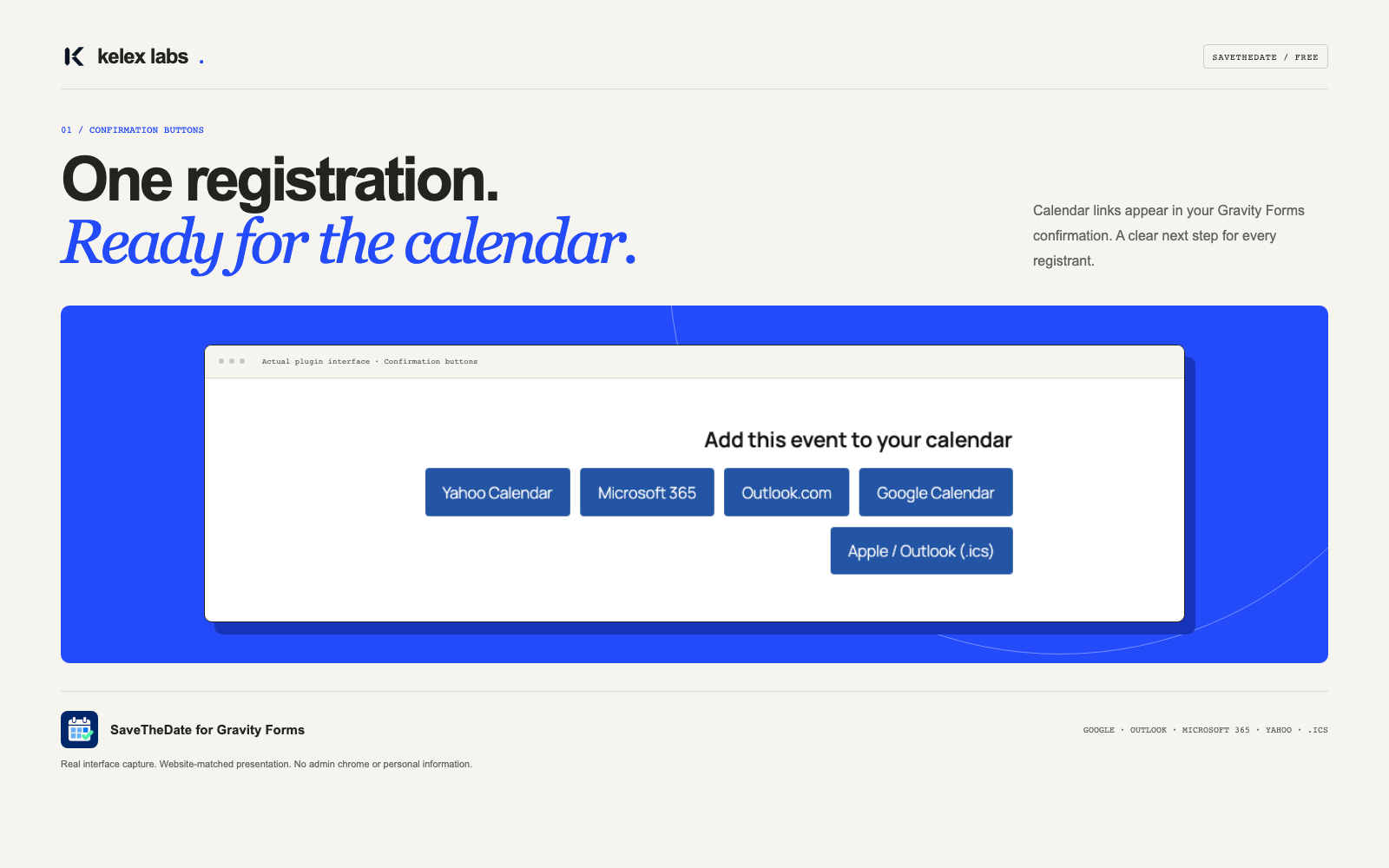
Real calendar buttons in a Gravity Forms confirmation, shown in a presentation frame.
From registration to “see you there.”
Help attendees save your next webinar, workshop, class, or meetup to the calendar they already use.
SaveTheDate for Gravity Forms adds calendar buttons to Text confirmations, links to notification emails, and a shortcode for public event pages. Set up one fixed event per form and let visitors choose Google Calendar, Outlook.com, Microsoft 365, Yahoo Calendar, or an .ics download for Apple Calendar and Outlook desktop.
Attendees review and save the event themselves. No calendar account connection is required.
By Kelex Labs · Visit kelex-labs.com
Free: a simple next step for shared events
- One fixed event per form — title, dates, timezone, location, description, and event URL.
- Timed or all-day events — timed output follows the selected timezone and daylight saving rules.
- Confirmation buttons — automatic output in Text confirmations, with regular and AJAX submissions.
- Email links — insert
{save_the_date}in notification messages; HTML and plain-text emails are supported. - Public event pages — use
[savethedate form="12"]with your form ID, including on redirect-confirmation pages. - Your look — Solid or Outline buttons, an accent color, a wrapping layout, and theme template overrides.
- Accessible presentation — keyboard focus styles, translation support, and RTL layout.
SaveTheDate Pro
More flexibility for registrations with individual dates and richer calendar delivery. SaveTheDate Pro, our premium edition, is built for workflows that go beyond a shared event.
Pro features include:
- Events from submitted form fields — map Date and Time fields for entry-specific events, with optional event-detail fields.
- Protected entry .ics downloads — expiring, revocable links for entry-specific calendars. Anyone with a forwarded link can access it until it expires or is revoked.
- Calendar attachments in email — add .ics files to selected Gravity Forms notification emails.
- More styles and layouts — Pill and Minimal styles, plus vertical and dropdown layouts alongside Solid, Outline, and horizontal output.
- Calendar provider controls — choose which providers to display and their order.
- Organizer details and calendar alarms — include organizer information and DISPLAY alarms in .ics files; support varies by calendar app. These are not reminder emails.
- More ways to place your links — a calendar block for public fixed events, individual provider URL merge tags, and plain-text link output.
- Kelex Sunstone included — one dashboard to install, update, roll back and license all your Kelex Labs plugins.
These features are not included in this free plugin. Compare Free and Pro, and upgrade, on kelex-labs.com. No purchase or subscription is required to use the free features above.
Requirements
Requires an active, licensed copy of Gravity Forms 2.7+, sold separately, plus WordPress 6.2+ and PHP 7.4+. SaveTheDate is an independent Kelex Labs add-on, not affiliated with Gravity Forms or the calendar providers.
Public events and privacy
Free event details and .ics downloads are public, without requiring a submission or login. Do not configure private information.
The plugin makes no automatic external requests and sends no form entry data to providers. Clicking a provider link shares the configured event title, dates, location, description, and URL with that provider. .ics files are served by your WordPress site and contain no submission data.